The question type you pick decides what you can do with the answer. Ask "how was support?" as an open text box and you get stories you have to read one by one. Ask it as a 1-to-5 rating and you get a number you can chart by Tuesday. Neither is wrong, but they answer different questions, and choosing the wrong format is the quietest way to waste a survey. This guide is a labeled catalogue of the 12 survey question types worth knowing, each with a one-line example and a plain note on when to reach for it.
What Are the Types of Survey Questions
Every survey question is either closed-ended or open-ended, and that split is the most useful way to think about all the types of survey questions. A closed-ended question gives people a fixed set of options to choose from, so the answers come back countable and comparable. An open-ended question leaves a blank box, so the answers come back rich but messy. Most of the named formats (multiple choice, Likert, rating, ranking, dropdown) are just flavors of closed-ended, tuned for different kinds of decisions.
The choice between them isn't only stylistic, it changes what you can do with the data and how many people finish. Closed questions are quick to answer and quick to analyze, so they protect your completion rate and hand you charts on day one. Open questions cost the respondent effort and cost you reading time, which is why a survey that's all open boxes gets abandoned and a survey that's all closed boxes misses the things you didn't think to ask. The skill is knowing which job each question is doing before you pick its format.
The practical version: closed-ended questions are for measuring, open-ended questions are for discovering. If you already know the possible answers and want to count them, close the question. If you don't know what people will say and want to find out, leave it open. A good survey usually mixes both, leaning heavily on closed questions for the numbers and saving one or two open ones for the surprises. The UK Government's questionnaire design guidance is a solid, neutral reference if you want the formal version of this split.
The table below is the whole catalogue at a glance. The sections after it walk through each group with examples.
| Question type | Example | Use it when | Family |
|---|---|---|---|
| Dichotomous (yes/no) | Did you find what you needed today? | A clean either/or with no middle ground | Closed |
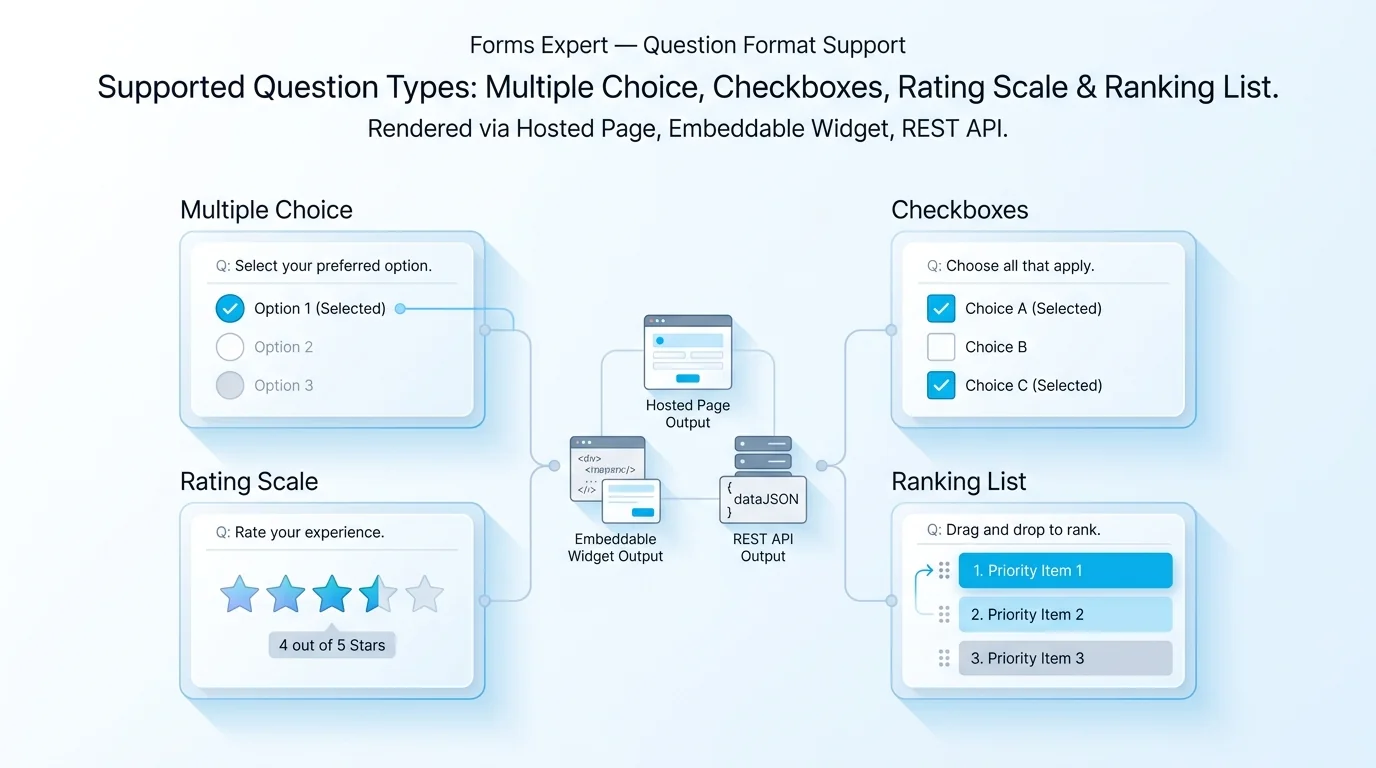
| Multiple choice (single) | Which plan are you on? Free / Starter / Pro | One answer from a known list | Closed |
| Checkbox (multiple-answer) | Which features do you use? Select all that apply | Several answers can be true at once | Closed |
| Dropdown | What country are you in? | A long single-select list you want to keep compact | Closed |
| Likert scale | Setup was easy: strongly disagree to strongly agree | Measuring agreement or an attitude | Scaled |
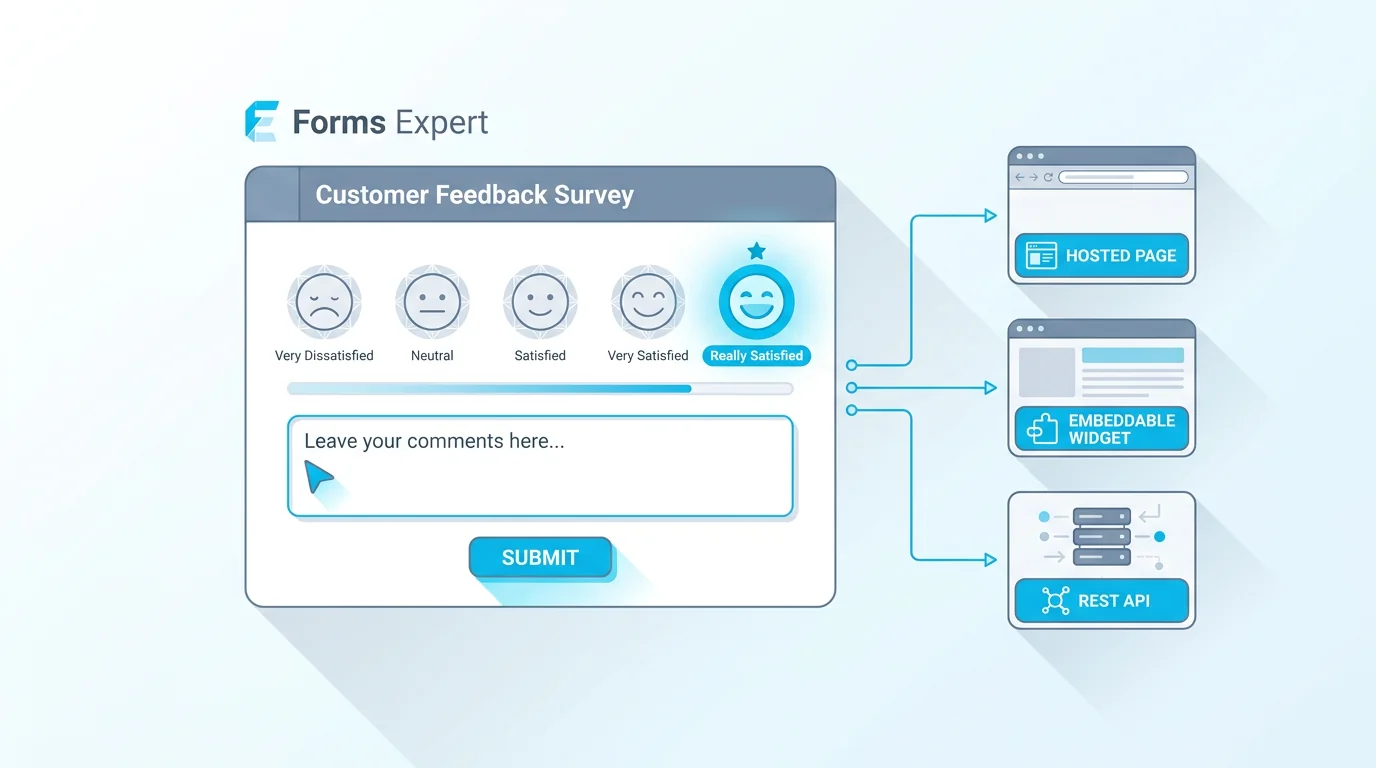
| Rating scale | Rate our support from 1 to 5 stars | A quick quality or satisfaction score | Scaled |
| NPS (0 to 10) | How likely are you to recommend us? | Tracking loyalty as a trend over time | Scaled |
| Matrix | Rate speed, design, and price on the same scale | Several items sharing one scale | Scaled |
| Slider | Set your ideal monthly budget | A feel for magnitude on a continuous range | Scaled |
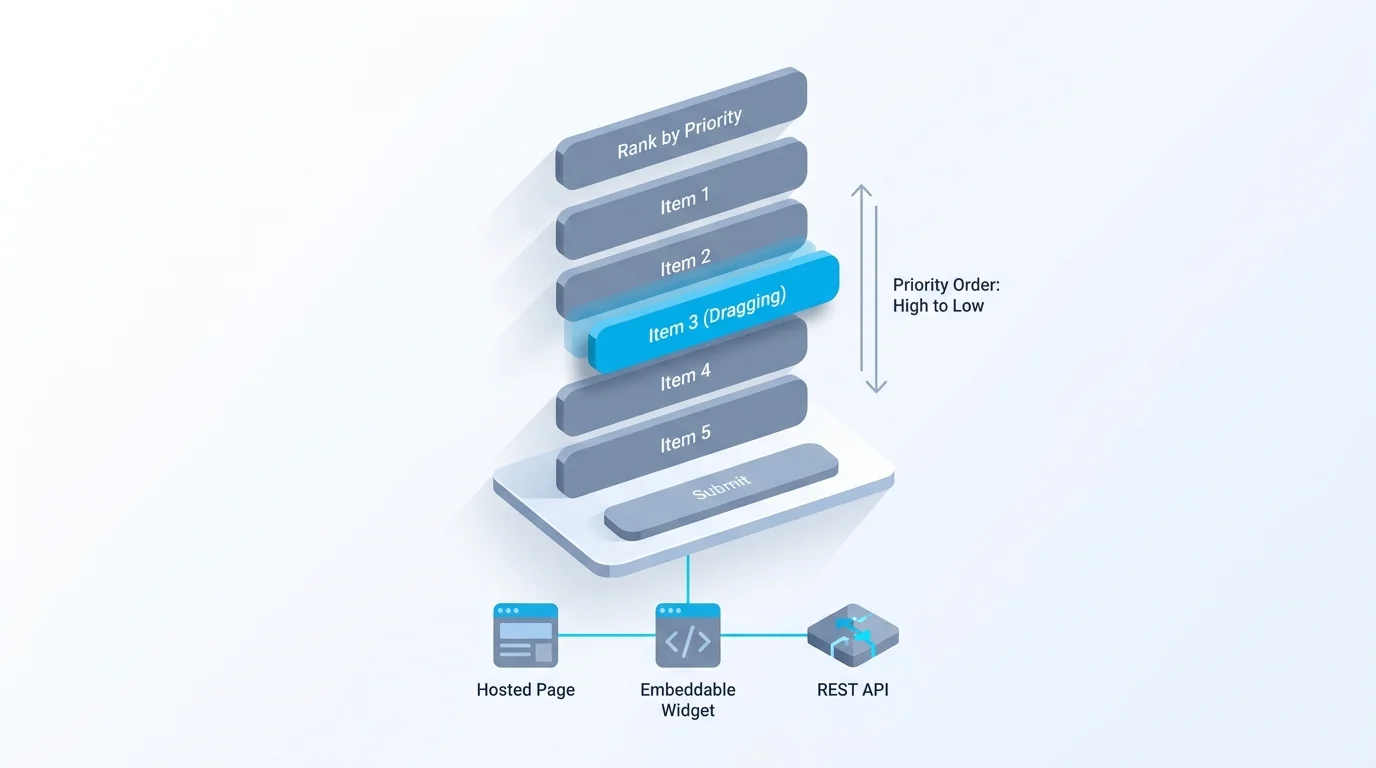
| Rank order | Drag these five features into priority order | Forcing trade-offs between options | Ranking |
| Open-ended (text) | What almost stopped you from signing up? | Catching reasons you didn't predict | Open |
| Demographic | What is your age range? | Segmenting results by who answered | Closed |
Closed-Ended Survey Question Types
Closed-ended questions are the backbone of any survey you plan to analyze. Four formats cover most of what you'll need.
Dichotomous questions offer exactly two options, usually yes/no or true/false. They're fast and unambiguous, which makes them great as a gate ("Have you used the API?") that routes people to the right follow-up. The catch is that real opinions rarely fit in two boxes, so don't use them where a scale belongs.
Multiple choice questions let people pick one option from a list. They're the most common closed format for a reason: easy to answer, easy to count. The work is all in the options. Make them cover every likely answer, keep them from overlapping, and add an "Other" field when you're not sure you've caught everything. These are what most people mean by multiple choice survey questions, and they're the default for anything with a known set of answers.
Checkbox questions, also called multiple-answer, look like multiple choice but let people select more than one option. Use them when several answers can be true at once ("Which of these do you use?"). One honest warning: because respondents can pick many or none, you can't read the percentages the same way as single-select, since they won't add up to 100.
Dropdowns are single-select questions that hide their options until clicked. They earn their place for long lists, like country or job title, where showing every option would swamp the page. For three or four options, plain radio buttons are friendlier than making people open a menu.
Across all four, the quality lives in the options, not the question stem. Three rules carry most of the weight: make the options mutually exclusive so no answer fits two boxes, make them collectively exhaustive so everyone has a home (an "Other" field covers the gaps), and keep the list short enough to read without scrolling. A multiple choice question with overlapping or missing options doesn't just lose data, it quietly pushes people toward whichever answer happens to sit at the top.
Scaled Survey Question Types
Scaled questions measure intensity, not just choice. They turn "how much" into a number, which is exactly what you want when you're tracking something over time.
Likert scales measure agreement along an ordered range, usually five or seven points from strongly disagree to strongly agree. They're the workhorse of attitude measurement. There's enough to say about them that they have their own guide: see Likert scale examples and how to use them for ready-to-copy anchor sets.
Rating scales ask for a score, often 1 to 5 stars or 1 to 10. They feel natural to respondents and read instantly on a dashboard. The thing to nail down is what the endpoints mean, because "3 out of 5" is useless if nobody knows whether 5 is best or worst.
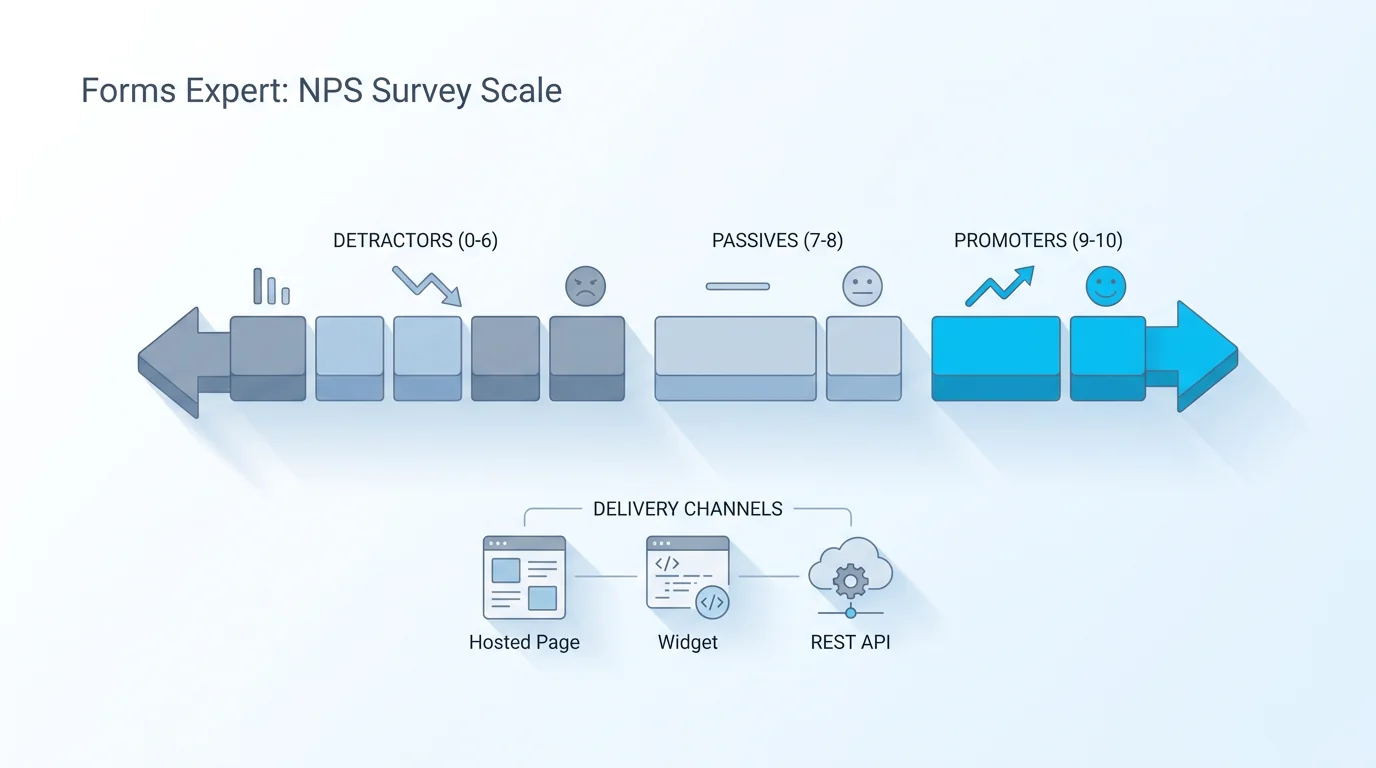
NPS is a specific 0-to-10 rating ("how likely are you to recommend us?") rolled into a single loyalty score and tracked as a trend. It's worth its own treatment too: our NPS survey guide covers how the scoring works and how to read the movement.
Matrix questions stack several items on one shared scale, like rating speed, design, and price all from 1 to 5 in a single grid. They save space and feel efficient, but they tire people out fast, so keep the rows few. Sliders let people drag along a continuous range, which suits questions about magnitude (a budget, a percentage) where exact buckets would feel arbitrary.
When should you reach for a scale instead of a plain choice? When the answer has a direction and a degree. "Did support help?" is a yes/no. "How helpful was support?" is a scale, and the gap between them is everything you learn from the people who'd technically say yes but only barely. Scales also let you track movement: a number you measure this month and again next month tells a story a one-time choice can't.
Ranking and Order Survey Question Types
Ranking questions ask people to put options in order rather than score each one on its own. They're the right tool when you need priorities, not ratings.
Rank-order questions ask respondents to sort a list from most to least important. The payoff is that they force trade-offs: when someone has to choose, you learn what actually matters, instead of getting a survey where every feature is rated "very important." The cost is effort, so keep the list short, ideally five items or fewer, because ranking ten things is a chore most people quit.
This-or-that questions (forced-choice pairs) are ranking stripped to two options at a time: "which matters more, speed or price?" Asked in a series, they reveal preferences more honestly than a grid of ratings, because there's nowhere to hide. If you want the full breakdown of when to rank versus rate, our guide to ranking survey questions goes deeper. The short version: rate when you want each item's standalone score, rank when you want their order.
One practical caution: ranking questions are harder on a phone, where dragging items is fiddlier than tapping. If most of your audience answers on mobile, test the ranking question on a real device before you ship it, or fall back to a short series of this-or-that pairs that only ask for a tap.
Open-Ended Survey Question Types
Open-ended questions hand people a blank box. They're slower to analyze and you can't average them, but they're the only format that tells you things you didn't think to ask.
Short-text questions suit answers that are open but bounded, like "what's your role?" or "what almost stopped you from signing up?" That second one is worth stealing: a single open question about hesitation often surfaces the objection your whole funnel is built to handle, in the customer's own words. Long-text or comment fields give room for a real explanation ("tell us about your experience"), which is where you find the quotes that make a case to your team.
Here's the honest tension. Open-ended questions get you the richest material and the worst response rates, because typing is work. The fix isn't to avoid them, it's to ration them. One sharp open question near the end of a survey, placed after people are already invested, earns far more than three scattered through the middle. For more on phrasing them well, our piece on good survey questions covers the wording that gets useful answers instead of one-word shrugs.
There's a cost on your end too, not just the respondent's. Open answers have to be read and grouped before they mean anything, which is fine for a hundred replies and painful for ten thousand. A common middle path: run an open question on an early batch, spot the recurring themes, then turn those themes into a closed multiple choice question for the full audience. You get the discovery of open text and the countability of closed options, in that order.
Demographic Survey Questions
Demographic questions ask who the respondent is: age range, location, role, company size, income band. Mechanically they're usually multiple choice or dropdowns, but they get their own category because of how you use them. Their job isn't to be interesting on their own, it's to let you slice every other answer by segment, so you can see that mobile users are the unhappy ones or that enterprise accounts want a different feature than startups do.
Two habits keep them from backfiring. Put them at the end, not the start, because leading with "what's your income?" makes people bail before they've answered anything useful. And ask only for the segments you'll actually analyze. Every extra demographic question costs you completions and, for sensitive fields, trust, so if you won't split the data by it, cut it. When you do ask, an "prefer not to say" option is both kinder and more honest than forcing an answer. Kantar's rundown of essential survey question types is a good reference on matching format to purpose here.
A note on the categories themselves: write them the way respondents think, not the way your database stores them. Age ranges beat asking for a birth year, role buckets beat a free-text job title, and offering bands for income or company size gets far more answers than an open number. The looser category is easier to answer and still slices the data the way you need.
How to Choose the Right Survey Question Type
Forget the formats for a second and start with the decision you're trying to make. The question type should fall out of that, not the other way around.
Work backward from the answer you need. If you need a number to track over time, use a rating, Likert, or NPS question. If you need to know what people prefer when they can't have everything, rank or use forced pairs. If you need to count how many fall into known buckets, use multiple choice or checkboxes. If you genuinely don't know what people will say, leave it open and read the replies. The Pew Research Center's guidance on writing survey questions is the gold standard if you want to go deeper on how format and wording shape answers.
Three rules of thumb save most surveys. Lead with the easy closed questions and save effortful ones (ranking, open text, sensitive demographics) for the end. Don't mix two question types in one item, the way "rate and explain" secretly does. And match the format to how you'll report it, because a question you can't summarize the way you need is a question you shouldn't have asked. Pick the format from the decision, and the survey mostly writes itself.
A quick worked example. Say you want to know why people downgrade. Start closed to size the problem: a multiple choice "what's the main reason?" with the four or five reasons you already suspect, plus "Other." Add one open question for the people who pick Other, so you catch the reason you didn't list. Finish with a demographic question or two if you'll want to see whether smaller accounts churn for different reasons than larger ones. Three question types, each pulling its weight, none of them doing another's job.
Build Any of These Question Types in Forms Expert
Every format in this guide is buildable in Forms Expert, and all of them are available on every plan, including Free. Multiple choice, checkbox, dropdown, Likert, rating, NPS-style 0-to-10, ranking, open text, and demographic fields are all standard, so you can mix the types your survey actually needs instead of bending one format to do another's job.
A couple of things that help once you're building. Group related questions so respondents settle into a rhythm, and use conditional logic to show follow-ups only when they're relevant, which keeps long surveys from feeling long. When you publish, the same survey ships as a hosted page, an embeddable widget, or a REST endpoint, so it goes wherever your audience already is. If you'd rather start from something pre-built, the survey templates come with the common question types already laid out.
The honest line on analysis: collecting any of these question types and reading a basic results overview is all-plans, while per-field breakdowns and trend tracking are part of the Pro analytics. So you can run a full mixed-format survey on Free and upgrade only when you want the deeper reporting. Start from the decision you're making, pick the format that answers it, and the rest is just asking clearly.
Frequently Asked Questions
They fall into two big groups. Closed-ended questions give a fixed set of options and come back countable: multiple choice, checkbox (multiple-answer), dropdown, dichotomous yes/no, and the scaled formats like Likert, rating, and NPS. Open-ended questions leave a blank box for a written answer. Ranking questions are a third practical group, where people put options in order rather than scoring them, and demographic questions are closed-format questions used to segment the rest of your results. Most surveys mix several types, leaning on closed questions for the numbers and a few open ones for the surprises.