If your form collects an email, a name, or anything else that identifies a person in the EU or UK, the GDPR applies to it. The good news is that a GDPR-compliant form isn't complicated, it's mostly about being honest and specific: ask only for what you need, tell people exactly what you'll do with it, and get a clear, unforced yes before you do. This guide covers what the GDPR requires of a form, the seven elements that make one compliant, good and bad consent examples, and how to build one without overclaiming.
What Is a GDPR-Compliant Form
A GDPR-compliant form is one that collects personal data lawfully: it has a valid legal basis for the data it gathers, gets genuine consent where consent is the basis, asks for only the data it actually needs, tells people clearly what will happen to their information, and gives them a way to withdraw consent or get their data back. In one sentence, it's a form that treats the person's data the way the GDPR says you must: minimally, transparently, and with their informed agreement.
The reason this matters beyond avoiding fines is trust. A form that asks for ten fields it doesn't need, hides its intentions in dense legalese, and pre-ticks a marketing box is telling the user exactly how their data will be treated, carelessly. A clean, minimal, clearly-consented form does the opposite. The GDPR, in effect, codifies what good data manners look like, and a compliant form is mostly the result of applying them honestly.
It's worth separating two things people often blur. A GDPR consent form (or consent step on a form) is where someone actively agrees to a specific use of their data. A privacy notice is the document that explains, in full, how you handle data. The form links to the notice and captures the consent; they work together but they aren't the same thing, which the examples later will make concrete.
One scope point worth clearing up: the GDPR follows the person, not your location. If you collect data from someone in the EU or UK, it applies even if your business is elsewhere, which is why so many forms worldwide carry GDPR-style consent. So "does this apply to me?" usually comes down to whether any of your users are in those regions, and for most forms on the open web, some are. When you also serve other regions, building to the GDPR standard tends to keep you on the right side of newer privacy laws elsewhere too, since it's among the strictest.
What the GDPR Actually Requires of a Form
Two parts of the regulation do most of the work for forms. The first is lawful basis. Under Article 6 of the GDPR, you need a legal reason to process someone's personal data, and consent is only one of six. For a newsletter sign-up, consent is the obvious basis; for fulfilling an order someone placed, the basis is performing a contract, not consent. Picking the right basis matters because if you actually rely on a contract or a legitimate interest, you shouldn't be asking for consent you don't need, and if you rely on consent, it has to be real.
For the record, the six lawful bases are consent, contract, legal obligation, vital interests, public task, and legitimate interests. Most everyday forms land on one of three: consent (for marketing), contract (to deliver something the person asked for), or legitimate interest (to reply to an enquiry). The practical takeaway is to pick the honest basis for what you're actually doing, and only ask for consent when consent is genuinely the reason.
The second is the standard for consent. Article 7 and Recital 32 are specific: consent must be freely given, specific, informed, and unambiguous, given through a clear affirmative action. That last phrase is why a pre-ticked box doesn't count, silence or a default isn't an affirmative action, the person has to actively opt in. The official regulation text is on EUR-Lex, and the European Data Protection Board's guidelines on consent unpack what those words mean in practice. The short version for a form: if you're using consent, make it an active, specific, clearly-explained yes, and be able to show that the person gave it.
The 7 Elements of a GDPR-Compliant Form
Translate the rules into a checklist and a compliant form comes down to seven elements. Work through them for any form that collects personal data:
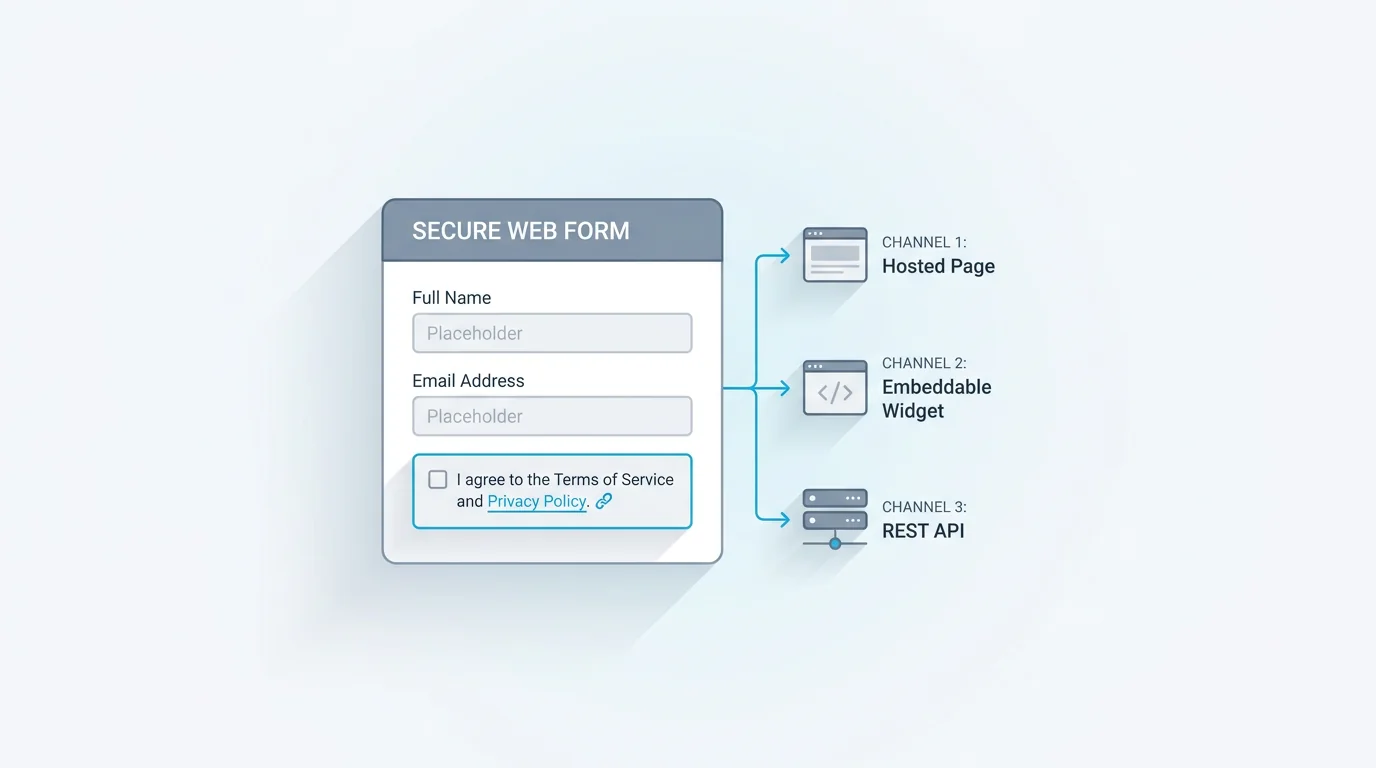
- An un-pre-ticked consent checkbox the person actively selects (where consent is your basis)
- Granular, separate consent for each distinct purpose, not one box covering everything
- A plain-language statement of what you'll do with the data, in the person's words, not legalese
- A link to your privacy policy or notice for the full detail
- Data minimisation: ask only for the fields you genuinely need for the stated purpose
- A record of the consent, so you can show who agreed to what, and when
- An easy way to withdraw consent later, and to request or delete their data
If you get those seven right, you've handled the form's part of GDPR compliance. Notice how many are about restraint rather than addition: minimise the fields, narrow each consent, say less but say it plainly. The most common compliance failures are forms doing too much, collecting data with no purpose, bundling consents, burying intentions, not forms doing too little.
A note on the record of consent, element six, because it's the one teams forget. It isn't enough to collect consent; you should be able to show that a specific person agreed to a specific thing at a specific time. A timestamped submission that captures the exact wording they agreed to is usually sufficient for a form, which is why the consent record is a feature worth having rather than an afterthought. And withdrawal, element seven, deserves the same care as consent: if it was one click to opt in, it should be roughly one click to opt out, an unsubscribe link, a clear address, or a setting. A consent you can't easily revoke isn't really freely given in the GDPR's sense.
GDPR Consent Form Examples
The difference between compliant and not is easiest to see in the wording. The table contrasts the common mistakes with valid alternatives.
Beyond the wording, a few concrete patterns. A GDPR-compliant contact form keeps the fields minimal (name, email, message) and, if it will use the email for anything beyond replying, adds a separate, specific opt-in for that, replying to an enquiry is covered by legitimate interest, but adding the person to a mailing list needs its own consent. A marketing opt-in is its own unticked checkbox with clear wording about what they'll get and how to stop. And a data-subject access request (DSAR) form, where people ask to see, correct, or delete their data, is itself a useful form to offer, since the right to access and erase is part of what the GDPR guarantees. Each of these is just the seven elements applied to a specific job.
A practical tip for the contact-form case: separate the necessary from the optional, visually. The message field and your reply are the job; a newsletter opt-in is a bonus, so don't let the marketing checkbox look like a required part of sending the message. People should be able to contact you without consenting to marketing, and the layout should make that obvious. For a sign-up or survey form, the same logic holds: the core submission and any marketing consent are distinct asks.
| Not valid consent | Valid consent | |
|---|---|---|
| Wording | By submitting this form you agree to everything in our terms | I agree to receive marketing emails. Unsubscribe anytime. |
| Default | A pre-ticked checkbox | An unticked box the person actively selects |
| Bundling | One box for terms, marketing, and analytics together | A separate box for each distinct purpose |
| Clarity | We may use your data as described in our policy | We'll use your email to send our monthly newsletter, nothing else |
GDPR Consent Checkbox: Wording and Mistakes
The consent checkbox is where most forms get GDPR wrong, in a handful of repeatable ways.
Never pre-tick it. A box that's already checked isn't consent, because the person didn't do anything; the GDPR's clear-affirmative-action standard means they have to tick it themselves. Never bundle. One checkbox that covers your terms, marketing emails, and analytics at once isn't specific, so split each purpose into its own box and let people agree to some and not others. Drop the catch-all. Tiny print saying "by submitting this form you agree to our terms and to receive communications" tries to manufacture consent from the act of submitting, which doesn't meet the standard for the marketing part. Write it plainly. The wording should say what the person is agreeing to in language they'd actually use: "I agree to receive your monthly newsletter" beats "I consent to the processing of my personal data for marketing purposes."
The through-line is that consent has to be a genuine, specific, active choice. The ICO's guidance on consent is a clear reference if you want the regulator's own framing. When in doubt, ask whether a reasonable person would understand exactly what they're agreeing to and could easily say no, if yes, your checkbox is probably fine.
One optional strengthening step is double opt-in for marketing: after someone ticks the box, you email them a confirmation link they have to click to activate the subscription. It isn't strictly required by the GDPR, but it gives you a clean second record that the consent was genuine and the address was really theirs, which helps if a consent is ever questioned.
How to Build a GDPR-Compliant Form
Putting the elements together is a short, practical sequence.
Minimise the fields first. Before anything else, cut every field that isn't needed for the form's stated purpose, this single step handles data minimisation and improves your completion rate at the same time. Add explicit consent where it's your basis. For marketing or any non-essential use, add an unticked, specific consent checkbox with plain wording, and split purposes into separate boxes. Link your privacy notice. Put a clear link to your privacy policy near the consent, so the full detail is one click away. Store a record of consent. Keep what the person agreed to and when, so you can demonstrate it later if asked. Enable withdrawal and data requests. Make it as easy to withdraw consent or ask for their data as it was to give it, often a link or an address in your confirmation and privacy notice.
If your form includes a formal consent step rather than a single checkbox, our guide to creating a consent form covers wording and structure in more depth. The mechanics are the same whether it's one box or a full agreement: be specific, be minimal, and keep the record.
Two things that live just outside the form but matter: retention and routing. Decide how long you'll keep the data and actually delete it on that schedule, since holding personal data forever is its own GDPR problem. And route submissions only to the people and systems that need them, because every extra copy is another place the data has to be protected. A registration or sign-up form raises the same questions.
Build a GDPR-Compliant Form in Forms Expert
Forms Expert gives you the building blocks for the form side of this. You can add an explicit consent field, with your own consent text and a link to your privacy policy, so agreement is active and specific. You minimise data simply by choosing which fields to require, asking for less is the default, not a setting to find. And there's some privacy hardening under the hood: visitor IP addresses and the consent visitor IDs are stored as SHA-256 hashes rather than in the clear.
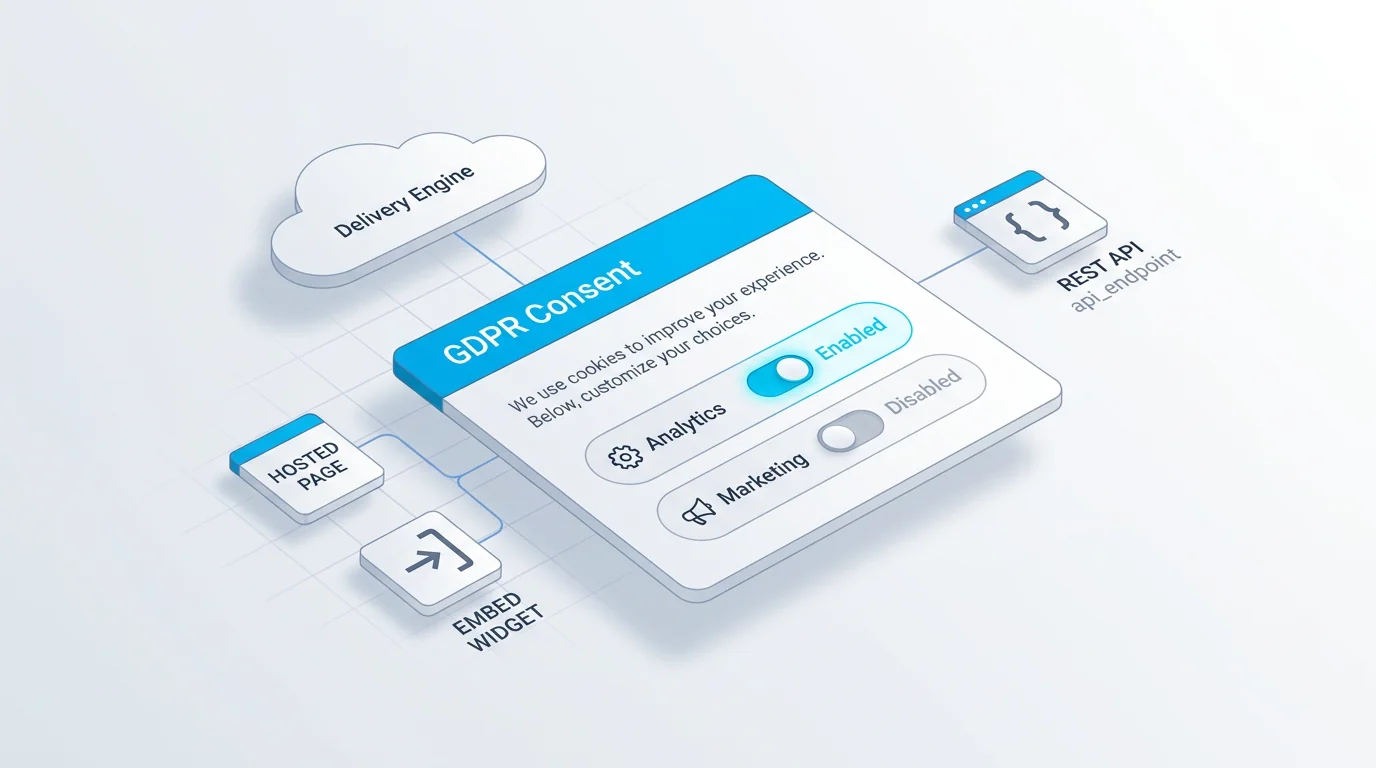
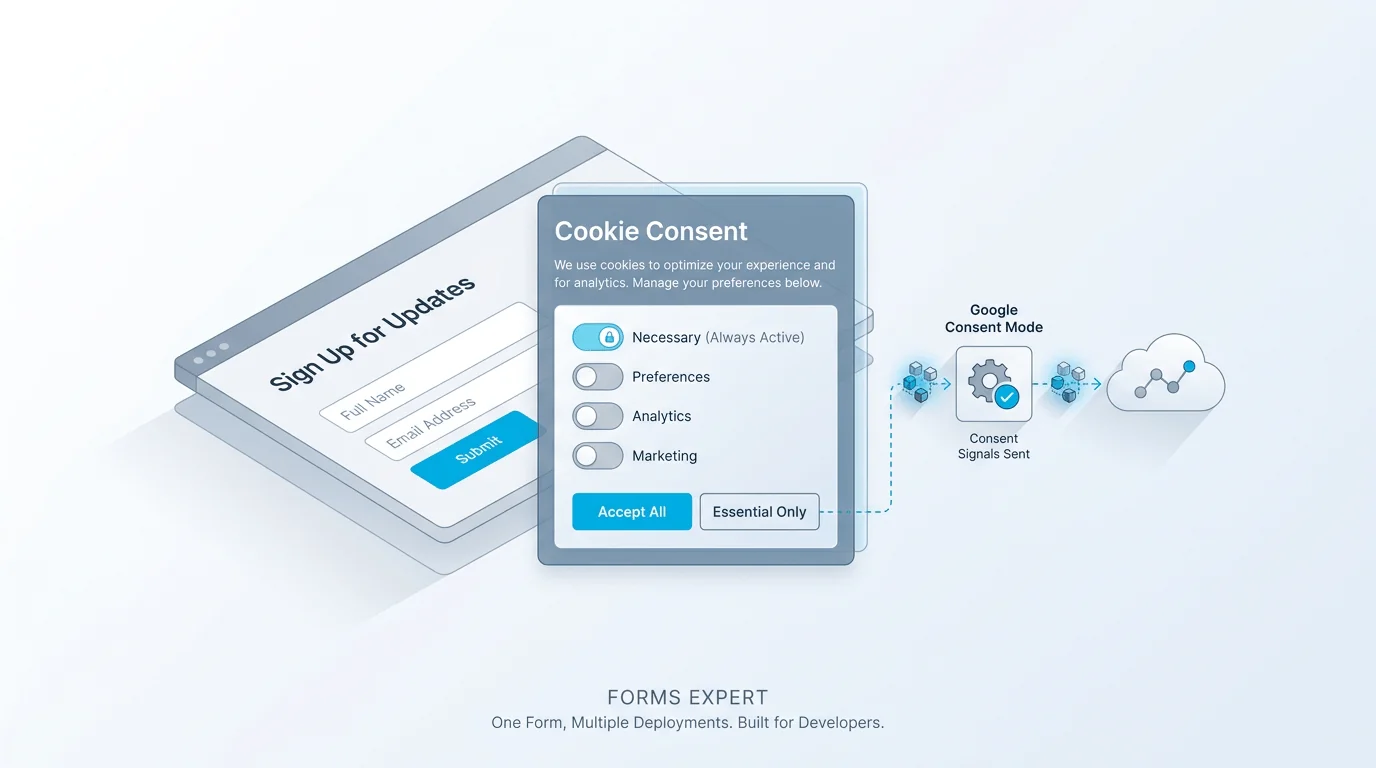
Now the honest part, stated plainly. Building a form with these features does not, by itself, make you GDPR compliant. Compliance is a property of your whole data practice, your lawful basis, your retention periods, your processors, your privacy notice, not of one form. And Forms Expert is a form tool, not a certification: it is not SOC 2, ISO 27001, or HIPAA certified, so read "build a GDPR-compliant form" as exactly that, a capability to construct a compliant form, never as a guarantee that using it makes you compliant. One more distinction worth keeping straight: the consent fields on a form are separate from the cookie-consent module (the modal, consent records, and Google Consent Mode for cookies), which is covered in our built-in GDPR cookie consent piece. They solve related but different problems, and conflating them is its own kind of overclaim.
While we're being precise: if you put a form on a custom domain, that's set up via DNS verification (CNAME or TXT records), so don't read "custom domain" as automatically-issued SSL certificates. And as on any form, uploaded files aren't virus-scanned. Naming these limits is part of the same honesty the GDPR itself is built on: say what's true, not what sounds reassuring.
The recap: minimise the data, make consent active and specific, link your privacy notice, keep a record, and allow withdrawal. Do the form right, get proper advice for the rest of your data practice, and you've covered the part a form builder can actually help with. Start from the home page, and for the cookie side, see the cookie consent guide.
Frequently Asked Questions
GDPR forms are forms that collect personal data in a way that complies with the EU and UK General Data Protection Regulation. In practice that means a form with a valid lawful basis for the data it gathers, genuine consent where consent is the basis, only the fields it actually needs, a clear explanation of what will happen to the data, a link to a privacy notice, and a way to withdraw consent or request the data back. The term covers everything from a GDPR-compliant contact form to a marketing opt-in to a data-subject access request form. The common thread is collecting personal data minimally, transparently, and with the person's informed agreement.