GDPR cookie consent is one of those phrases that sounds simple and turns out to have layers. The short version: before you set non-essential cookies on a visitor from the EU or UK, you generally need their prior, opt-in agreement, and that agreement has to meet a specific standard. This guide untangles what the GDPR and the ePrivacy Directive each require, which cookies actually need consent, how to block tracking until the visitor agrees, and what valid consent looks like in practice.
What Is GDPR Cookie Consent
GDPR cookie consent is a visitor's prior, opt-in agreement to your site setting non-essential cookies, given to the standard the GDPR defines. In plain terms: before your analytics, advertising, or other tracking cookies load, the visitor has to actively say yes, and that yes has to be freely given, specific, informed, and unambiguous.
The "prior" part is what catches people out. Consent has to come before the cookie is set, not after it's already running, which means a banner that loads tracking on page view and only then asks for permission has the order backwards. Real GDPR cookie consent holds the non-essential cookies back until the visitor chooses, then sets only the ones they agreed to.
It's worth being precise that two laws are doing the work here, not one. The GDPR defines what valid consent is; the older ePrivacy Directive (often called the "cookie law") is what specifically requires consent before storing or accessing information on someone's device. Together they mean: you need consent for non-essential cookies (ePrivacy), and that consent must meet the GDPR's quality bar. The next section pulls those apart, because the distinction explains a lot of the confusion.
One thing to retire from the old web: implied consent. "By using this site you agree to cookies" was never really compliant under this standard and clearly isn't now, because using a site isn't a clear affirmative action and it isn't prior. If your banner still leans on language like that, it's the first thing to replace with an actual opt-in choice.
Is Cookie Consent Required Under GDPR
Yes for non-essential cookies, and understanding why means seeing how two regulations interact.
The ePrivacy Directive, Article 5(3), is the rule that actually requires consent to store or read information on a user's device, which is exactly what setting a cookie does. It predates the GDPR and is sometimes called the cookie law. What it doesn't define in modern terms is what "consent" means. That's where the GDPR comes in: it sets the standard for valid consent, freely given, specific, informed, unambiguous, given by a clear affirmative action. So ePrivacy says you need consent for non-essential cookies, and the GDPR says here's what counts as consent. The regulation texts are on EUR-Lex, both the GDPR and the ePrivacy Directive.
The practical upshot: if your site sets any non-essential cookies and has EU or UK visitors, you need consent, and it has to be the real, GDPR-grade kind, not an implied "by using this site you accept cookies" notice. Strictly necessary cookies are exempt, which the cookie-categories section covers.
Worth knowing that this is enforced, not theoretical. Data protection authorities across the EU have issued real fines over cookie consent done badly, often specifically for setting cookies before consent or making rejection harder than acceptance. You don't need to be a giant to be in scope, since the rules apply by the visitor: a small site with EU traffic carries the same obligation, just with less scrutiny. And because consent has to be prior, the requirement isn't just "show a banner", it's "don't set the cookie until they've agreed."
GDPR Cookie Consent Requirements
Translate the law into a working checklist and valid GDPR cookie consent has to be all of the following:
- Prior: obtained before the non-essential cookie is set, not after
- Freely given: no cookie walls that block the site unless you accept
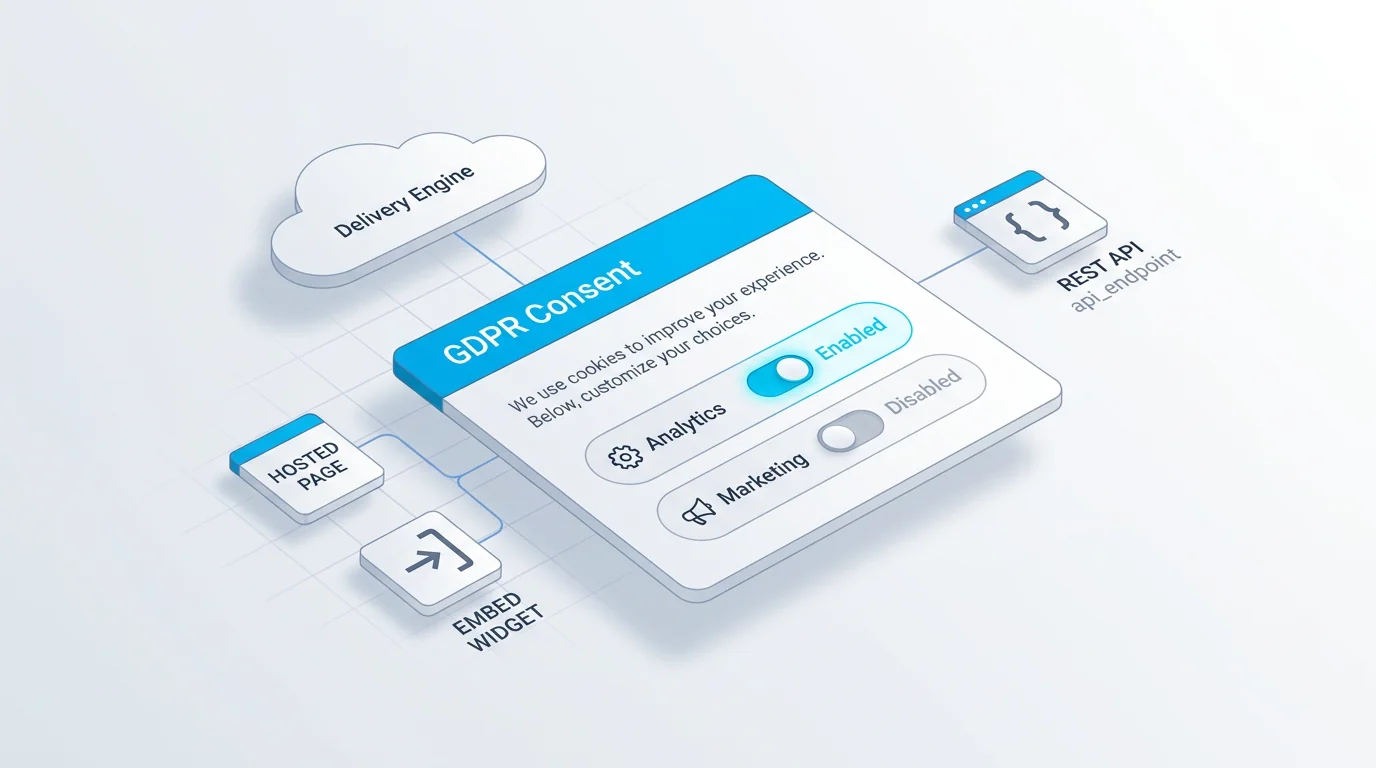
- Specific and granular: separate consent per category, not one all-or-nothing button
- Informed: the visitor knows what each category of cookies does
- Unambiguous: a clear affirmative action, never a pre-ticked box or implied consent
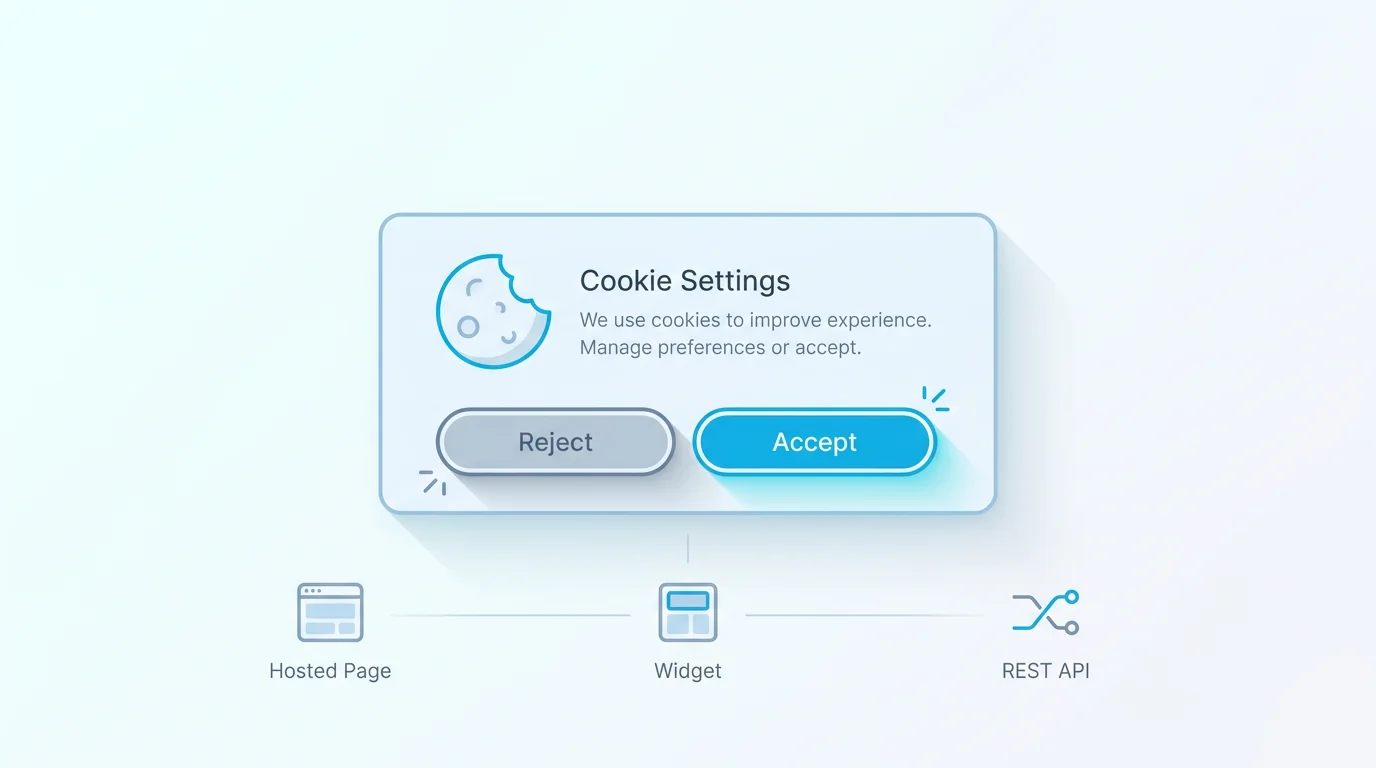
- As easy to reject as to accept: Reject must sit at the same level as Accept
- Withdrawable: taking consent back must be as easy as giving it
The two that get sites in trouble are prior and equal-prominence. Loading analytics before the choice fails the prior test no matter how good the banner looks, and a prominent Accept beside a buried preferences link fails the equal-prominence test. The European Data Protection Board's guidelines on consent are explicit that cookie walls and pre-ticked boxes don't produce valid consent. If you can honestly tick all seven boxes above, your consent is in good shape.
A practical addition to the seven: document your reasoning. Note which cookies you treat as strictly necessary and why, and keep your category descriptions current. If a regulator or a user ever asks, being able to show a clear, current rationale is far better than reconstructing it after the fact, and it keeps your own team honest about what's truly essential versus merely convenient.
Which Cookies Need Consent
Not every cookie needs consent, and knowing the line saves you from either over-asking or under-protecting. The deciding factor is whether a cookie is strictly necessary for the service the visitor asked for.
Strictly necessary cookies, the ones required to log in, keep a shopping cart, balance load, or secure the session, are exempt from the consent requirement, because the site genuinely can't work without them. Everything else needs consent: analytics cookies that measure behaviour, marketing cookies that track and retarget, and usually functional cookies for non-essential conveniences. The table sorts the common categories.
A caution worth stating: "strictly necessary" is a narrow exemption, not a loophole. Analytics is not strictly necessary just because you find it useful, and labelling tracking cookies as essential to skip the consent prompt is a common way to be non-compliant. Apply the exemption honestly, only to cookies the visitor's requested service literally can't run without, and ask for everything else.
Cookies also drift over time as you add tools, so this isn't a one-time sort. A new analytics product, an embedded video, a chat widget, each can introduce cookies that need consent, so re-audit periodically rather than assuming last year's categorisation still holds. A banner that's accurate the day you launch it can quietly fall out of compliance as the site grows.
| Cookie category | Examples | Consent needed? |
|---|---|---|
| Strictly necessary | Login session, shopping cart, security, load balancing | No, exempt |
| Functional / preferences | Remembering language, theme, or region | Usually yes, unless strictly necessary |
| Analytics / statistics | Google Analytics, heatmaps, A/B testing | Yes |
| Marketing / advertising | Ad pixels, retargeting, social trackers | Yes |
Block Scripts Before Consent and Record It
Two implementation realities decide whether your consent is real: blocking scripts before consent, and keeping a record of it.
Prior blocking is the part many setups skip. To honour prior consent, the non-essential scripts, your analytics tag, your ad pixels, your tracking widgets, must not run until the visitor agrees. A consent banner that displays nicely while the tags fire on page load isn't compliant, because the cookies are already set before any choice is made. Proper consent management holds those tags back and only releases the ones matching the visitor's choice.
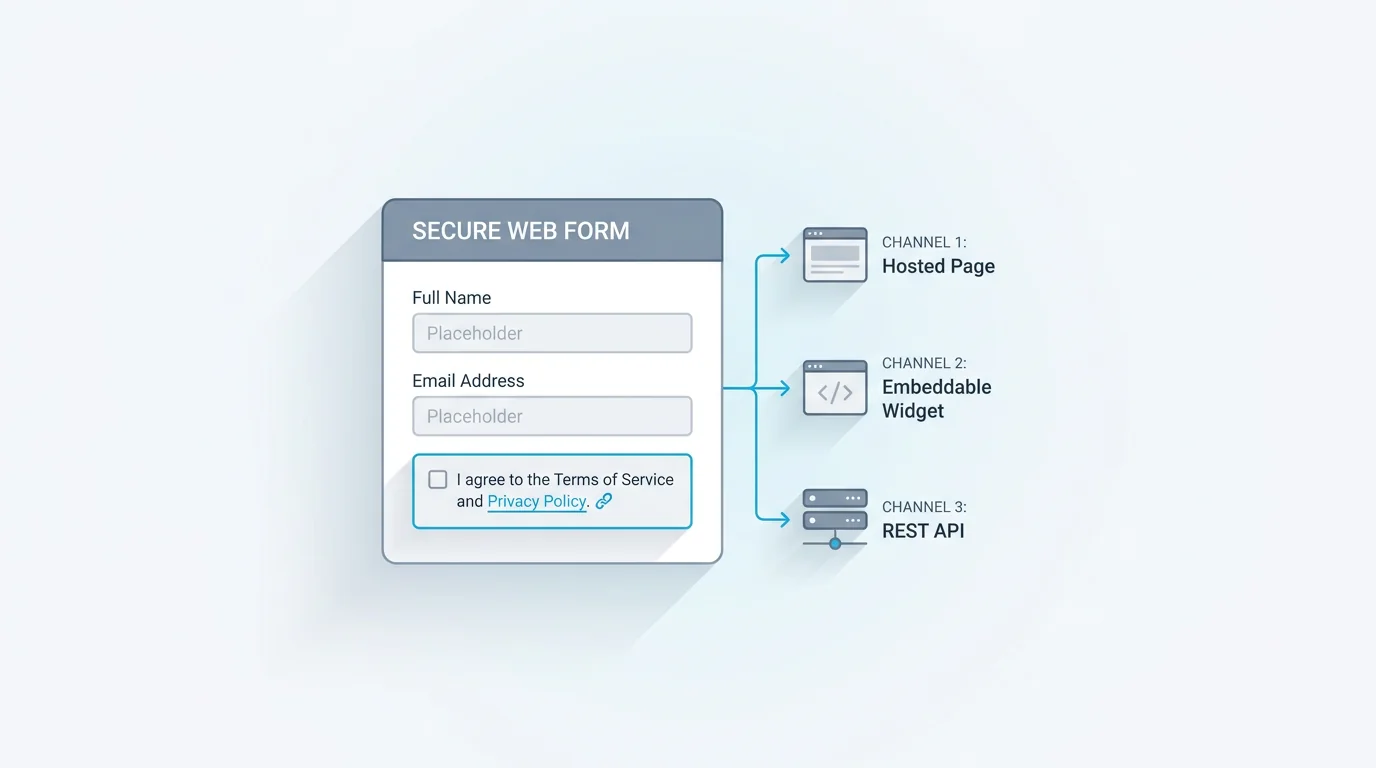
Recording consent is the other half. You may need to demonstrate that a given visitor consented to specific categories at a specific time, so a consent record, who agreed, to what, and when, matters. A common question from developers is whether consent has to be stored server-side: the legal requirement is that you can demonstrate consent, not that it lives in any particular place, so a robust record (whether stored client-side and synced, or server-side) is what counts. The point is to keep evidence you can produce, not just a cookie that says "true." If your site also captures consent on forms, our GDPR-compliant forms guide covers that side, and the broader cookie consent banner guide covers the banner UX.
On the developer question more concretely: the cleanest implementations gate the loading of tag scripts on the stored consent state, rather than loading everything and trying to suppress it afterward. Suppression after load is fragile and easy to get wrong; not loading the script until consent is granted is both simpler and more clearly compliant.
GDPR Cookie Consent and Google
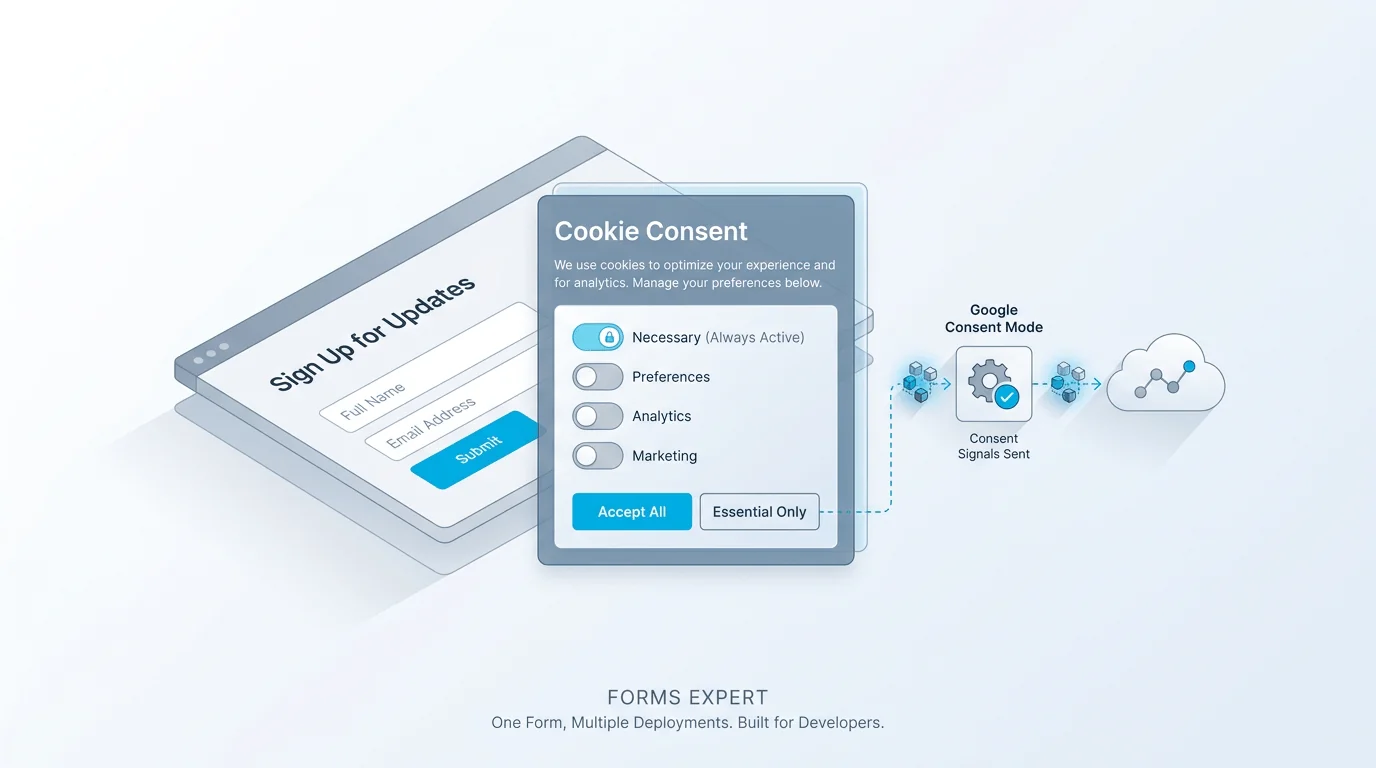
If you use Google Analytics or Google Ads, there's an extra layer: signalling the visitor's consent state to Google's tags. This is where Google Consent Mode comes in. Rather than simply blocking Google tags outright, Consent Mode lets them load in a restricted way and adjust their behaviour based on whether the visitor has granted or denied consent for analytics and advertising. It's Google's mechanism for respecting consent while still functioning.
If you manage tags through Google Tag Manager, the consent state from your banner can gate or modify how tags fire, so analytics and ad tags only behave fully once the matching consent is granted. The key principle doesn't change: the visitor's choice, captured by your consent banner, has to actually drive what Google's tags do, denied consent should mean restricted or no tracking. Consent Mode is a way to implement that signal cleanly, not a way to skip asking. You still need valid, prior, granular consent; Consent Mode just carries that decision through to Google's side. And if you don't use Google's tools, the same principle still applies to whatever analytics or ad platform you do use: the consent choice has to actually gate what those scripts do, whether or not there's a built-in mode for it.
GDPR Cookie Consent Examples and Language
Good GDPR cookie consent reads plainly and offers a real choice. The banner wording should name what you're asking about ("We use cookies for analytics and marketing"), present Accept and Reject as equally weighted options, and offer a Customise path to granular category toggles. The category descriptions should be honest and specific: "Analytics, helps us understand how the site is used" rather than vague reassurance.
What to avoid is the same list of dark patterns that fail the requirements: no pre-ticked analytics or marketing boxes, no Reject hidden behind extra clicks, no "by continuing to browse you accept cookies" implied-consent line (browsing isn't an affirmative action), and no cookie wall demanding acceptance to enter. The granular toggles matter, a visitor should be able to accept necessary and analytics while rejecting marketing, because consent has to be specific. The ICO's cookies guidance is a clear reference for compliant wording and structure. The plain test: could a visitor understand what each category does and decline any of it as easily as accept it?
Two details that are easy to forget: make the banner work on mobile, where most of the friction and most of the dark patterns live, and keep a persistent way to reopen cookie settings, usually a footer link, so a visitor can change their mind later. Consent you can't revisit isn't really withdrawable.
How to Implement GDPR Cookie Consent
Putting it together is a clear sequence, and the order matters.
Audit your cookies first, list every cookie and script and sort them into strictly necessary versus everything else. Categorise the non-essential ones into analytics, marketing, and functional, with honest descriptions. Build the banner with Accept and Reject at equal prominence and granular category toggles. Block non-essential scripts before consent, so nothing tracking fires until the visitor chooses, this is the step that makes the whole thing real rather than cosmetic. Store a consent record you can produce later. And re-ask on expiry, since consent doesn't last forever, refresh it after a sensible period (many sites use six to twelve months) or when your cookie set changes.
The one to never shortcut is blocking before consent. Every other step can be polished over time, but if your tags fire on load regardless of the banner, you have a notice, not consent, and the rest of the work doesn't save it. Get the order right, blocking before everything else, and the implementation is sound; get it wrong and a polished banner is just decoration on a non-compliant setup.
How Forms Expert Handles GDPR Cookie Consent
Forms Expert includes a consent module built for this. You get configurable modals (position, layout, and trigger), categories for necessary, analytics, and marketing that each list the cookies they cover, and consent-behaviour settings: an expiry in days, what the reject action does, remember-the-choice, and crucially block-scripts-before-consent so non-essential tags are held back until the visitor agrees. It supports Google Consent Mode, gates publishing behind a linked privacy policy, and ships as an embeddable consent widget.
On the records and reporting side, the module stores a consent record per visitor, a visitor ID, per-category booleans for what they agreed to, a hashed IP, the modal version, and the expiry, which is what lets you demonstrate consent later. Per-modal analytics show impressions, accepts, rejects, customise actions, and per-category rates. Here's the honest limit worth stating: there is no by-country consent breakdown, the consent country and region are stored as null, so any geo-split consent dashboard would be empty; only the per-modal and daily rates are real.
And the usual precise framing: building a compliant consent flow is a capability, not a certification. Forms Expert is not SOC 2, ISO 27001, or HIPAA certified, and the cookie modal is a paid feature (it starts on the Starter plan, see pricing), not a free one. Use the module to implement prior, granular, recorded consent, get proper advice for your specific situation, and see the deeper walkthrough in our built-in GDPR cookie consent piece. Start from the home page.
Frequently Asked Questions
For non-essential cookies and EU or UK visitors, yes. The requirement actually comes from two laws working together: the ePrivacy Directive (the cookie law) requires consent before storing or reading information on someone's device, which is what a cookie does, and the GDPR defines what valid consent must be, freely given, specific, informed, and unambiguous. So you need consent for analytics, marketing, and other non-essential cookies, and it has to be the real, opt-in kind given before the cookie loads, not an implied notice. Strictly necessary cookies are exempt.