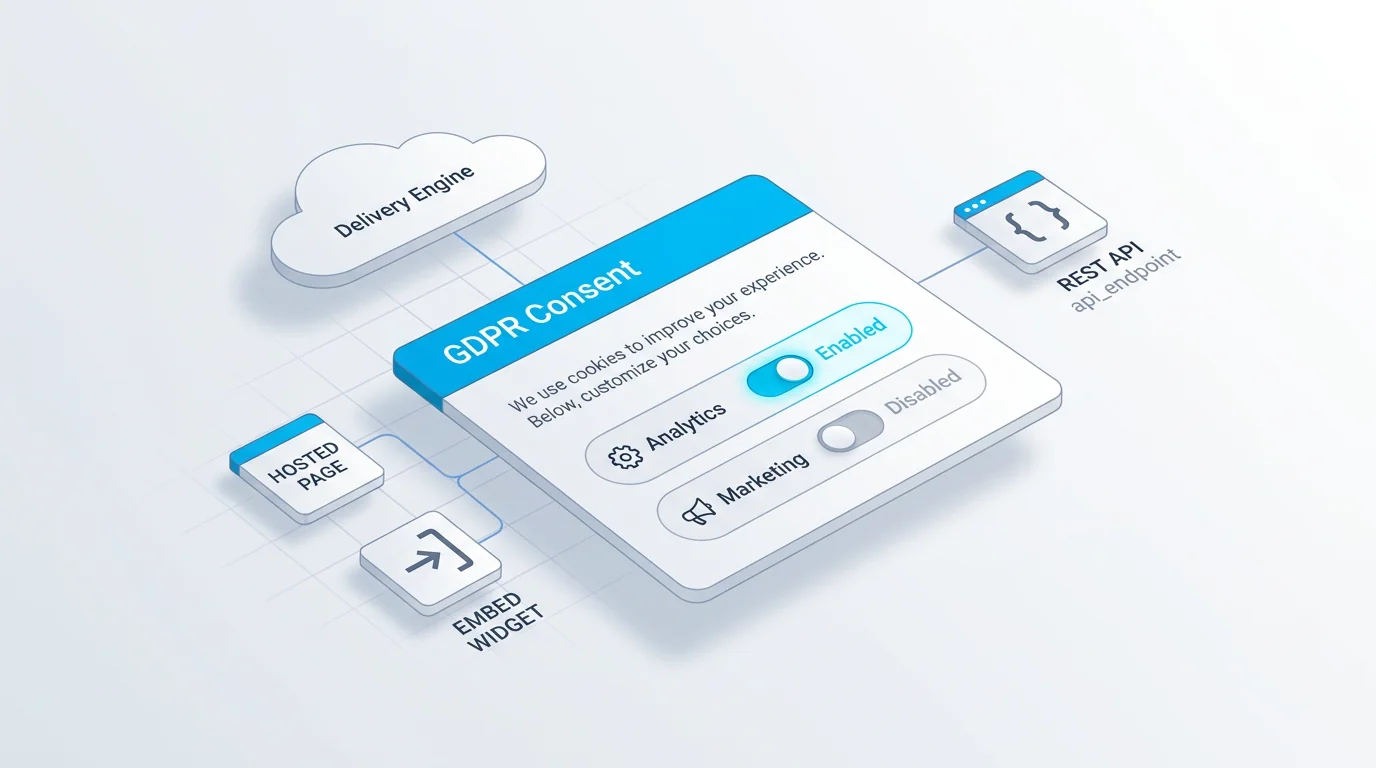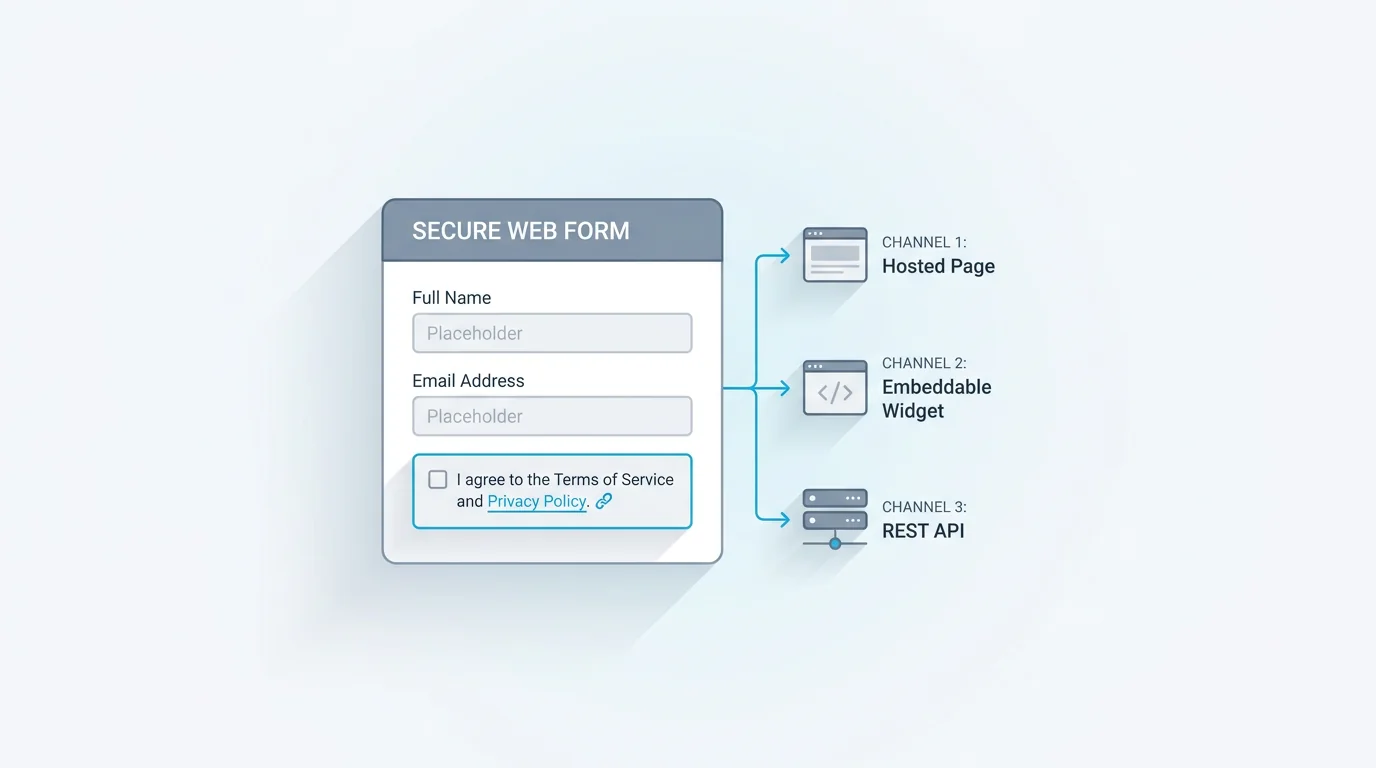
If a form collects personal data in the EU, it usually arrives with a second piece of infrastructure attached: a cookie consent banner. Most teams reach for a standalone consent vendor, paste another script tag into the page, and then spend an afternoon reconciling two dashboards. Forms Expert takes a narrower position. The GDPR cookie consent banner is built into the platform that already hosts and embeds the form, so the consent layer and the data-collection layer ship together.
The Second-Vendor Problem
A consent banner and a form have a lot in common. Both render on the same page, both need to match the brand, both produce records that compliance teams eventually ask about, and both have to behave correctly before any tracking fires. Splitting them across two products means two scripts, two style systems, and two places where a misconfiguration can leak data.
Because a Forms Expert form already ships as a hosted page or an embeddable widget, the consent module lives in the same place. That collapses the split: one script instead of a separate consent SDK to load, no order-of-operations puzzle between two vendors' tags, and a single dashboard to look at when someone asks how consent was captured.
Modals and Categories
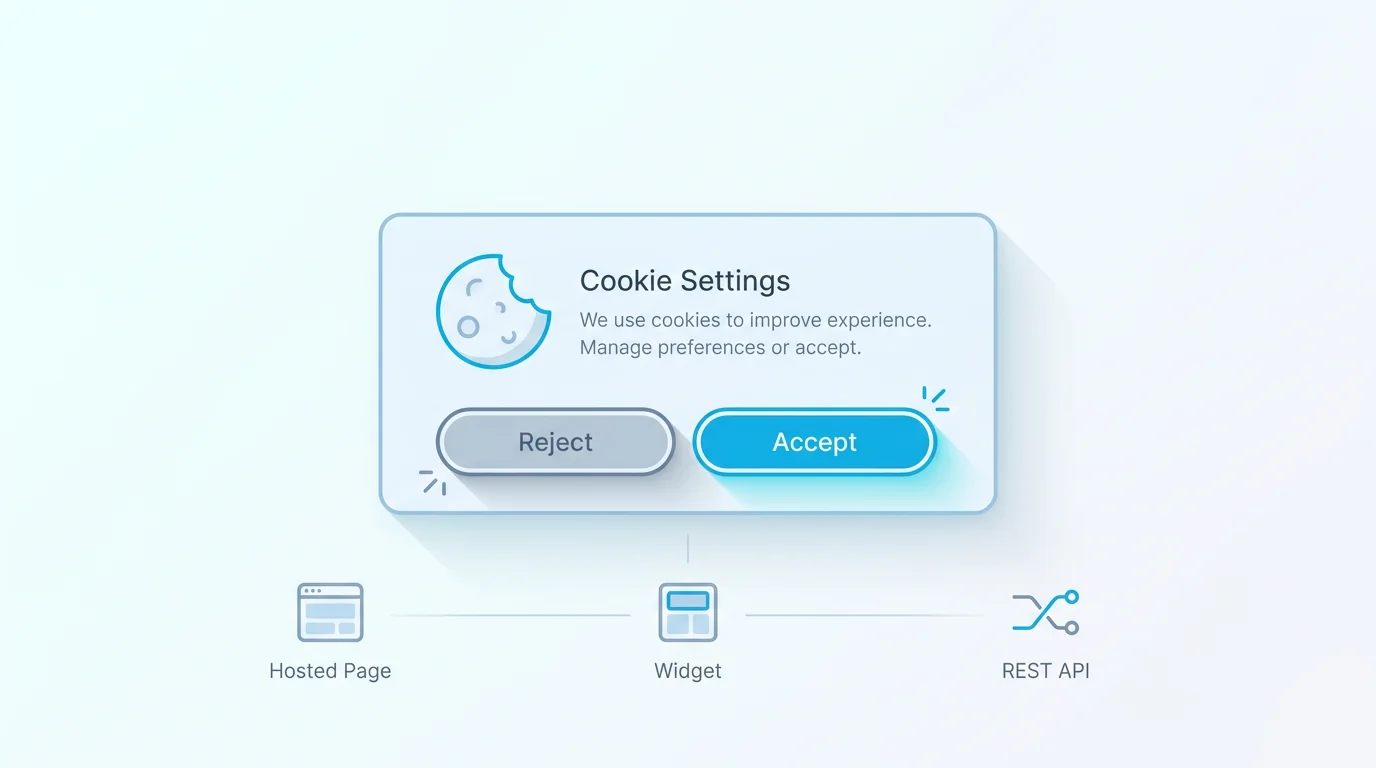
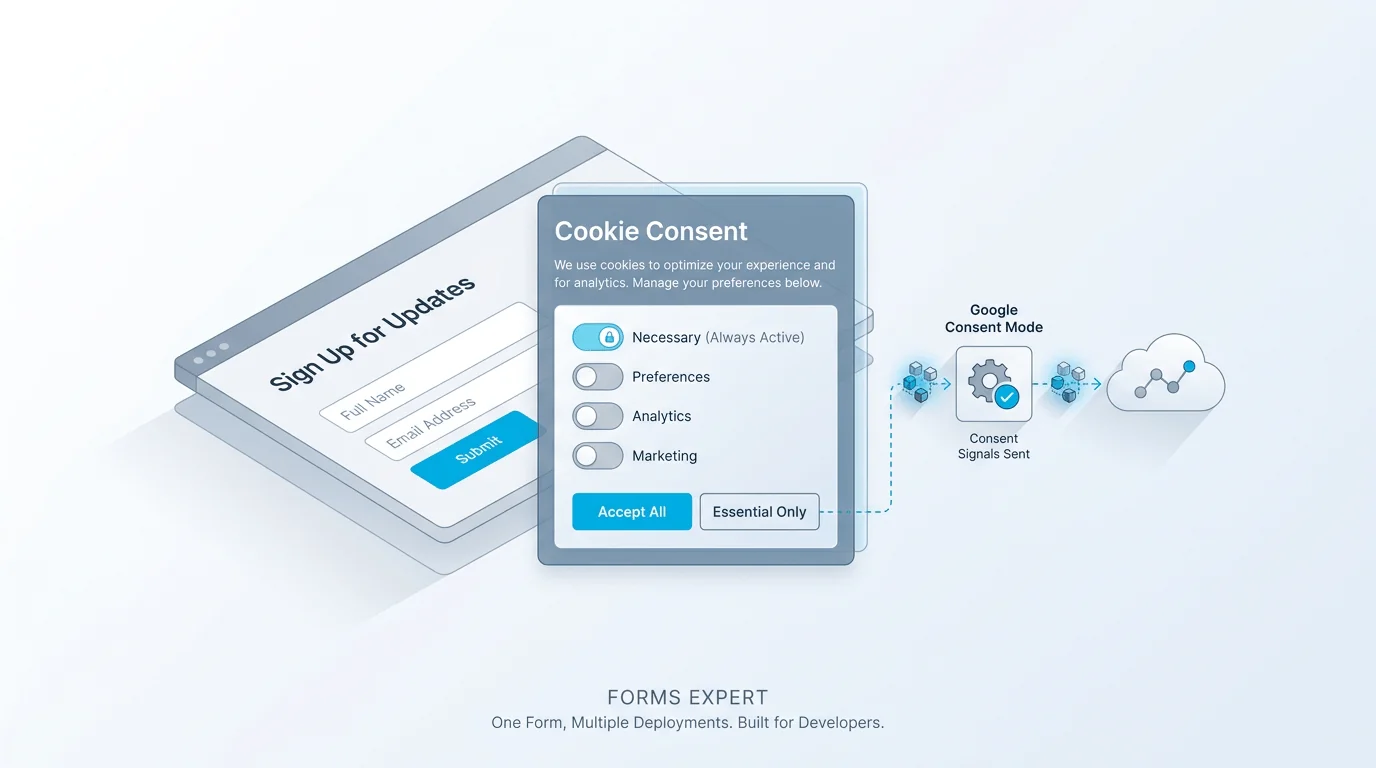
With both layers in one place, here is what the consent layer actually does. The core of the module is a configurable consent modal. A visitor sees it before non-essential cookies fire, and they choose at the level of categories — the familiar split between strictly necessary, analytics, marketing, and similar groups — rather than an all-or-nothing toggle. That granularity is what GDPR's requirement for specific, informed consent is asking for: a person can accept analytics while declining marketing, and the platform honors each choice independently.
You define which categories exist, what each one controls, and the copy that explains it. The modal then enforces those choices, so a category a visitor declined does not quietly run anyway.
Consent Records: Proof, Not Promises
Honoring each category choice is only half the obligation; the other half is being able to prove the choice was made. A banner that asks for consent but keeps no evidence is hard to defend. The module writes consent records — a durable log of what each visitor was shown and what they chose. When a data protection officer, an auditor, or a regulator asks you to demonstrate that consent was freely given for a specific category, the record is the answer rather than a screenshot of the current banner.
These records sit alongside the form's submission data in the same platform, so the consent decision and any data the visitor later submitted are queryable from one place instead of stitched together across vendors after the fact.
Google Consent Mode
A category choice only matters if the tags on the page actually obey it. Most analytics and advertising stacks in this space run on Google's tags, and Google now expects those tags to respect Consent Mode — a signal that tells Google Analytics and Ads whether the visitor has granted consent for analytics and advertising storage. The module supports Google Consent Mode directly, so when a visitor accepts or declines a category, that same decision is passed through to Google's tags in the form they expect.
The practical effect is that you do not hand-wire a bridge between a consent banner and gtag. The categories a visitor chooses map onto the consent signals Google reads, and tags adjust their behavior accordingly.
Per-Modal Analytics
Wiring the signals correctly is the mechanical half; the human half is whether the prompt itself works. Consent is also a conversion surface, and the module treats it like one. Per-modal analytics show how each consent modal performs — how often it is seen and how visitors respond to it — so the consent prompt is something you can measure and refine rather than a black box you set once and forget.
That visibility matters for compliance as much as for optimization. A modal that almost everyone dismisses without engaging, or copy that confuses people into the wrong choice, is a problem you want to catch. Seeing the numbers per modal makes the consent experience tunable in the same way the rest of the form is.
Styling That Matches the Form
Often the analytics point back to the prompt itself, and a bolt-on consent banner usually looks bolted on. Because this module is part of the same platform as the form, it inherits full styling control — the modal can match the brand and the form it sits next to instead of clashing with a generic third-party widget.
That is not only cosmetic. A consent prompt that visually belongs to the site is one people trust enough to read instead of dismissing on reflex, and a choice made after reading is the specific, informed consent GDPR asks for. The consent module and the form share one styling story rather than two.
What This Does Not Claim
Honesty is part of the pitch. This is a GDPR cookie-consent module. It is not a certification, and Forms Expert does not claim other compliance frameworks on the strength of it — adding consent categories does not make a product HIPAA-certified or SOC 2-attested, and the module does not pretend otherwise.
Two edges that bear directly on a consent-driven setup are worth stating plainly. First, as the important callout above noted, a consent record proves which categories a visitor chose — not where they were when they chose, since it does not store the visitor's country or region. Second, consent governs whether tracking fires, not what a file contains: uploads are validated by MIME type and schema and checksummed with SHA-256, but there is no antivirus or malware scanning of uploaded files. Knowing the edges of a feature is what lets you build a compliance process you can actually defend.
The consent module is available across plans as part of the platform; the deeper analytics that surround it scale with the paid tiers. One form, one consent layer, one dashboard.
Frequently Asked Questions
Yes. Forms Expert ships a built-in cookie consent module rather than relying on a separate consent vendor. It provides configurable consent modals, category-level choices so visitors can accept or decline groups like analytics and marketing independently, stored consent records that log what each visitor was shown and chose, per-modal analytics, and support for Google Consent Mode. Because the module is part of the same platform that hosts and embeds the form, the consent layer and the data-collection layer share one dashboard and one styling system. The module is positioned specifically around GDPR's requirement for specific, informed consent; it is not framed as a guarantee of compliance with other frameworks.