Most companies are sitting on the answer to "why are we losing customers?" and never ask. A customer feedback survey is how you ask, and asking well is a real skill: the right questions at the right moment tell you exactly what to fix, while a bloated, badly-timed one just trains people to ignore you. This guide covers what a customer feedback survey actually is, the questions worth asking by journey stage, a template to start from, how CSAT compares to NPS and CES, and the practices that get you honest answers instead of polite silence.
What Is a Customer Feedback Survey
A customer feedback survey is a short, structured set of questions you send to customers to measure how they feel about your product, service, or a specific interaction, and to capture the reasons behind those feelings. The structured part is what separates it from a comment box: by asking the same questions consistently, you get answers you can compare over time and across segments, not just a pile of one-off opinions.
Under the hood, most customer feedback surveys feed one or more standard metrics. The big three are CSAT (how satisfied someone is), NPS (how likely they are to recommend you), and CES (how much effort something took). We'll get to which is which, but the point up front is that a good customer feedback survey is built around a metric you've chosen on purpose, paired with an open question that explains the number. The score tells you the temperature; the comment tells you what to do about it.
Who should run one? Anyone with customers and a decision to make. A SaaS team measures onboarding and support, an ecommerce store measures the purchase and delivery, a B2B service measures the relationship with each account. The mechanics stay the same, only the touchpoints change. What's constant is the discipline: choose a metric, ask the questions that feed it, and pair the score with a reason.
The reason this matters: feedback you can act on changes the product, and feedback you can't just makes you anxious. A survey designed around clear questions and a known metric gives you the first kind. One thrown together without a plan, asking ten vaguely-worded things at once, gives you the second. Most of this guide is about staying on the right side of that line. For the underlying rules of phrasing any question well, our guide to good survey questions is the companion to this one.
Customer Feedback Survey Questions to Ask
The best questions depend on where the customer is in their journey. Asking a brand-new user about long-term value is as useless as asking a churned customer about onboarding. Here's a bank organized by stage, written to copy and adapt.
Onboarding and first impressions:
- How easy was it to get started with us?
- Did the product do what you expected it to?
- How long did it take to get your first useful result?
- What almost stopped you from getting set up?
- Was anything confusing during setup?
- How could we have made your first week easier?
After a support interaction:
- How satisfied were you with the help you received?
- How easy was it to get your issue resolved?
- Was your issue resolved in a reasonable time?
- Did the person you dealt with understand your problem?
- What could we have done to resolve this faster?
- How likely are you to reach out to support again if you need to?
Post-purchase and ongoing use:
- How satisfied are you with your purchase overall?
- How well does the product fit into your routine?
- Which feature do you get the most value from?
- What's the one thing you'd change if you could?
- How does what you got compare to what you expected?
- How likely are you to buy from us again?
Core satisfaction and loyalty:
- Overall, how satisfied are you with us?
- How likely are you to recommend us to a friend or colleague?
- How well are we meeting your needs?
- If we disappeared tomorrow, how disruptive would that be for you?
At cancellation or churn:
- What's the main reason you're leaving?
- Was there anything we could have done to keep you?
- What will you use instead, if anything?
- How long had you been considering this?
- Would you consider coming back, and what would it take?
Open-ended questions that earn their place:
- What's the main reason for your rating?
- What's one thing we could do better?
- What do we do that you'd hate to lose?
Notice how few carry an opinion. Most ask "how" or "what" and leave the verdict to the customer, and almost every survey above should include at least one open question, because the number tells you where to look and the comment tells you what you'll find.
Customer Feedback Survey Templates
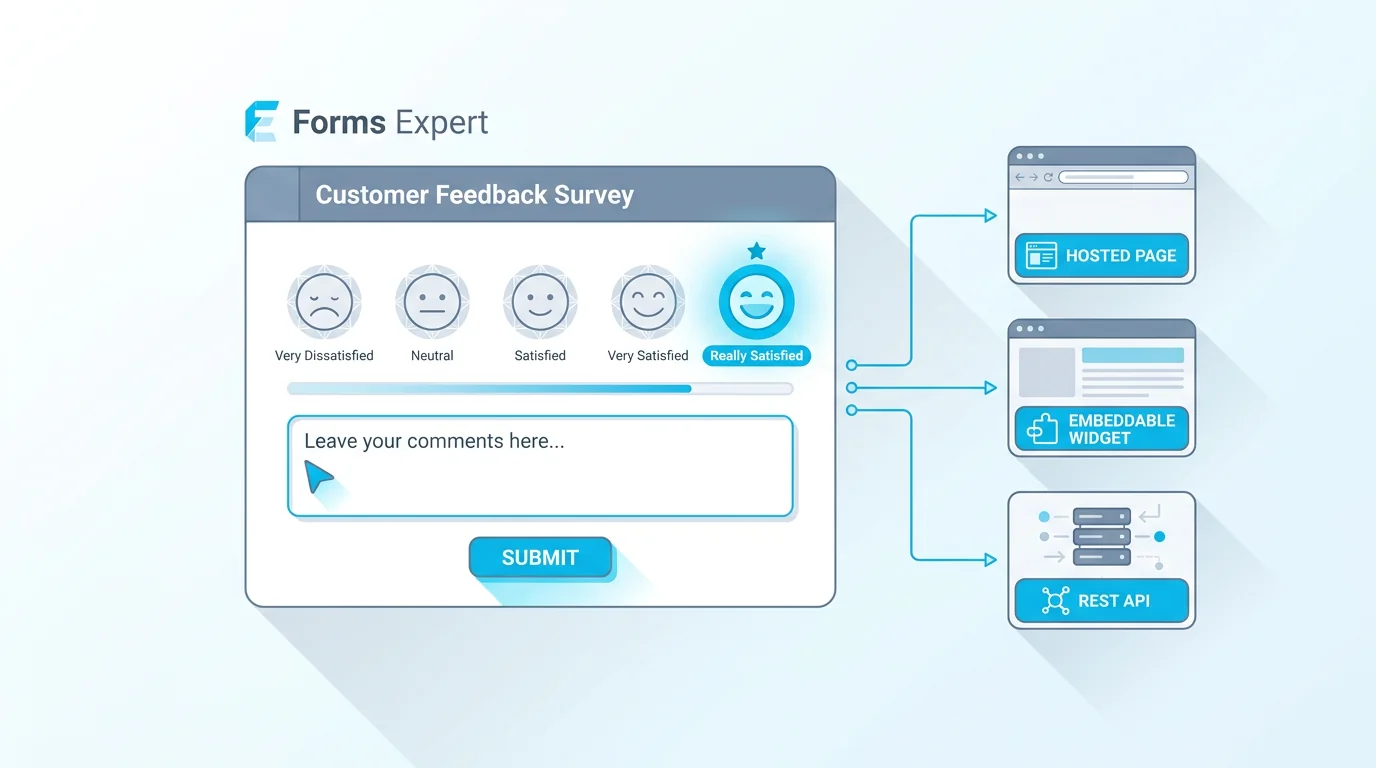
You don't have to assemble a survey from scratch. A good starting template is a short CSAT-style form: one satisfaction rating, one likelihood-to-recommend question, and one open "why" field. That's enough to produce a real metric and a real reason on day one, and you can grow it later once you know what you're missing.
Forms Expert has a ready customer feedback survey template built on exactly that pattern: a satisfaction scale plus the open comment behind the score, ready to edit and send. Starting from the template saves you the structural decisions (which scale, how to label it, where the open box goes) and lets you focus on tailoring the wording to your product. If you want to browse other starting points, the full template gallery has variants for support, onboarding, and event feedback.
A word of caution on templates, though: a template is a starting point, not a finished survey. The generic version asks generic questions, and the value comes from swapping in the specifics of your business and cutting anything that won't change a decision. Use the structure, rewrite the content.
How much to keep comes down to your stage. Early on, the three-question starter is plenty, since you learn more from shipping a short survey and reading real answers than from designing the perfect one. Later, once recurring themes show you what you keep wishing you'd asked, you add the two or three questions that earn their place. Grow the survey from evidence, not from a blank-page urge to be thorough.
CSAT vs NPS vs CES
Three metrics dominate customer feedback, and picking the right one for the job is half the battle. They measure genuinely different things.
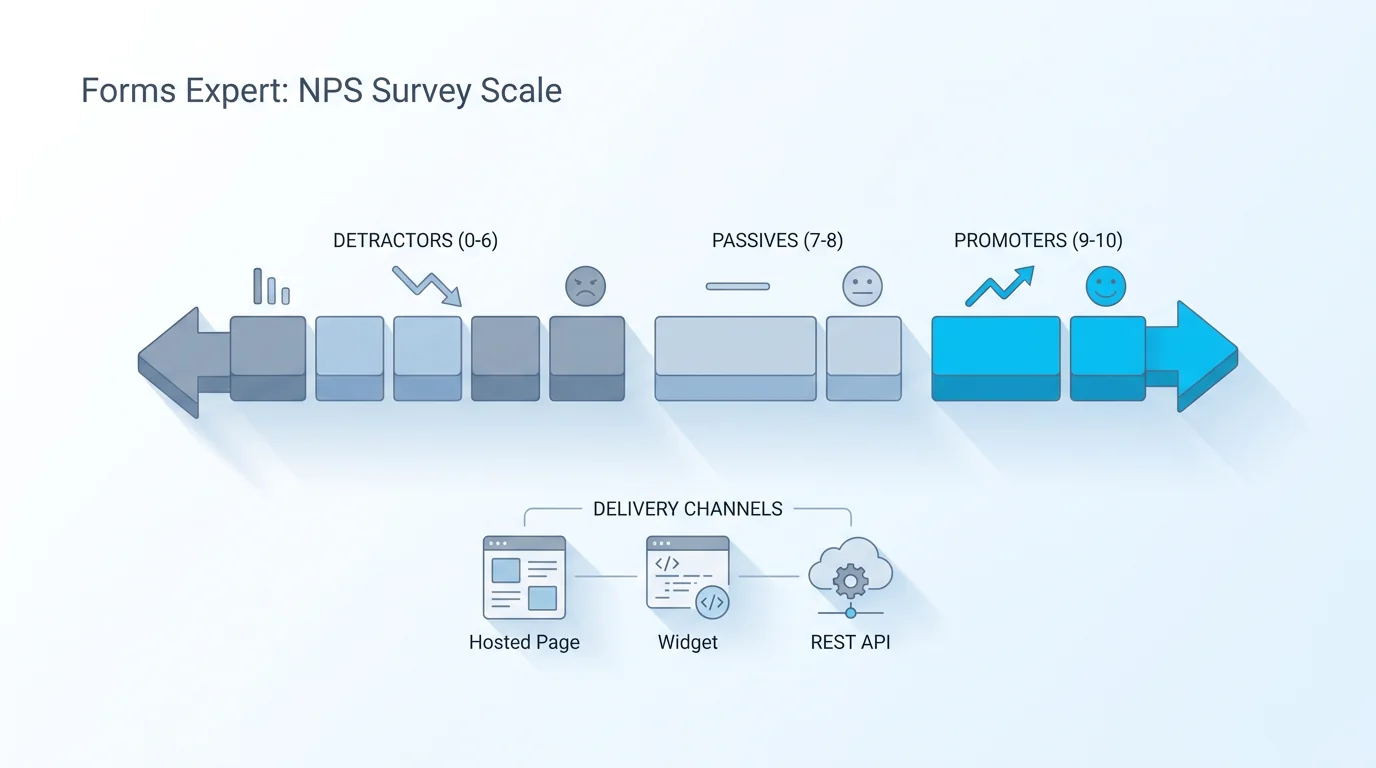
CSAT (Customer Satisfaction) measures how satisfied someone was with a specific experience, usually on a 1-to-5 scale, and is typically reported as the percentage who chose the top options. It's the right call for a single touchpoint: how satisfied were you with this support ticket, this purchase, this onboarding. NPS (Net Promoter Score) measures overall loyalty by asking how likely someone is to recommend you, and shines as a relationship metric tracked over time, covered in depth in our NPS survey guide. CES (Customer Effort Score) measures how hard someone had to work to get something done, and is the best early warning for friction in support or onboarding.
The mistake is treating them as interchangeable. A high NPS and a low CES can coexist (people love you but your support is a slog), and that gap is exactly the kind of thing a well-chosen metric reveals. Pick the metric that matches the decision you're trying to make, not the one that's trendiest. The table lays them side by side.
In practice, mature programs run more than one. A common setup pairs a relational NPS to watch loyalty overall with a transactional CSAT or CES on the moments that matter most, like support and checkout. Start with one, though. Picking three metrics before you've acted on a single response is a reliable way to build a dashboard nobody reads.
| Metric | What it measures | The question | Reach for it when |
|---|---|---|---|
| CSAT | Satisfaction with a specific experience | How satisfied were you with [X]? | Rating a single touchpoint right after it happens |
| NPS | Overall loyalty and likelihood to recommend | How likely are you to recommend us? | Tracking the health of the whole relationship over time |
| CES | How much effort something took | How easy was it to get [X] done? | Finding friction in support, onboarding, or checkout |
Customer Feedback Survey Best Practices
A few practices separate surveys people answer from surveys people delete. None of them are complicated, but they're easy to skip under deadline.
Time it to the experience. Ask while the memory is fresh: a support survey within a day of the ticket closing, a purchase survey shortly after delivery. Wait a week and you get foggy answers; ask before the experience is complete and you get premature ones. Keep it short. Every question costs completions, and a five-question survey people finish beats a twenty-question one they abandon halfway. Lead with the metric question, add one open follow-up, and stop unless you have a real reason not to.
Ask one thing per question. "How satisfied were you with our speed and support?" can't be answered honestly by someone who liked one and not the other. Split it. Match the channel to the moment. An in-app survey catches people in context, an email reaches those who've already left, and the right choice depends on who you need to hear from. And don't over-survey. If a customer gets a request after every interaction, they stop answering thoughtfully, so cap how often any one person is asked. The Pew Research Center's guidance on writing survey questions and Qualtrics's work on satisfaction surveys both go deeper on phrasing and structure if you want the research.
Two more worth a line. Tell people how long it'll take and keep that promise, because "two quick questions" that turn into fifteen is how you lose trust and future responses. And be careful with incentives: a small thank-you can lift response rates, but a big reward attracts people who answer for the prize rather than the truth, which quietly skews your data.
How to Read and Act on the Results
Collecting feedback is the easy half. The half that actually improves anything is reading it honestly and closing the loop.
Start with the distribution, not just the average. A CSAT of 80 percent can mean "most people are happy" or "half love us and half are furious," and those call for completely different responses, so look at the shape of the answers, not only the headline number. Then read the open comments in batches and group them into themes, because one angry comment is noise but the same complaint appearing forty times is a roadmap. The score tells you something moved; the comments tell you what and why.
The part most teams skip is closing the loop: actually responding to what you heard. That means following up with unhappy respondents where you can, telling customers when their feedback led to a change, and feeding recurring themes into your roadmap. A customer who sees their complaint turn into a fix becomes more loyal than one who never had the complaint, and a survey that visibly changes nothing teaches people to stop answering.
It's also worth watching your response rate as a signal in its own right. A rate that falls over time usually means survey fatigue, not indifference, and the fix is fewer, better-timed surveys rather than more reminders. A small group answering thoughtfully tells you more than a large group clicking through to make the popup go away. Salesforce's overview of customer satisfaction surveys is a good read on building feedback into an ongoing program rather than a one-off.
Launch a Customer Feedback Survey
Once the questions are written, launching is quick. In Forms Expert, drop in your metric question (a satisfaction scale or a 0-to-10 recommend question), add one open follow-up, and you have a working survey on any plan, including Free. Use conditional logic to branch the follow-up so happy and unhappy customers get different prompts, and keep the whole thing short.
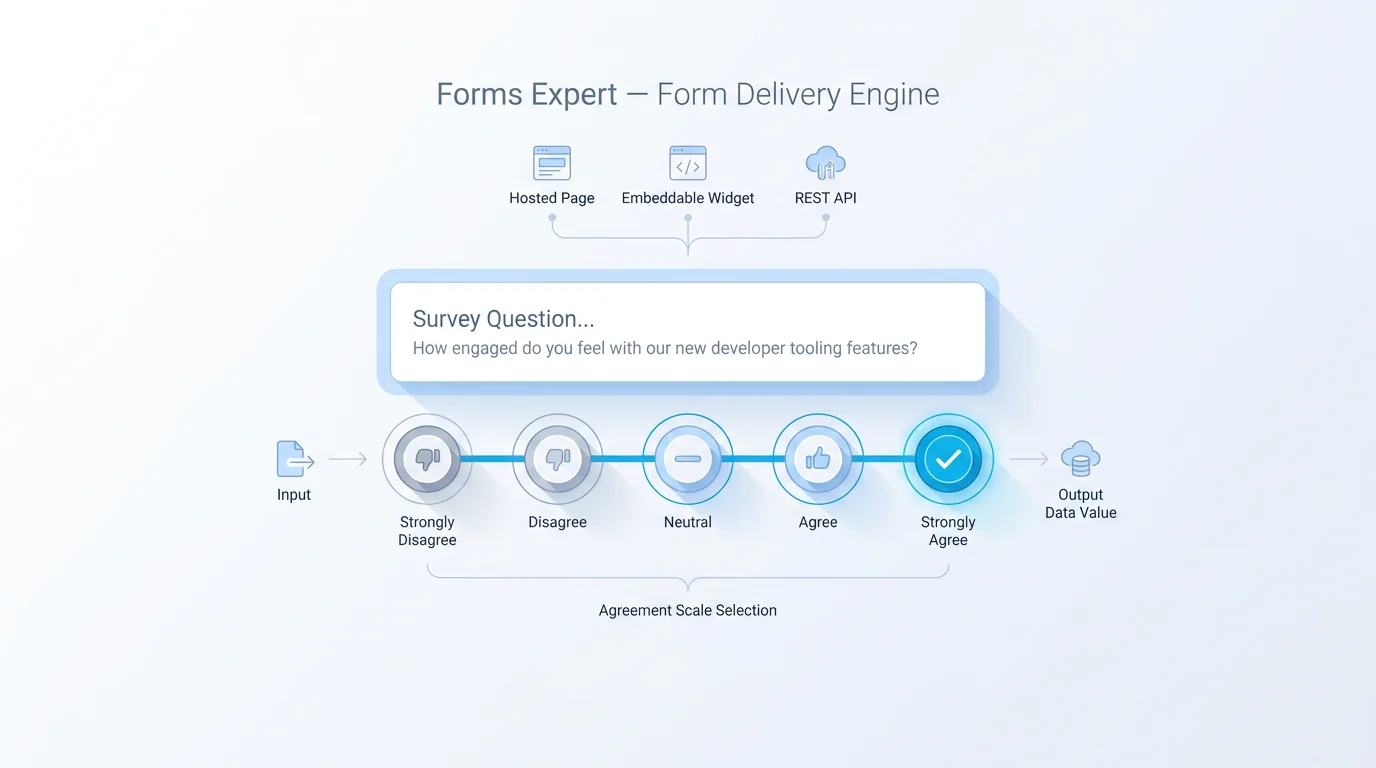
Because every published form is also a hosted page, an embeddable widget, and a REST endpoint, you can deliver the survey wherever the moment is: emailed after a purchase, embedded in-app after onboarding, or fired from your backend when a support ticket closes. Start from the ready customer feedback survey template if you'd rather not build from scratch, then tailor the wording to your business.
One structural tip: store the customer's identifier (an email or account ID) as a hidden field or a URL parameter so each response ties back to a real person. That's what lets you follow up with unhappy respondents and segment results later, and it's far easier to set up before you send than to reconstruct afterward.
The honest recap on cost: build and collect on any plan, read the basic overview on Free and compute CSAT by hand, and move to Pro when you want automatic scoring, dashboards, and the segment-level analytics. The real work is choosing one metric, asking the questions that feed it, timing the survey to the experience, and closing the loop on what you learn. Build the first version from the home page in a few minutes and improve it from there.
Frequently Asked Questions
A customer feedback survey is a short, structured set of questions sent to customers to measure how they feel about your product, service, or a specific interaction, and to capture the reasons behind those feelings. The structure is what makes it useful: asking the same questions consistently gives you answers you can compare over time and across segments, rather than a pile of one-off opinions. Most are built around a standard metric like CSAT, NPS, or CES, paired with an open question that explains the score. The number tells you the temperature, and the comment tells you what to do about it.