Form conversion rate is the single number that tells you whether your form is working: the share of people who see it and actually submit it. It's the metric behind every "is this form any good?" question, and it's refreshingly concrete, a simple ratio you can calculate, benchmark, and improve. This guide gives you the definition and the formula (with a worked example), an honest answer to "what's a good rate?", what drags the number down, the tactics that lift it, and how to measure and track it. The benchmarks here are attributed to research, not invented, and the focus is on a metric you can actually move.
What Is Form Conversion Rate
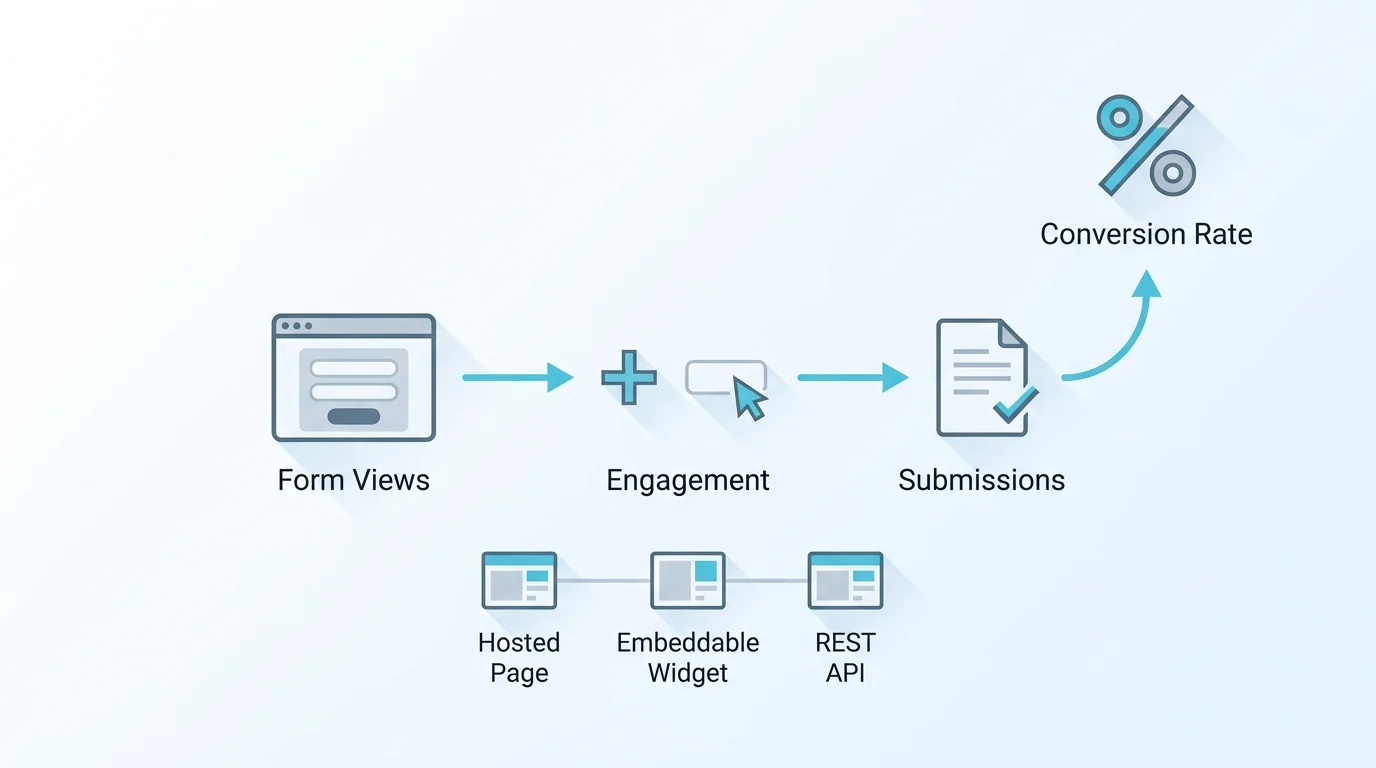
Form conversion rate is the percentage of people who view a form and go on to submit it. If 400 people see your form and 50 submit it, your conversion rate is 12.5 percent. It answers the core question of form performance: of everyone who had the chance to fill it in, how many actually did?
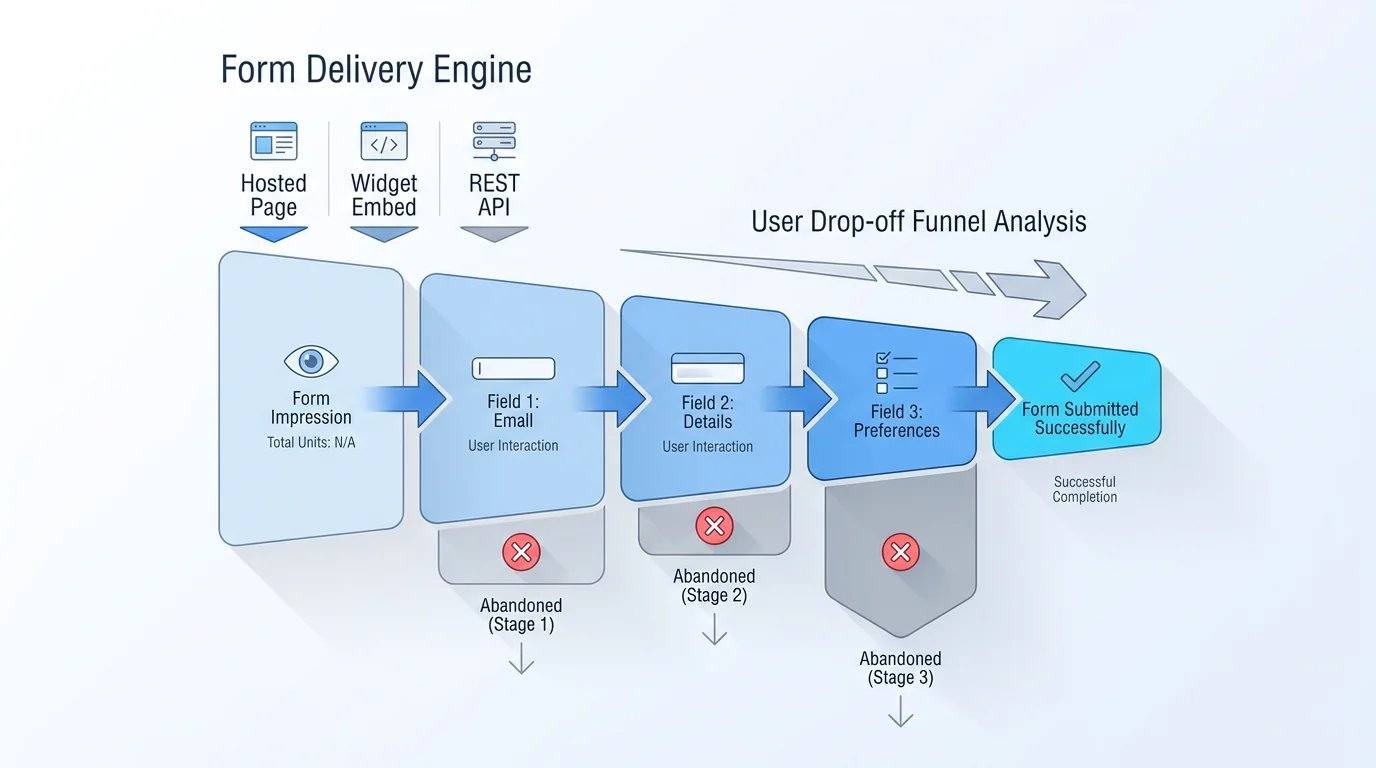
It's the positive mirror image of form abandonment. Where form abandonment measures the people who started but gave up, conversion rate measures the people who finished, the two are two sides of the same funnel. Tracking conversion rate turns a vague sense of "this form isn't getting many responses" into a precise number you can watch over time and tie to specific changes. That measurability is what makes it the metric to optimise: you can't improve what you can't quantify, and conversion rate quantifies exactly the thing you care about.
It's worth being precise about what counts as a conversion for a form, because it's not always a sale. A conversion is simply the completed action the form exists to capture: a submitted lead, a booked demo, a finished application, a newsletter signup. So a form's conversion rate is local to that form's goal, not your overall business conversion. Keeping that scope clear avoids confusion when a form converts well but the downstream outcome (a closed deal, say) is a separate funnel with its own rate. Nielsen Norman Group's primer on conversion rates is a good grounding on the metric in general.
Form Conversion Rate Formula
The formula is straightforward: divide submissions by views and multiply by 100.
One nuance decides what your number actually means: the denominator. Dividing submissions by views (everyone who saw the form) gives a view-to-submission rate, the strictest and most common definition. Dividing by starts (only those who began filling it in) gives a started-form completion rate, which is always higher because it excludes people who looked and left without engaging. Neither is "right", they answer different questions (how good is the form at converting all traffic, versus how good is it at finishing the people who began). The only rule is to be consistent: pick one denominator and stick to it, because comparing a view-based rate against a start-based one is meaningless. Throughout this guide, "conversion rate" means submissions ÷ views unless stated otherwise, and when you read a benchmark elsewhere, check which denominator it used before comparing.
A second, subtler point: be consistent about what a view means, too. Counting a view when the form scrolls into sight is different from counting it on page load, and the two yield different denominators. Whatever rule you choose, apply it the same way every time, the goal is a number that's comparable against itself over time, even if it isn't perfectly comparable against someone else's.
What's a Good Form Conversion Rate
This is where honesty matters most, because there's no universal "good" number, and anyone who quotes one without caveats is misleading you. Conversion rate varies enormously by form type, length, traffic source, and audience: a short newsletter signup converts far higher than a long demo-request or insurance-quote form, and warm traffic converts far better than cold. A rate that's excellent for one form is poor for another.
With that caveat front and centre, research gives orientation rather than targets. Studies consistently show that form length strongly affects conversion, fewer fields convert better, and Baymard Institute's checkout research found the average checkout asks for around 11.3 fields when roughly 8 would do, with the excess costing completions. Be especially careful reading benchmark reports: "started-form" rates (people who began) run much higher than "all-visitor" rates (everyone who saw the form), so a quoted figure can look great or terrible depending purely on the denominator. The useful move isn't to chase someone else's number, it's to measure your own form's rate, then improve it. Your trend against your own baseline is the only benchmark that reliably means something.
If you want a sanity check rather than a target, the honest framing is directional: a very low rate (low single digits on warm traffic to a short form) suggests something is wrong worth investigating, while a high rate means the form probably isn't the bottleneck and your effort is better spent elsewhere. But treat even that as a prompt to look, not a verdict, because context can justify almost any number. The question that matters is never whether a rate is good in the abstract, but whether your form is converting better than it was, and what changed.
What Hurts Your Form Conversion Rate
A handful of factors drag conversion down, and each points to a fix. The table summarises the main culprits.
| Factor | Effect on conversion rate |
|---|---|
| Too many fields | Each extra field adds effort and drops the rate; length is the biggest lever |
| Friction and confusion | Unclear labels or unexpected questions push people out before they finish |
| Poor mobile experience | Small tap targets and the wrong keyboard lower conversion on phones |
| Weak or unclear CTA | An unconvincing or vague submit button reduces follow-through |
| Clumsy error handling | Errors shown late or unclearly frustrate people into abandoning |
The pattern is that conversion rate is mostly a measure of friction: every avoidable bit of effort, confusion, or doubt costs you a fraction of your submissions. Length is usually the dominant factor, an over-long form is the most common reason a rate is lower than it should be, but the others compound it, especially on mobile, where a form that's merely awkward on desktop becomes genuinely hard. Nielsen Norman Group's web form design guidance covers the usability roots of most of these. The good news is that because these factors are specific, the fixes are too, which is the next section.
It's worth diagnosing which factor dominates for your form before fixing anything, because effort spent on the wrong one barely moves the rate. If your traffic is mostly mobile, the mobile experience likely matters most; if the form is long, length dominates; if you ask for sensitive data, trust and the CTA carry more weight. Field-level analytics, covered later, is the fastest way to see which factor is actually costing you conversions rather than guessing.
How to Improve Form Conversion Rate
Improving conversion rate means removing the friction the previous section named. The highest-impact moves, in rough order: cut fields (ask only what you need, make the rest optional, this is almost always the biggest win); use a single-column layout so the path is obvious; validate inline so errors are caught at the field rather than after a failed submit; strengthen the CTA with a clear, specific submit label; optimise for mobile with proper input types and tap targets; and for longer forms, split them into steps with multi-step structure so they feel shorter. These are the same levers that reduce abandonment, the inverse metric, so our guide to reducing form abandonment covers the full fix list in depth, including trust signals and save-and-continue, rather than repeating it here.
One method worth naming separately: testing. The reliable way to know a change improved conversion is to measure the rate before and after, ideally by comparing variants (A/B testing) rather than trusting intuition. Note that A/B testing is a method you apply with your own tooling or process, not something every form builder ships, so don't assume a form platform runs experiments for you; what a good one gives you is the conversion measurement to judge the result. Change one thing at a time, watch the rate over enough traffic to be meaningful, and keep what works.
A note on expectations: conversion gains usually come in increments, not leaps. Cutting two unnecessary fields, fixing the mobile keyboard, and clarifying the submit label each move the rate a little, and together they add up. Chasing a single dramatic fix is less reliable than steadily removing friction and measuring as you go. The compounding of small, verified improvements is what separates a form that quietly gets better from one that stays stuck.
How to Measure and Track Form Conversion Rate
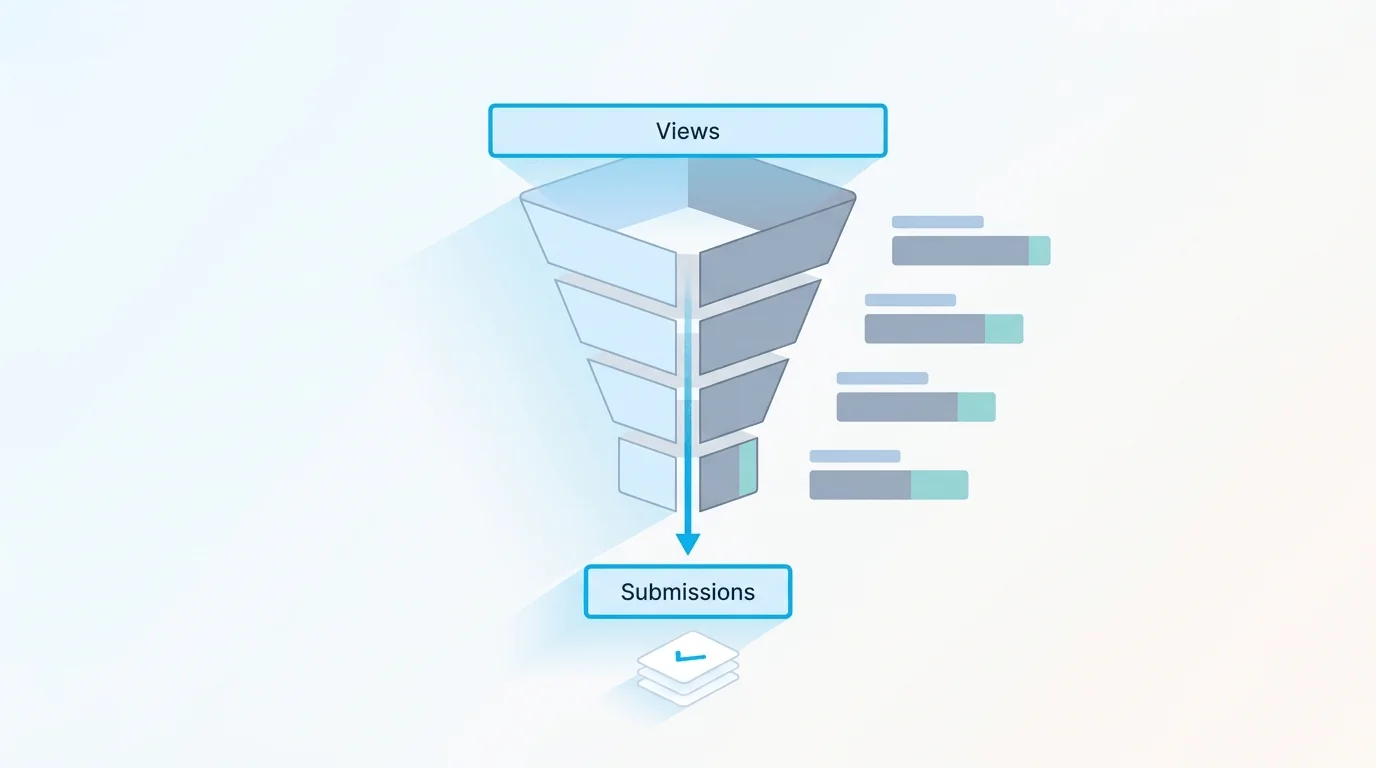
To track conversion rate you need two numbers over time: views and submissions. Views require view tracking (counting how many people loaded or saw the form), and submissions you already have. Conversion rate is the ratio, and watching it over time is what makes it actionable, a rise after a change means the change helped, a fall means it hurt.
The basics, total submissions, trends, and a view-to-submission rate, are enough to know whether your form is improving and to evaluate a change you made. To go further and see exactly where in the form people drop off, you need a completion funnel that breaks the form down step by step or field by field; that's what turns "the rate fell" into "people are leaving at the phone-number field." Be clear-eyed about what this kind of measurement is and isn't: tracking views against submissions (and a funnel) tells you the rate and where the drop-off happens, but it's not the same as keystroke-level session replay, which is a separate, more invasive class of tooling. For more on the metrics worth watching beyond raw counts, see form analytics beyond counts.
One practical caution on reading your own rate: small numbers are noisy. A conversion rate computed on a few dozen views can swing wildly from a handful of extra submissions, so wait for enough traffic before drawing conclusions, and be especially sceptical of a big change measured on a small sample. The rate becomes trustworthy as the denominator grows; until then, treat it as a hint rather than a fact.
Track and Improve Form Conversion Rate in Forms Expert
Forms Expert gives you the measurement to track conversion and the tools to improve it, with an honest split across plans. Every plan includes the basic analytics overview, total submissions, today/week/month, status breakdown, read and spam rate, a submission-trends chart, and view tracking that yields a completion rate, which is enough to see whether your conversion rate is moving and to judge a change.
The deeper view, the completion funnel (views → submissions → percentage), per-field analytics, peak-hours, and device or geo cuts, is on the Pro tier and above; that's the layer that pinpoints the exact field or step where conversion leaks. On the building side, the levers that lift the rate are all there: keep forms short, use conditional logic and multi-step to cut perceived length, and rely on a clean, mobile-friendly, single-column render. To be straight about scope: Forms Expert measures conversion from views versus submissions and shows you the funnel, but it doesn't include a built-in A/B testing engine, run experiments with your own process and use the conversion data to judge them. See the form analytics page for the measurement side in detail. The honest split, basic measurement on every plan and deep funnel diagnosis on Pro and above, mirrors the rest of the product: useful out of the box, deeper when you genuinely need it.
Frequently Asked Questions
Form conversion rate is the percentage of people who view a form and go on to submit it. If 400 people see your form and 50 submit, the conversion rate is 12.5 percent. It answers the core performance question: of everyone who had the chance to fill the form in, how many actually did? It's the positive mirror of form abandonment, abandonment counts the people who started and gave up, conversion counts the people who finished. The value of tracking it is that it turns a vague sense of how a form is doing into a precise number you can benchmark against your own past performance and tie to specific changes you make.