Almost every website you visit now greets you with one: a cookie consent banner asking whether you accept, reject, or want to customise the cookies it sets. Done well, it's a quick, honest moment of choice. Done badly, it's a dark-pattern maze designed to wear you into clicking Accept. This guide covers what a cookie consent banner is, what a compliant one must include, the types and real examples, the patterns to avoid, and how to actually add one to your site.
What Is a Cookie Consent Banner
A cookie consent banner is the interface that asks visitors to accept, reject, or customise non-essential cookies before those cookies load. It appears on a first visit, explains in brief what cookies the site wants to set and why, and gives the visitor a genuine choice, usually Accept, Reject, and a way to pick specific categories.
The word "consent" is doing real work there. In the EU and UK, you generally can't set non-essential cookies (analytics, advertising, tracking) until the visitor has agreed, so the banner isn't just a notice, it's the gate that holds those cookies back until someone opts in. Essential cookies, the ones strictly needed to make the site function, don't need consent, which is why a compliant banner separates the two and only asks about the rest.
People use "cookie consent banner" and "cookie banner" interchangeably, and you'll also see "cookie notice" or "consent management." They all point at the same thing: the visible layer where a visitor makes a cookie choice, backed by the invisible logic that actually respects it. A banner that asks for consent but loads the cookies anyway isn't a consent banner; it's theatre.
How a Cookie Consent Banner Works
Under the hood, a proper cookie banner does more than display a message. The sequence looks like this.
On a visitor's first arrival, the banner appears and, crucially, the non-essential scripts are held back, your analytics, your ad pixels, your embedded widgets don't run yet. The visitor makes a choice: accept everything, reject the non-essential, or open the settings and toggle categories individually. The banner then loads exactly the scripts that match their choice and nothing more. Finally, it stores that choice, usually in a first-party cookie, so the visitor isn't asked again on every page, and it re-asks after the consent expires (often after several months) or if your cookie set changes.
The part that separates a real consent tool from a cosmetic one is that script-blocking step. If the banner shows a nice Accept/Reject UI but your analytics fires the moment the page loads regardless of what the visitor picks, you don't have consent, you have a banner that lies. A compliant setup genuinely withholds non-essential cookies until the choice is made, then honours it. That's the difference between managing consent and merely displaying a notice about it.
There's a record-keeping layer too. Because you may need to demonstrate that consent was obtained, a good banner keeps a record of what each visitor chose, which is part of why the choice is stored rather than just acted on. If your banner can't show that consent happened, you're trusting that it did, which isn't the same as being able to prove it.
Do You Need a Cookie Consent Banner
Not every site legally needs one, but most that use any analytics or marketing tools do. Two things decide it: the cookies you set, and where your visitors are.
If your site only uses strictly necessary cookies, the ones needed to log in, hold a cart, or keep the site secure, you generally don't need a consent banner for those, though a short cookie notice is still good practice. The moment you add non-essential cookies, Google Analytics, a Facebook pixel, an embedded video that tracks, a chat widget, you're in consent territory for visitors in the EU and UK. And because the rules follow the visitor, not your business location, a site anywhere with EU or UK traffic is usually expected to ask.
Is it a legal requirement or just best practice? For non-essential cookies and EU/UK visitors, it's a requirement rooted in the ePrivacy Directive's rule that storage and access on a user's device needs prior consent, the regulation text is on EUR-Lex. Beyond the legal floor, a clear banner is also just respectful, it tells visitors what you're doing and lets them decline. The honest summary: if you use tracking cookies and have any EU or UK audience, treat a compliant banner as required, not optional.
A grey area worth flagging: some sites assume that because they're small or based outside the EU, the rules don't reach them. They often do, since a single EU visitor with a tracking cookie can put you in scope. It's usually simpler to build a compliant banner once than to gamble on staying under the radar.
What a Compliant Cookie Consent Banner Must Include
A compliant cookie consent banner comes down to a clear set of requirements. Use this as a checklist:
- A clear, plain-language statement of what cookies you set and why
- Accept and Reject options with equal prominence, rejecting must be as easy as accepting
- Granular category choices (necessary, analytics, marketing) the visitor can toggle
- A link to your cookie policy or privacy notice for the full detail
- No pre-ticked boxes for non-essential cookies, consent must be an active opt-in
- No dark patterns: no hidden Reject button, no confirm-shaming, no cookie wall that forces acceptance
- Non-essential scripts genuinely blocked until the visitor consents
The one that trips up the most sites is equal prominence. A bright Accept button next to a faint, buried "manage preferences" link isn't a real choice, and regulators have been increasingly clear that reject has to be as reachable as accept. The European Data Protection Board's guidelines on consent and the ICO's guidance on cookies both spell this out. If your banner makes saying no harder than saying yes, it isn't compliant, however good it looks.
A subtler requirement is honesty about what's essential. It's tempting to label analytics or personalisation cookies as "necessary" to skip asking about them, but necessary means strictly required for the site to function, not required for your marketing. Mislabelling non-essential cookies as essential is one of the quieter ways a banner becomes non-compliant, so be strict about that line.
Types of Cookie Consent Banners
Cookie banners come in a few shapes, and the right one depends on how prominent you want the choice to be without wrecking the experience. The table covers the common formats, and placement (top, bottom, a corner, or centre) is a separate dial you set on top of the format.
The trade-off is prominence versus friction. A bar is barely noticeable, which is fine for a low-tracking site, while a centred modal is impossible to miss, which suits a site where the choice really matters but risks feeling like a wall if overdone. Most sites land on a bottom bar or a corner box: visible enough to be a real prompt, light enough not to block the page. Whatever the format, the compliance rules from the last section don't change, a slick modal with a hidden Reject button is still non-compliant.
| Type | What it looks like | Best for |
|---|---|---|
| Bar | A slim strip across the top or bottom | The least intrusive option, for a simple accept/reject |
| Box | A small card in a corner | Staying compact while leaving most of the page visible |
| Popup / modal | A centered dialog over the page | Maximum prominence when the choice is critical |
Cookie Consent Banner Examples
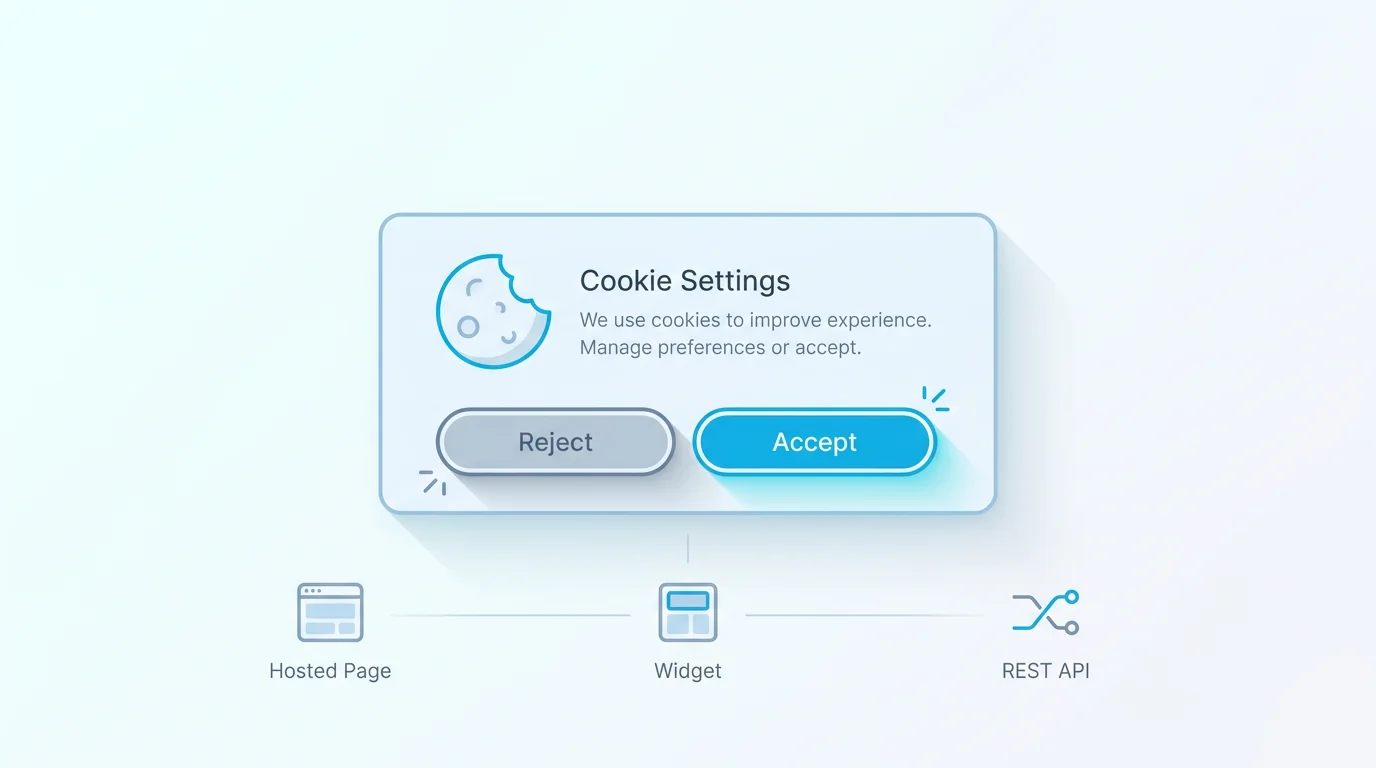
The fastest way to understand a good banner is to contrast it with a bad one. A good cookie consent banner states plainly what it's asking ("We use cookies for analytics and marketing"), offers Accept and Reject side by side as equally weighted buttons, includes a "Customise" option to toggle categories, and links to the cookie policy. It respects the choice immediately and gets out of the way. Nothing about it is trying to trick you.
The dark patterns to avoid are well catalogued, and worth naming so you don't ship them by accident. Confirm-shaming wording ("No thanks, I don't want a better experience") guilt-trips the reject. A hidden or greyed-out Reject that's harder to find than Accept fails equal prominence. Pre-ticked category boxes assume consent the visitor never gave. A cookie wall that blocks all content until you accept removes the freely-given part of consent. And nag loops that re-show the banner constantly until you cave are coercion dressed as a reminder. If your banner does any of these, it's not just user-hostile, it's likely non-compliant. For an accessible, neutral reference pattern, the UK Government's cookie banner component in the GOV.UK Design System is a clean model to study.
One more mark of a good banner: it makes changing your mind easy. People's preferences shift, so a compliant setup leaves a small, persistent way to reopen the cookie settings, often a link in the footer, rather than locking the choice in forever after the first click.
How to Add a Cookie Consent Banner to Your Website
Adding a banner is a short process once you know what you're collecting. The generic steps work on any stack.
Audit your cookies first. List every cookie and script your site sets, and sort them into essential and non-essential, you can't categorise a banner you haven't inventoried. Choose a consent tool that actually blocks non-essential scripts until consent, not just one that shows a message. Configure the categories and wording to match your real cookies, with equal-prominence Accept and Reject. Connect it to your scripts so analytics and marketing tags only fire after the matching consent, on most platforms this is the step that takes real care. Link your cookie policy, and test that rejecting actually stops the cookies.
The specifics vary a little by platform. On WordPress, a consent plugin handles the banner and script-gating. On Webflow or Shopify, you add a consent script or app and wire your tracking to respect it. The principle is identical everywhere: the banner is the easy part, and the genuinely important work is making sure your non-essential scripts honour the choice rather than firing regardless.
It's also worth planning for maintenance. Your cookie set changes over time as you add or remove tools, so re-audit periodically and update the banner's categories to match, since a banner that's accurate today drifts out of date if you never revisit it. If your forms also collect consent for data processing, that's a related but separate job, covered in our guide to creating a consent form.
Free vs Paid Cookie Consent Banners
There are free cookie banners, including open-source ones, and they can be perfectly compliant if you configure them correctly, the compliance comes from the behaviour (real script-blocking, equal prominence, honest categories), not from the price. So if budget is the constraint and you're comfortable setting it up, a free or open-source banner is a legitimate choice.
What paid or managed options tend to add is convenience and integration: automatic cookie scanning, maintained category lists, styling that matches your brand without custom code, consent records, and tighter integration with your other tools. Whether that's worth paying for depends on how much you value not maintaining it yourself. The honest framing is that "free" usually trades off setup effort and ongoing upkeep, not compliance itself, a well-configured free banner and a paid one can both meet the bar. Pick based on how much hand-holding and integration you want, not on a belief that paying is what makes you compliant.
Add a Cookie Consent Banner With Forms Expert
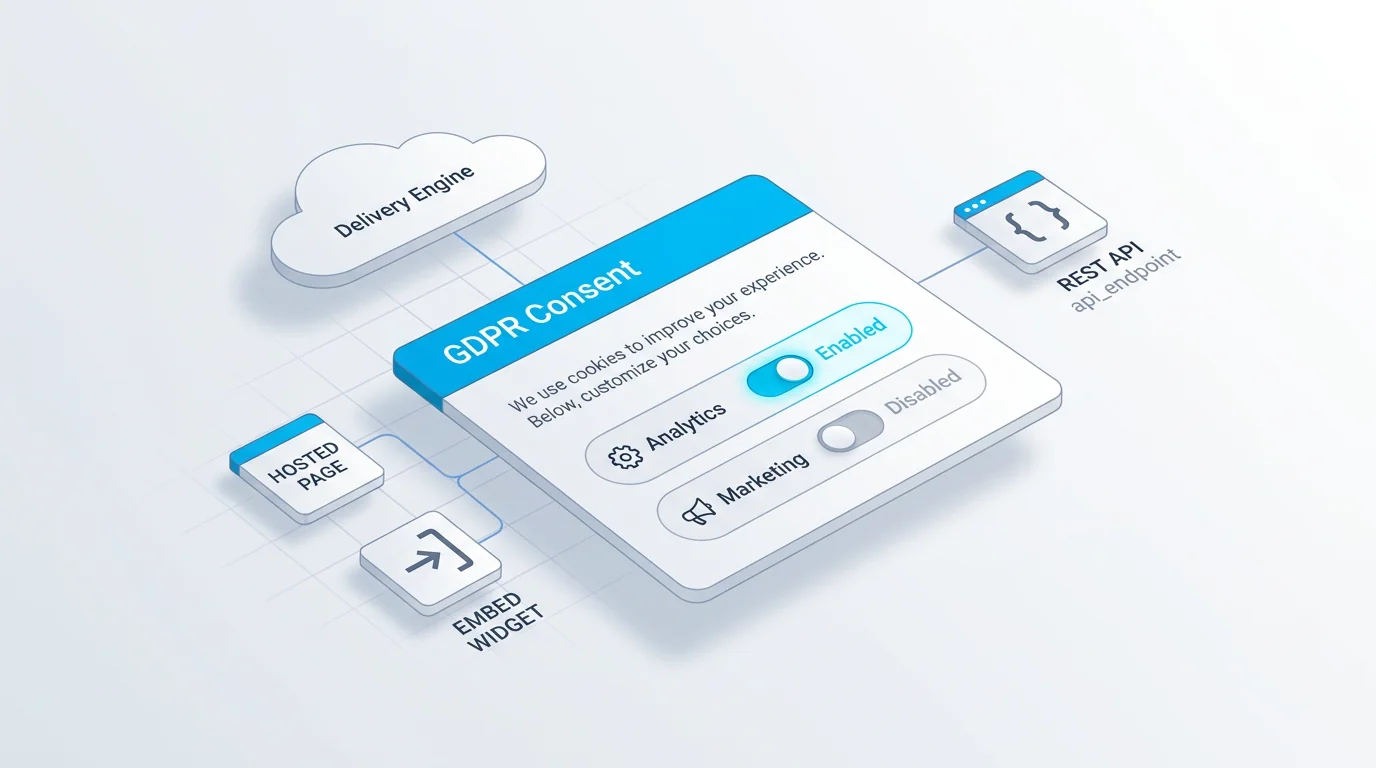
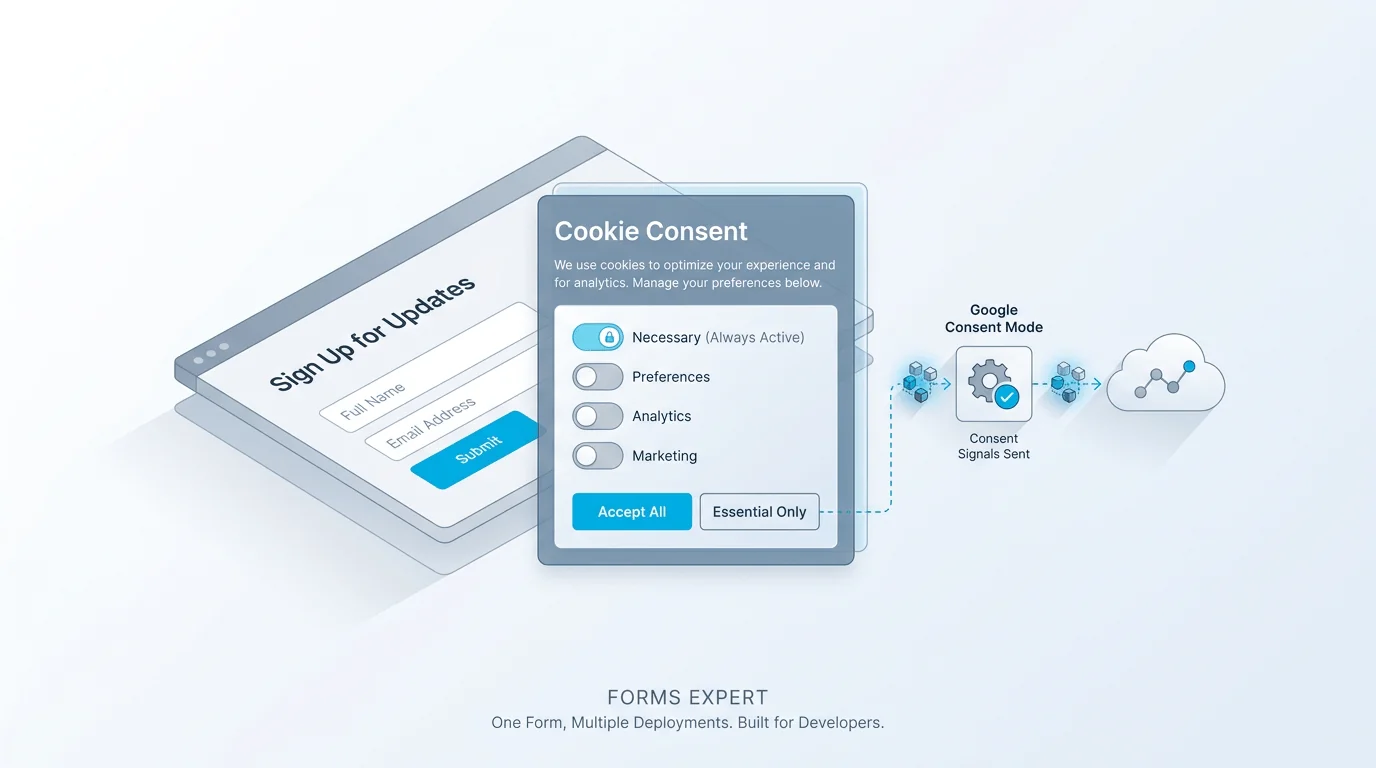
Forms Expert includes a built-in consent module for building a cookie banner. You get configurable layouts (a bar, box, popup, or banner), positions (bottom, top, the corners, or centre), and triggers (on load, scroll, exit, or after a delay), with full styling control and custom CSS so it matches your site. You define the categories (necessary, analytics, marketing), and the module can block non-essential scripts before consent, remember the visitor's choice with a consent expiry, support Google Consent Mode, and gate publishing behind a linked privacy policy. It ships as an embeddable widget with per-modal analytics so you can see how the banner performs.
Now the honest specifics, because a compliance feature is the wrong place to be vague. The cookie modal is a paid feature: it is not available on the Free plan, and starts on Starter (one modal), with more on Pro (five) and Business (twenty), so don't read this as a free banner. The per-modal analytics show performance but not consent by country, there's no by-country consent breakdown. White-labelling the consent badge is a Business-plan feature, and targeting which visitors see the modal by geography is a Pro feature. And as with the rest of the product: building a compliant banner is a capability, not a certification, Forms Expert is not SOC 2, ISO 27001, or HIPAA certified, and using the module doesn't by itself make your site compliant.
The recap: audit your cookies, block non-essential scripts until consent, give Accept and Reject equal weight, link your policy, and respect the choice. For the deeper product walkthrough, see our built-in GDPR cookie consent piece, and for the forms side of consent, GDPR-compliant forms. The cookie side of the legal picture is covered in our GDPR cookie consent guide. Get proper advice for your specific situation, and build the banner from the home page.
Frequently Asked Questions
A cookie consent banner is the interface that asks visitors to accept, reject, or customise non-essential cookies before those cookies load. It appears on a first visit, briefly explains what cookies the site wants to set and why, and gives a genuine choice, typically Accept, Reject, and a way to toggle categories like analytics and marketing. The visible banner is backed by invisible logic that actually withholds non-essential scripts until the visitor agrees. People also call it a cookie banner, cookie notice, or consent management, but they all refer to the same thing: the layer where a visitor makes a cookie choice that the site then respects.