The best survey tools all do the obvious thing, collect responses, but they diverge sharply on what comes before and after: question types, distribution, response limits, and how deeply they analyse what comes back. A team running an NPS programme, a researcher fielding a market-research study, and a founder sending a quick customer poll need different tools, and the right one depends on the survey, not on a generic ranking. This guide compares the leading survey tools fairly, with a clear best-for and an honest weakness for each, then breaks down the best pick by survey type. We make one of these tools, Forms Expert, and we've kept it honest: it's a form builder with strong survey features, listed as one option among dedicated survey platforms, not crowned the winner.
What Makes a Good Survey Tool
Naming the criteria first makes the ranking defensible. Six things separate survey tools in practice.
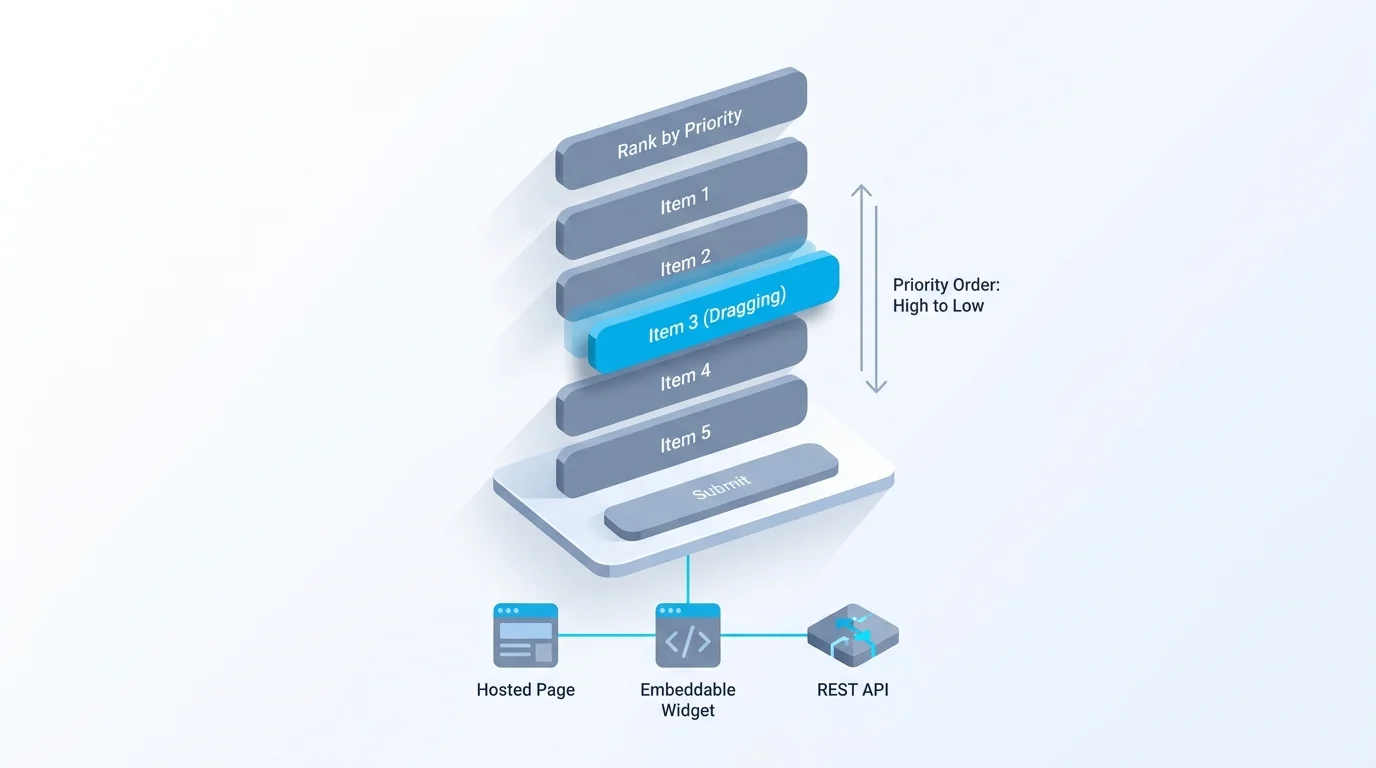
Question types matter more than for a general form: you want rating scales, NPS (0–10) questions, matrix and ranking questions, not just text fields. Logic and branching let you skip irrelevant questions, which lifts completion and data quality. Distribution is how the survey reaches people, a link, an email campaign, an embed, or a built-in respondent panel for market research. Response limits and pricing decide what you can run affordably, and this is where the models diverge most: flat plans versus per-response overage charges. Analysis depth ranges from a basic results summary to cross-tabs, trends, and NPS scoring done for you. And anonymity and compliance decide whether the tool fits employee or sensitive surveys.
Different surveys weight these differently. A market researcher needs a respondent panel and deep analysis; an internal pulse survey needs anonymity and simplicity; a quick CSAT poll needs NPS scoring and an easy embed. The table and reviews below score each tool against these axes so you can weight them for your own use. For writing the actual questions well once you've picked a tool, see our guide to good survey questions.
A quick word on anonymity and compliance, since it's easy to overlook until it matters. For employee or sensitive surveys, whether responses are genuinely anonymous, and seen to be, changes the quality of the data: people answer honestly only when they trust they can't be identified. And if you collect personal data in a survey, the same consent and data-handling rules that apply to forms apply here, so a tool with clear export and consent options is worth more than a slicker one without them.
The Best Survey Tools at a Glance
The shortlist in one view. Each row gives the tool's sweet spot, its free plan, the thing it does best, and an approximate 2026 US price. Prices are starting points and should be verified on each vendor's site, survey pricing in particular varies by response volume.
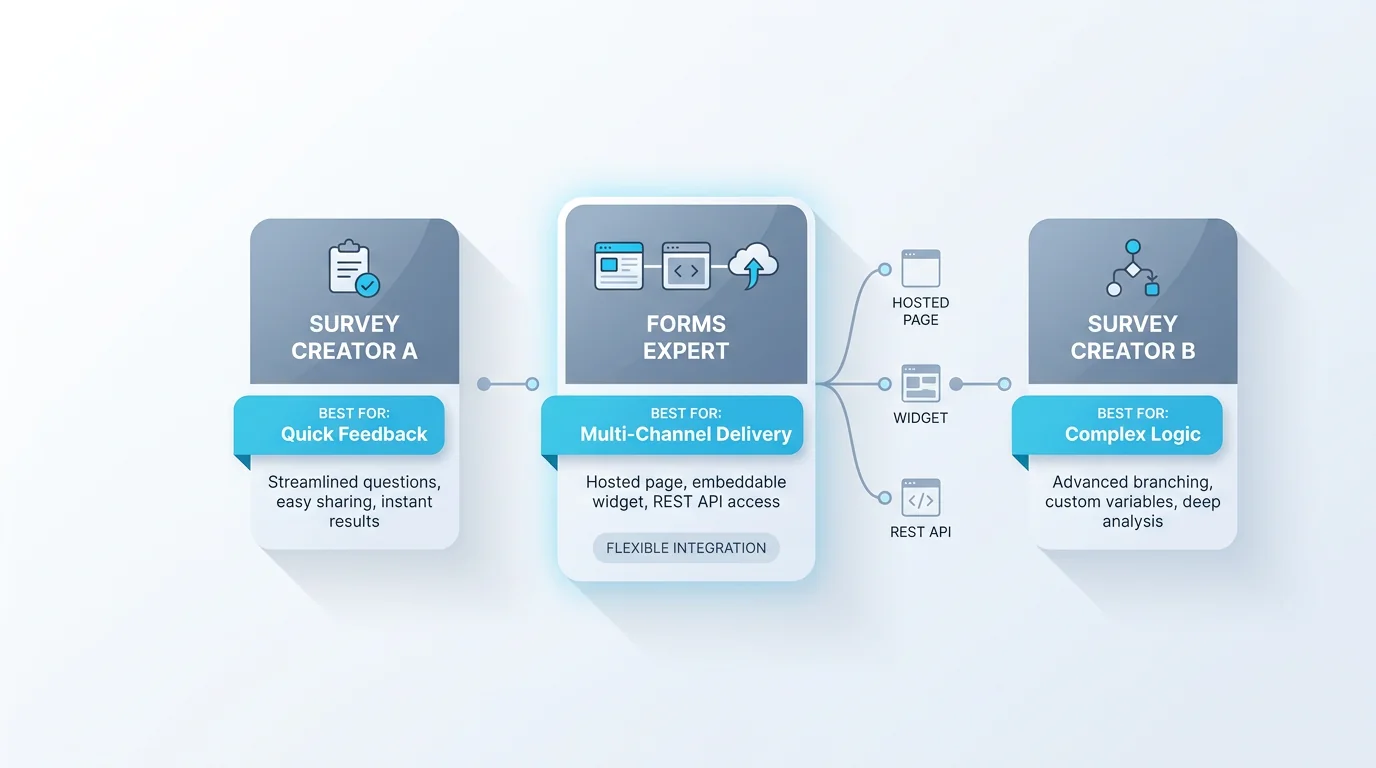
The pattern to notice is that the category-owners each lead a different need: Google Forms owns free-and-quick, SurveyMonkey owns brand-and-research-depth, Qualtrics owns enterprise research, Typeform owns completion, and Tally owns the free tier. There's no single winner, which is the honest read.
One caution on reading survey prices specifically: they move with response volume more than form-builder prices do. A plan that looks affordable can change character once you add a per-response overage or cross a response tier, so the pricing model deserves as much attention as the headline number, especially for a survey you expect to be popular.
| Survey tool | Best for | Free plan | Standout | Approx. price (2026, US) |
|---|---|---|---|---|
| Google Forms | Free, quick surveys | Yes, generous | Sheets integration, zero friction | Free |
| SurveyMonkey | Brand + research depth | Basic (limited) | Question bank, benchmarks | ~$39+/mo (+ $0.15/response overage) |
| Qualtrics | Enterprise research | No (demo) | Advanced analytics, CX suite | Custom (enterprise) |
| Typeform | Conversational completion | ~10 responses/mo | One-question-at-a-time UX | ~$25–99/mo (volume-metered) |
| Tally | Free, unlimited responses | Fair-use unlimited | Unlimited responses free | $0 / ~$29 / ~$89 |
| Pollfish | Market research panel | No | Built-in respondent panel | Per-response (panel) |
| Forms Expert | A survey that's also an embed/API form | 100 responses/mo | NPS scoring + per-field analytics (Pro+), no overage | $0 / $9 / $29 / $99 |
The Best Survey Tools, Reviewed
The detail behind the table. Each tool gets a fair best-for and an honest weakness.
Google Forms — best for free, quick surveys. Free, fast, and tied to Google Sheets, it's the default for a simple internal or one-off survey. The weaknesses show up when you need depth: basic analysis, no built-in NPS scoring, and generic design. For a quick poll it's excellent; for a research programme it's thin.
SurveyMonkey — best for brand recognition and survey-research depth. The category's best-known name backs it up with a large question bank, industry benchmarks, and solid analysis, which is why it's a safe choice for serious survey work. The honest weakness is pricing: useful features sit behind higher tiers, and paid plans can carry a per-response overage (around $0.15 per response over your plan's limit), so a popular survey can cost more than expected.
Qualtrics — best for enterprise research. It's the heavyweight for large-scale CX and academic research, with advanced analytics, statistical tools, and a full experience-management suite. The trade-off is cost and complexity: it's custom-priced, enterprise-focused, and overkill (and overpriced) for most small and mid-size needs.
Typeform — best for conversational completion. Its one-question-at-a-time format genuinely lifts completion on engaging surveys, and the design is the benchmark. The weakness is the volume-metered pricing: the free plan is tiny (around ten responses a month) and costs climb as responses grow.
Tally — best for free, unlimited responses. Tally's fair-use free tier allows unlimited forms and responses, which is remarkable for survey work on a budget, and the editor is pleasant. The weakness is lighter built-in survey analytics compared with the dedicated platforms, but for collecting responses freely it's a standout.
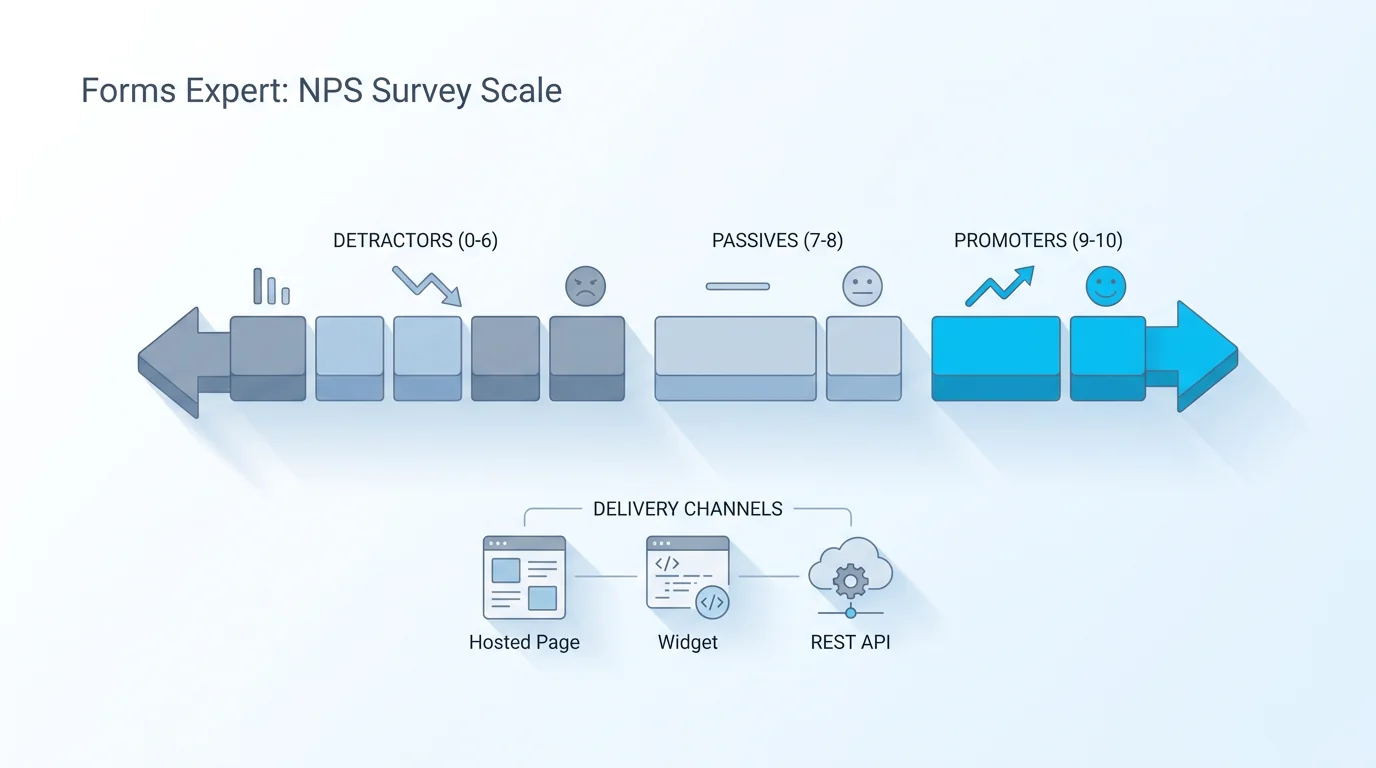
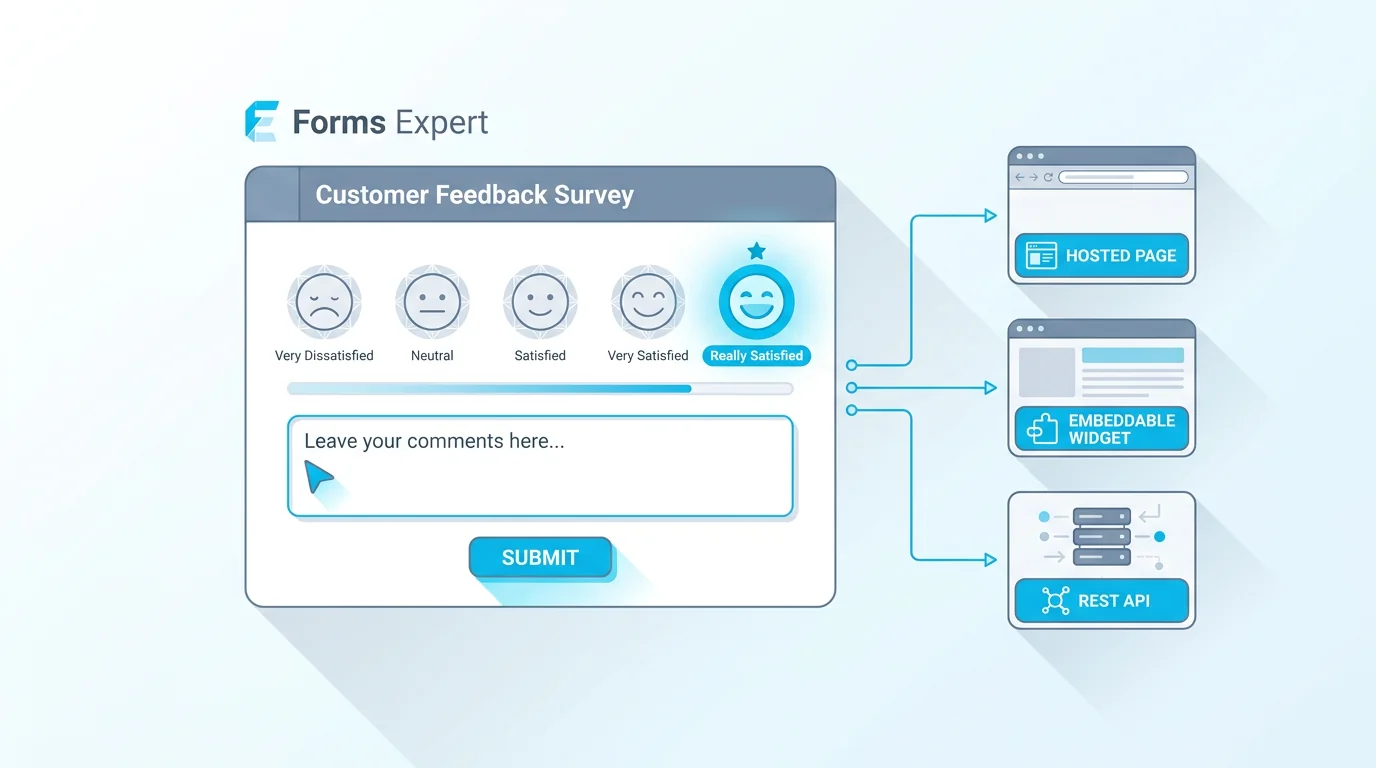
Forms Expert — best when a survey must also be an embed or API form. This is the tool we make, so read it with that in mind, and note that it's a form builder with survey features rather than a dedicated survey platform. Where it fits is when your survey also needs to be a hosted page, an auto-resizing embed, and a REST endpoint at once, with built-in NPS scoring (it buckets 0–10 opinion-scale answers into promoters, passives, and detractors automatically), rating and scale field types, and per-field plus geo/device analytics on Pro and above (a basic results overview is on all plans). Its pricing is flat ($0 / $9 / $29 / $99) with no per-response overage, so a survey that takes off won't trigger a surprise bill, the no-cliff point we explain in why we don't bill per response. The honest weaknesses: the free tier is capped at 100 responses a month, the deeper analytics are Pro-and-up, and it's a smaller brand than SurveyMonkey with no built-in question bank or respondent panel. Its analytics approach is detailed in form analytics beyond counts.
Pollfish — best for market research with a built-in panel. Pollfish's edge is access to a respondent panel, so you can field a survey to a target audience you don't already have, which is exactly what market research needs. The weakness is that it's priced per response through the panel and is less suited to internal or customer-list surveys where you bring your own audience.
A few others worth knowing for specific needs. Microsoft Forms is the Google Forms equivalent for Microsoft 365 organisations, free and integrated with the suite. SurveySparrow and Survicate focus on conversational and in-product surveys respectively, useful if you want to survey users inside a product rather than via a link. None unseats the picks above for general survey work, but each can be the right answer for its niche, which is the recurring theme: match the tool to the job.
Best Free Survey Tools
If free is the deciding factor, be honest about what each free tier actually allows. Tally is the most generous, with unlimited forms and responses under fair use, so it's the standout for free survey volume. Google Forms is genuinely free for unlimited surveys within the Google ecosystem and feeds straight into Sheets. Microsoft Forms is the equivalent for organisations on Microsoft 365, free and integrated with the rest of the suite.
For context, Forms Expert's free plan is capped at 100 responses a month, which is fine for a small survey but isn't competing to be the best free survey tool, its survey strengths (NPS scoring, per-field analytics) are on the paid tiers. So if maximum free response volume is your priority, start with Tally, Google Forms, or Microsoft Forms. The thing to watch on any free survey tier is the response cap and whether branding is removed, those are where free survey plans differ most, and a tool that's free up to a point can still gate the response volume you actually need. A final honesty note on free survey tiers: free is ideal for a one-off survey or to evaluate a tool, but a recurring programme often outgrows it quickly, since response caps reset monthly and a popular survey can exhaust a free allowance in days. Treat free as the starting point, not the long-term plan, for any survey you expect to run on a regular cadence.
Best Survey Tools by Use Case
The best pick changes with the survey. Here's the shortcut for the common purposes.
For customer satisfaction and NPS: you want built-in NPS scoring (so 0–10 answers are bucketed into promoters, passives, and detractors for you) and an easy embed or email send. SurveyMonkey and Forms Expert both score NPS natively; Typeform suits a more conversational CSAT survey; Google Forms works but makes you calculate the score yourself. For employee and pulse surveys: anonymity and simplicity matter most, plus a cadence you can repeat, dedicated employee-experience platforms specialise here, but a general survey tool with anonymous responses and simple distribution covers many internal needs. For market research: the deciding factor is often whether you need a respondent panel; if you're surveying an audience you don't already have, Pollfish and similar panel-based tools lead, whereas if you bring your own list, a standard survey tool with strong analysis (SurveyMonkey, Qualtrics) fits.
The pattern, again: pick the tool that wins your purpose, not the one with the highest overall ranking. A market researcher needing a panel and an HR team running an anonymous pulse survey will rightly choose very differently.
Two more quick pointers. For in-product or in-app surveys (a microsurvey triggered inside your software), specialised in-product tools or an embeddable form fit better than a standalone survey link. For academic or large-scale research, the depth of analysis and sampling controls matters most, which is Qualtrics territory, while smaller studies are well served by SurveyMonkey or a strong free tool paired with a spreadsheet.
How to Choose the Right Survey Tool
Cut through the list with a few questions. What kind of survey is it? CSAT/NPS, employee, market research, or a quick poll, this single answer points you at a category above. Do you have an audience, or do you need one? If you need respondents, you need a panel tool; if you have a list or an audience, almost any tool works. How will you distribute it? A link is universal; an embed or API matters if the survey lives on your site or in a product. What's your response volume, and how is it priced? This is the one people regret underweighting, a per-response overage model can get expensive as a survey succeeds, so for unpredictable volume, favour flat pricing. And how deep is the analysis you need? A results summary is fine for a poll; cross-tabs and trends need a research-grade tool.
Answer those five and the shortlist usually collapses to one or two. If your survey also needs to behave like a form on your own site or in an app, that's the narrow case where a form builder with survey features (like Forms Expert) fits better than a standalone survey platform, see our honest SurveyMonkey, Typeform, and Google Forms comparison pages, the broader best form builders roundup, and the online surveys feature page for where Forms Expert fits. The right answer is the tool that matches your survey type, audience, and analysis needs, not the longest feature list.
And cross-check any shortlist against independent reviews. Aggregators like G2 and Capterra collect thousands of user ratings across survey tools, and reading the recent ones for your use case is a useful counterweight to any vendor's framing, ours included. Combine this guide's criteria with real reviews and a quick test survey of your own, and you'll choose the right tool with confidence.
Frequently Asked Questions
It depends on the survey, there's no single best one. For free, quick surveys, Google Forms and Tally lead. For brand recognition and research depth, SurveyMonkey is the safe choice. For enterprise research, Qualtrics is the heavyweight. For conversational completion, Typeform. For market research with a respondent panel, Pollfish. And for a survey that also needs to be an embeddable or API form with built-in NPS scoring, Forms Expert fits. Start from your survey type, audience, distribution, response volume, and the depth of analysis you need, then pick the tool that wins that specific purpose rather than a generic top spot.