A campaign goes well, responses spike, and on a usage-based plan the bill spikes with them — sometimes past the point where the extra responses were worth it. Forms Expert runs on flat monthly tiers with stated submission limits, and an upgrade prompt instead of a surprise charge when you hit a cap.
The Pricing in One Paragraph
There are four plans: Free at $0, Starter at $9/mo, Pro at $29/mo, and Business at $99/mo. Each carries a stated monthly submission limit: 100, 1,000, 10,000, and 100,000 respectively. The price does not move with how many responses you collect inside a tier. Whether you take 12 submissions or 9,800 on Pro, the bill is $29. The number you sign up against is the number you pay. For the full feature breakdown by tier, the pricing page lays out every line.
What "No Per-Response Cliff" Means
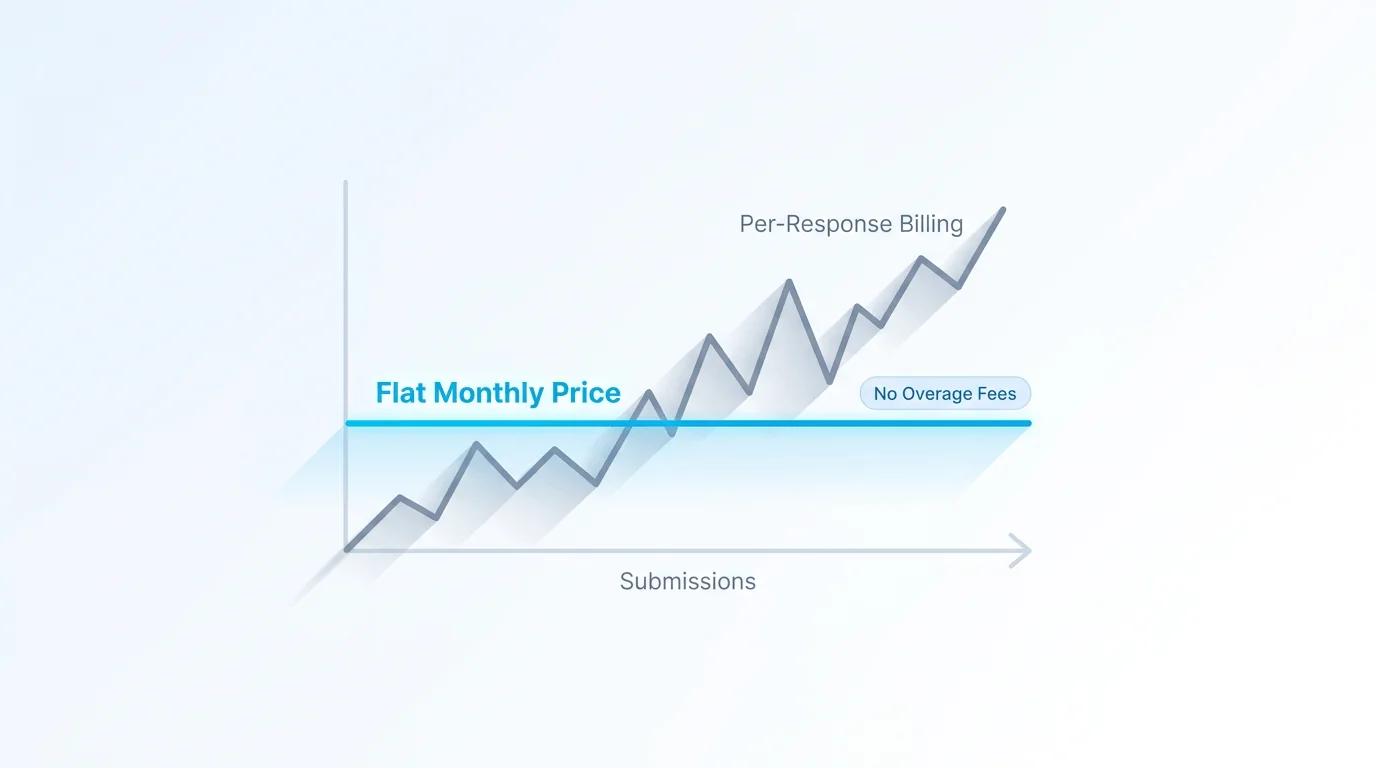
A "cliff" is the moment a plan stops being predictable. On per-response models it usually shows up two ways: a hard wall that silently rejects new responses the instant you cross a quota, or metered overage that bills every response past the limit at a per-unit rate you didn't budget for. Both punish the exact thing you wanted — more responses.
Forms Expert avoids both. When you approach your monthly submission cap, you're prompted to upgrade to the next tier rather than charged an overage. There is no per-response surcharge waiting at the edge of your plan. You decide whether the higher tier is worth it; the platform doesn't make that decision for you by quietly running up a bill.
The Four Tiers and Their Caps
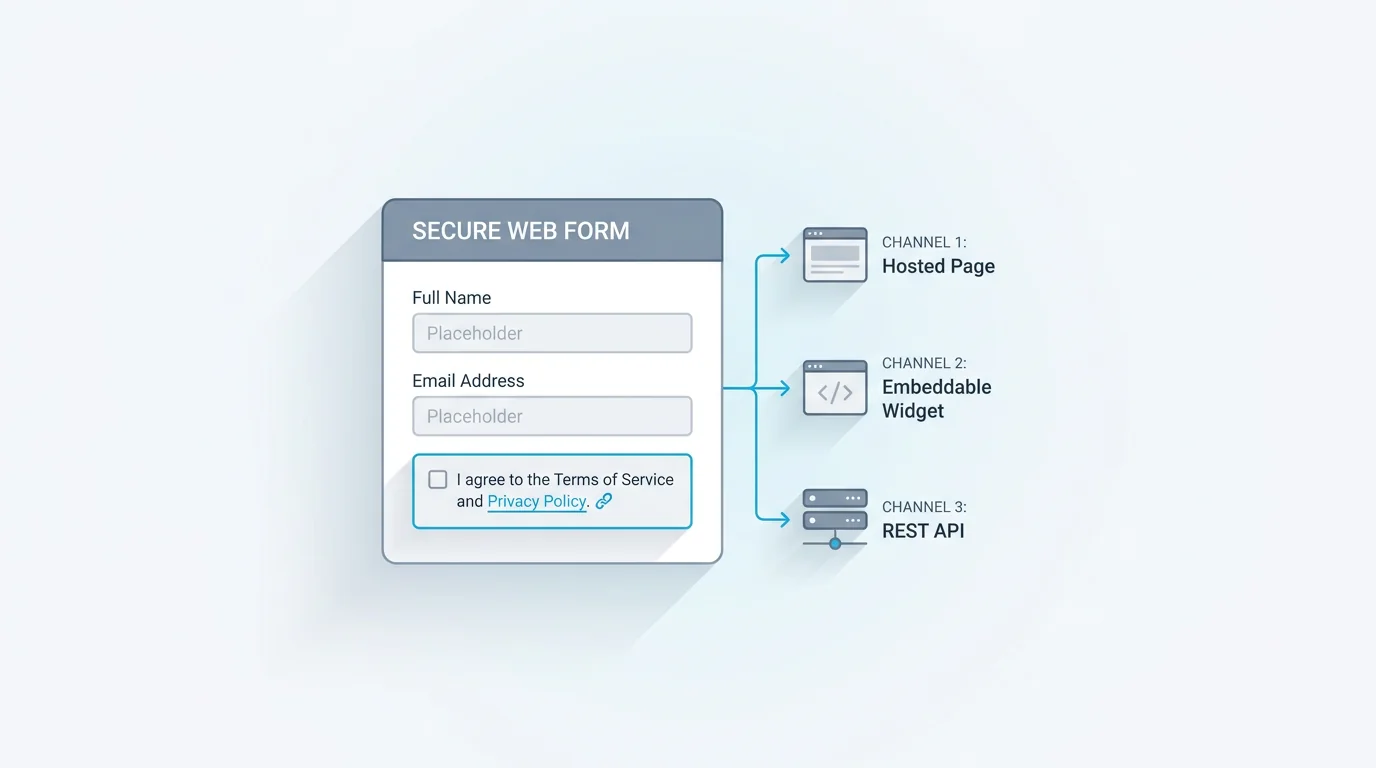
The submission limit is the headline number per tier, and it scales 10x at each step. Custom domains scale alongside it: 0 on Free, then 1, 5, and 20, each verified by a CNAME or TXT record. Every published form, on every plan, ships as a hosted page, an embeddable widget, and a REST endpoint from one definition, so the tier you pick changes your volume and feature depth, not how your forms are delivered.
| Plan | Price / mo | Submissions / mo | Custom domains |
|---|---|---|---|
| Free | $0 | 100 | 0 |
| Starter | $9 | 1,000 | 1 |
| Pro | $29 | 10,000 | 5 |
| Business | $99 | 100,000 | 20 |
Where the tiers differ beyond volume: AI form generation and AI editing — powered by Claude — are bundled from Starter up and off on Free. Deep analytics (per-field stats, NPS, geo and device breakdowns, and the completion funnel) start at Pro, while a basic overview is on every plan. DeepL translation across 30 languages is a Business-plan feature. None of those are metered per response either. Each plan simply includes a given tier's features or it doesn't.
Yearly Billing and the 14-Day Trial
Annual billing is the standard discount: pay yearly and you're billed 10 months instead of 12, so two months are free. Starter lands at $90/year, Pro at $290, Business at $990 — the same flat logic, just front-loaded.
Every paid plan includes a 14-day trial, and Free needs no credit card to start. The trial exists so you can run real forms through the surfaces you'll actually use — the hosted page, the widget, the API — before committing. Because there's no per-response billing, a trial spike doesn't generate a charge you have to watch. The trial is about confirming fit, with no metered risk attached.
Where Per-Response Actually Wins
Flat pricing isn't universally cheaper, and it would be dishonest to pretend otherwise. At very low, irregular volume, pure per-response or pay-as-you-go models can win. If you collect a few dozen responses a quarter and only in bursts, paying a few cents per response can total less than any monthly subscription — including a $9 Starter plan that mostly sits idle.
The Free tier covers a lot of that ground at 100 submissions a month for $0. But if your needs are genuinely tiny and sporadic, and you don't need the paid features, a metered competitor may cost less in raw dollars. Flat pricing earns its keep once volume is steady or growing, or once a single surprise overage would have cost more than the predictable monthly rate. The Typeform alternative comparison digs into how this plays out against response-limited plans specifically.
How to Pick a Tier
Start from your monthly submission volume and round up to the tier that clears it with room to spare. If you're under 100 a month and don't need AI generation, custom domains, or deep analytics, Free is a real plan, not a teaser. Crossing 100, or wanting AI and a custom domain, points to Starter. Need the completion funnel, per-field stats, and NPS, or several domains? That's Pro. High volume or DeepL translation across 30 languages puts you on Business.
Because there's no overage, picking the next tier up when you're close to a cap is the safe move — you'll never be penalized per response for guessing low, you'll just be prompted to upgrade. Run the numbers on the pricing page, or start on Free and grow into a paid tier when the volume is there.
Frequently Asked Questions
It means the price you pay does not change with how many responses you collect inside a tier, and there is no metered overage waiting when you reach the cap. Each plan has a stated monthly submission limit — 100, 1,000, 10,000, or 100,000 — and the monthly price stays flat across that whole range. When you approach the cap, Forms Expert prompts you to upgrade to the next tier rather than billing a per-response surcharge or silently rejecting submissions without warning. The cliff that flat pricing removes is the surprise: with per-response models, a good campaign can produce a bill nobody budgeted for. Here the invoice is the plan price every month, so the cost of growth is a visible upgrade decision rather than an automatic charge.