The short version
- The best form builder depends on the job: a hosted page, an embedded widget, or API-first delivery.
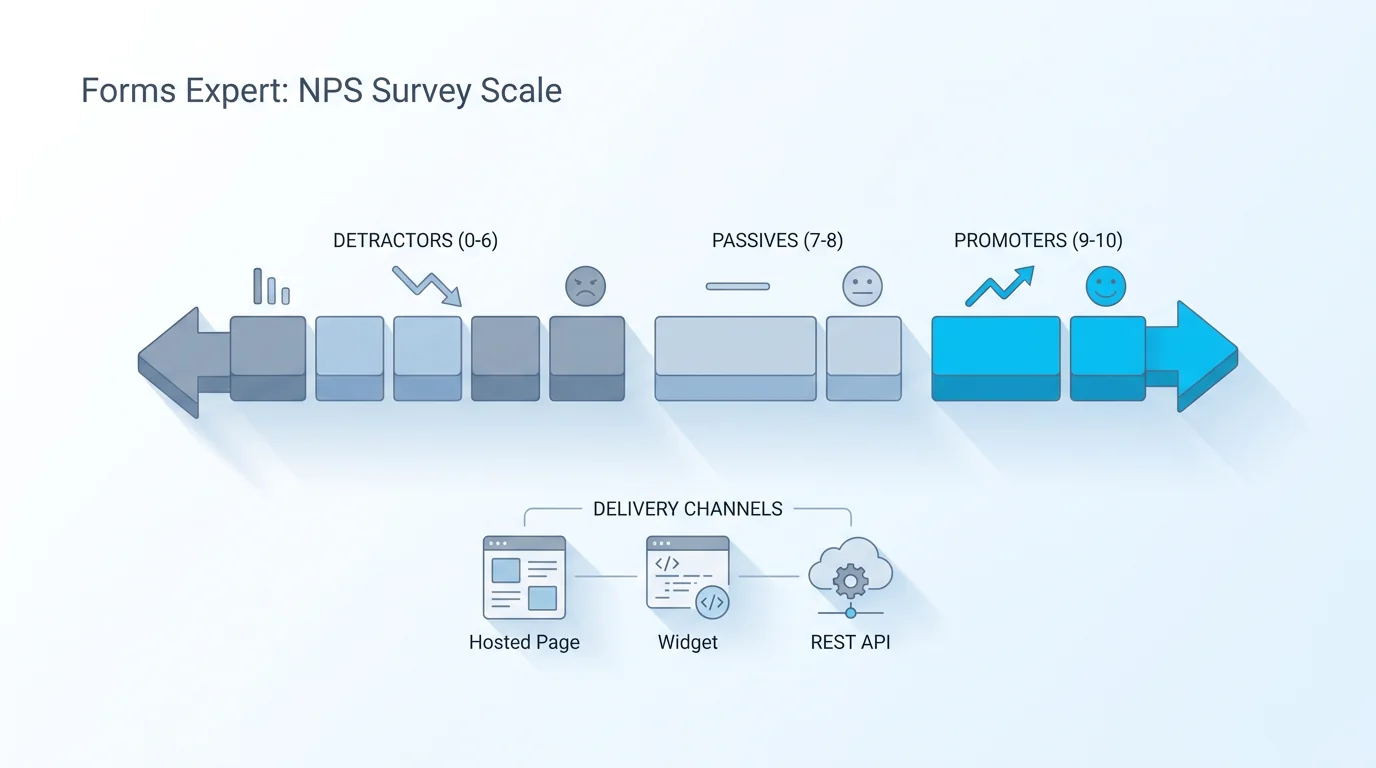
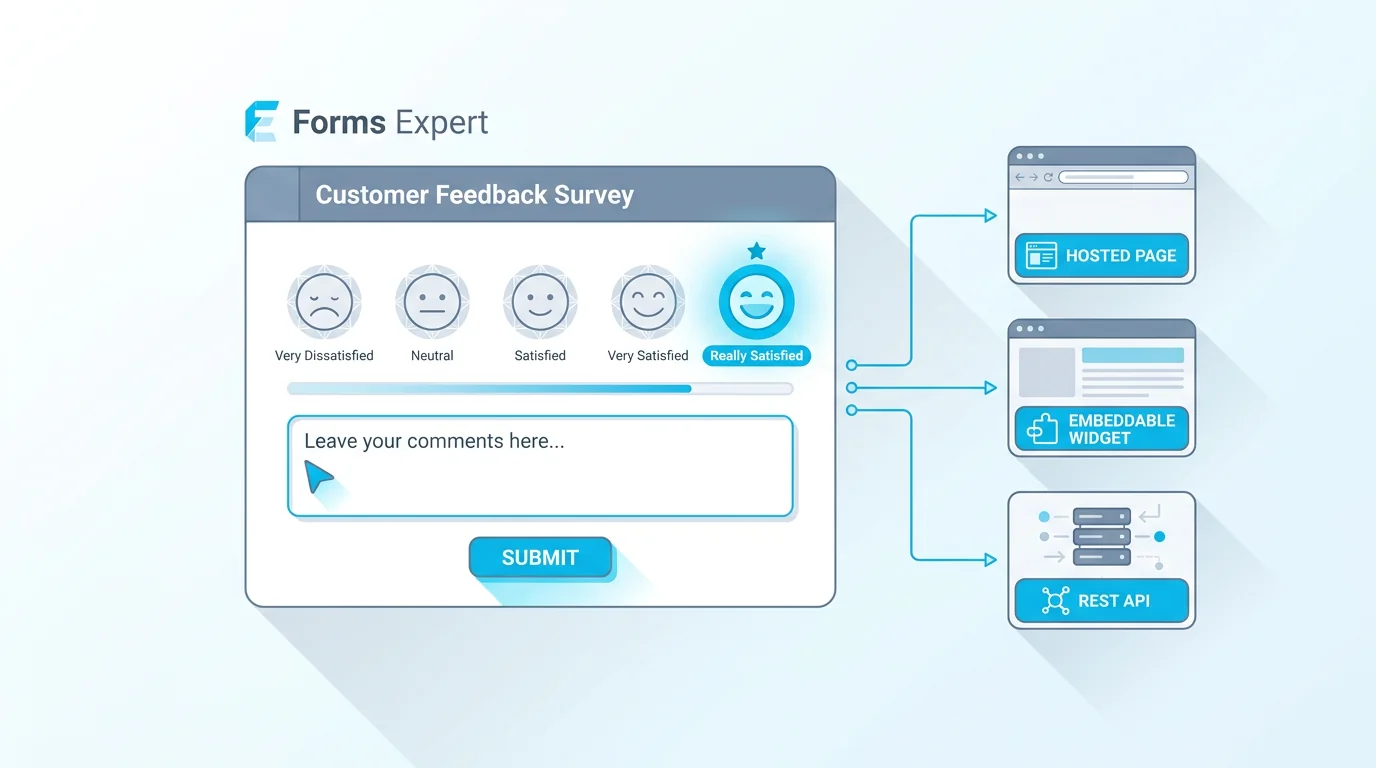
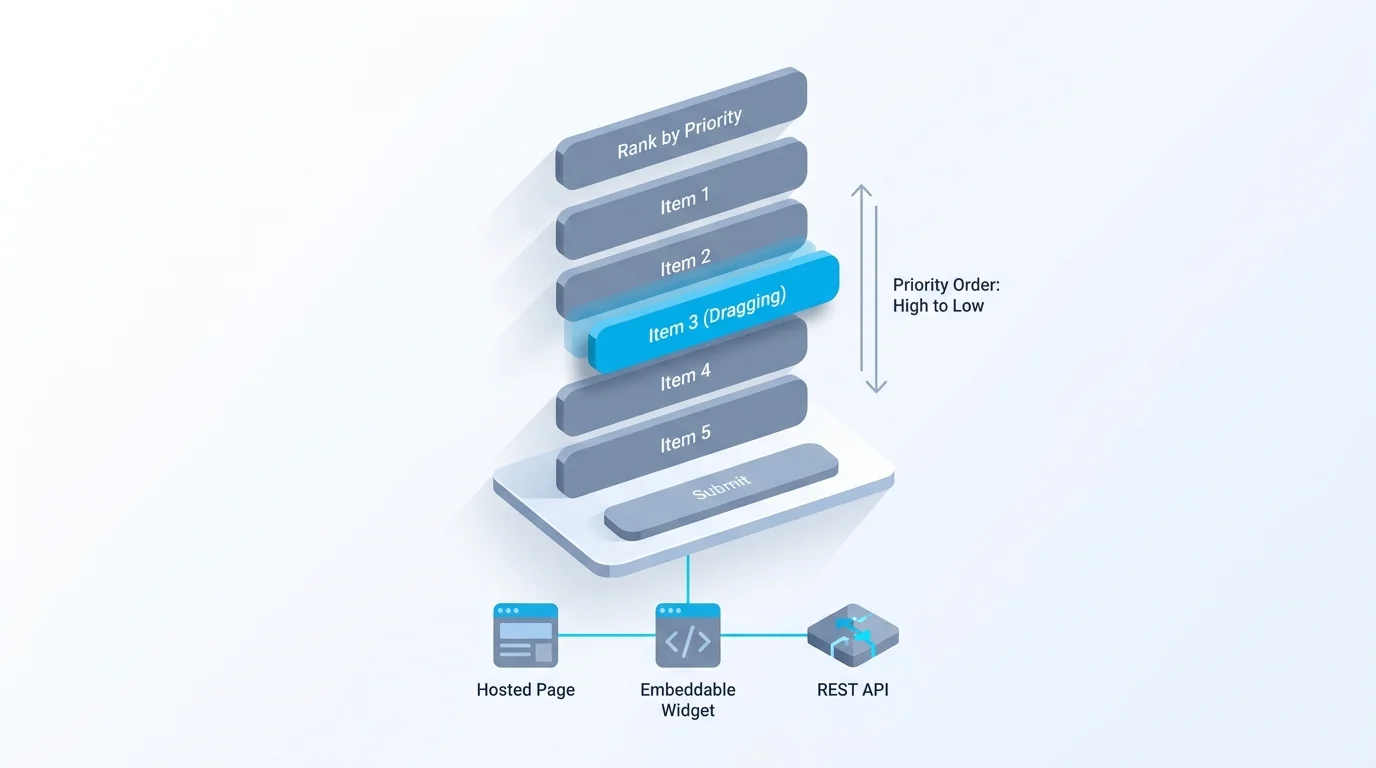
- Forms Expert ships one form definition three ways — a hosted page, an embeddable widget, and a developer API.
- HIPAA and a signed BAA come with every paid plan (Starter $9, Pro $29, Business $99), not just an enterprise tier.
- A published SDK (@forms.expert/sdk: React, Vue, vanilla, plus a CDN build) is the recommended way to integrate.
There's no single best form builder, only the best one for what you're doing. A solo creator collecting RSVPs, a developer wiring forms into an app, and a marketing team running lead gen all want different things, and a tool that's perfect for one is overkill or underpowered for another. This guide compares the leading form builders honestly, with a clear best-for, an honest weakness, and the real price for each, so you can match a tool to your job rather than chase a generic ranking. We build one of these tools, Forms Expert, and we've worked to keep the comparison fair: it's one entry among strong rivals, not the foregone winner.
What Makes a Form Builder the Best
Before ranking anything, it helps to name the criteria, so the verdicts are defensible rather than vibes. Six things separate form builders in practice.
Ease of use is how fast a non-technical person can build and ship a form. Fields and logic cover the range of question types plus conditional logic and multi-step flows. Delivery is how the form reaches people, a hosted page, an embeddable widget, an API, or all three, and it's the most under-appreciated axis. Pricing model matters as much as the price: a flat monthly fee behaves very differently from per-response metering once you get volume. Integrations decide how cleanly responses flow into your other tools. And data ownership and compliance, where your data lives, export options, GDPR consent, HIPAA where relevant, separates serious tools from toys.
Different jobs weight these differently, which is exactly why "best" depends on use case. A designer cares most about ease and polish; a developer cares about delivery and the API; a high-volume team cares about the pricing model above all. The table and reviews below score each tool against these axes so you can weight them for your own situation.
One more axis worth naming separately: support and longevity. A form builder holds data you depend on, so how responsive support is and how stable the company seems matter more than for a throwaway tool. It rarely makes a shortlist on its own, but it's a sensible tiebreaker between two otherwise close options.
On data ownership specifically, since it's the one people forget until it bites: check how easy it is to export everything, whether the tool holds your data hostage on a free plan, and where it's stored. A form builder you can leave cleanly, with your responses in hand, is worth more than a slightly slicker one you'd be locked into. The best tools make export trivial; the riskier ones make it a chore.
The Best Form Builders at a Glance
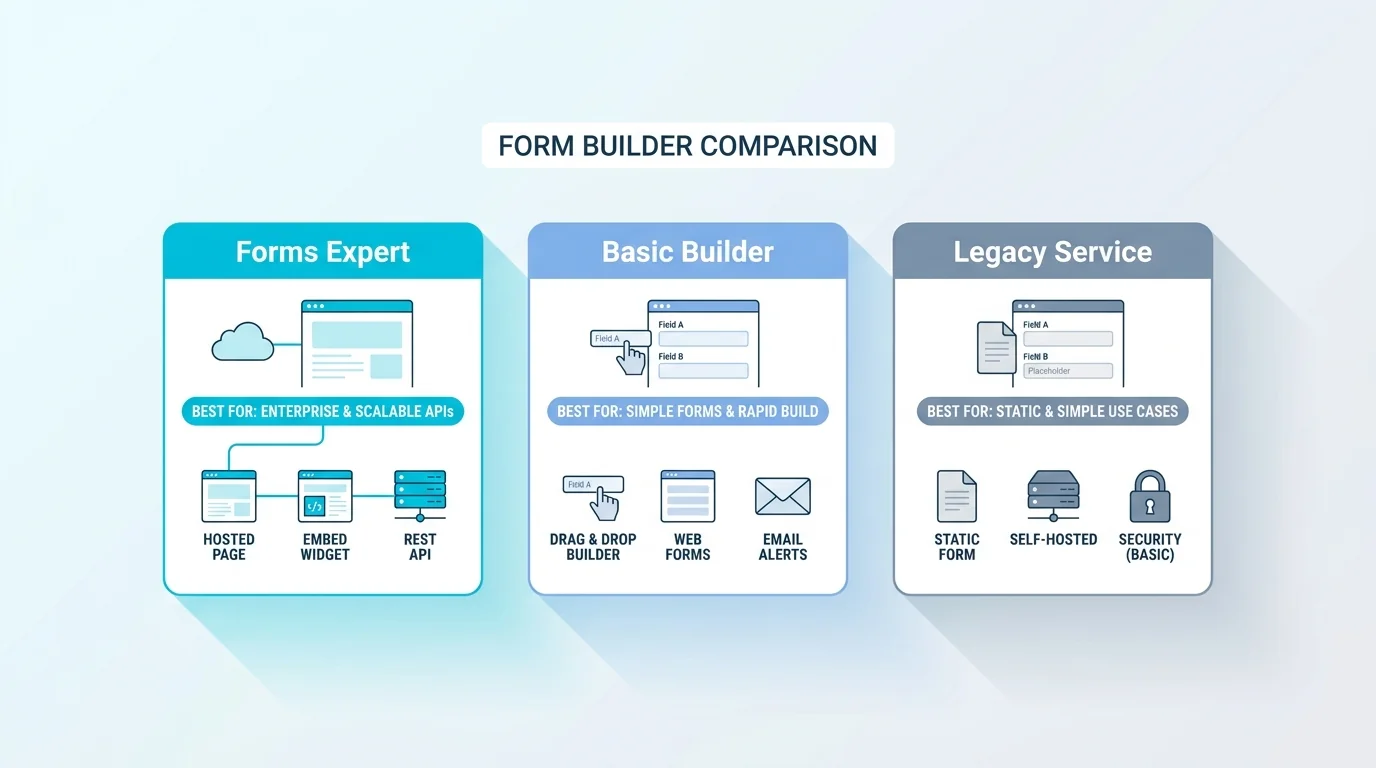
Here's the shortlist in one view. Each row gives the tool's sweet spot, its free plan, the thing it does best, and an approximate 2026 US price, so you can scan for a fit before reading the detail. Prices are starting paid tiers and should be verified on each vendor's site.
The pattern to notice is that the strongest tools each own a different corner: Google Forms owns free-and-simple, Typeform owns design, Jotform owns breadth, Tally owns the free tier, and the rest compete on specific strengths. There's no universal winner in the table, which is the honest takeaway.
A note on reading the prices: they're starting points, and the gap between a tool's headline price and what you'll actually pay at your volume is where the real comparison lives. A cheap-looking metered plan can cost more than a flat one once submissions add up, which is why the pricing-model column matters as much as the number.
| Form builder | Best for | Free plan | Standout | Approx. price (2026, US) |
|---|---|---|---|---|
| Google Forms | Free + the Google ecosystem | Yes, generous | Sheets integration, zero signup friction | Free |
| Typeform | Conversational, design-led forms | ~10 responses/mo | One-question-at-a-time experience | ~$25–99/mo (volume-metered) |
| Jotform | Template + widget breadth, payments | 100 subs/mo | 10k+ templates, HIPAA option | $0 / ~$34 / ~$39 / ~$99 |
| Tally | The most generous free tier | Fair-use unlimited | Unlimited forms and submissions free | $0 / ~$29 / ~$89 |
| Fillout | Generous free + integrations | 1,000 subs/mo | Airtable and CRM integrations | $0 / $15 / $40 / $75 |
| Forms Expert | One form as page, embed, and API | 100 subs/mo | Hosted + auto-resizing embed + REST API | $0 / $9 / $29 / $99 |
The Best Form Builders, Reviewed
The detail behind the table. Each tool gets a fair best-for and an honest weakness, because every one of these has both.
Google Forms — best for free and the Google ecosystem. It's genuinely free, requires no real setup, and pipes responses straight into Google Sheets, which is unbeatable for a quick internal survey or RSVP. The weakness is that it's basic: limited design control, no real API, and an embed that doesn't resize cleanly. For anything customer-facing or technical, you'll outgrow it, but for free-and-fast it's hard to beat.
Typeform — best for conversational, design-led forms. Its one-question-at-a-time experience genuinely lifts completion on the right kind of form, and the design polish is the category benchmark. It also has a real React embed library and broad AI features. The honest weakness is pricing: it's volume-metered, the free plan is tiny (around ten responses a month), and costs climb quickly as responses grow, with partial completions counting.
Jotform — best for template and widget breadth, plus payments. With 10,000+ templates, a huge widget library, payment integrations, and a HIPAA option, it covers an enormous range of use cases out of the box. The trade-off is that the most generous submission limits and real team access sit in the higher, enterprise-priced tiers, so the breadth comes with a pricing ladder.
Tally — best for the most generous free tier. Tally offers unlimited forms and submissions on a fair-use free plan, which is remarkable, and its Notion-like editor is pleasant. The weaknesses are lighter built-in analytics and that some advanced features (like AI) lean on external tools, but for free-and-capable it's a standout.
Fillout — best for a generous free allowance plus integrations. A 1,000-submission free tier and strong integrations with Airtable and CRMs make it a favourite for people who live in those tools. Its gaps are built-in translation and consent, which you'd add elsewhere if you need them.
Cognito Forms — best for free volume with real logic and payments. It offers a notably generous free allowance, genuine conditional logic and calculations, and built-in payment fields, which makes it punch above its weight for small businesses. The weakness is a more dated interface than the design-led tools, but on capability-per-dollar it's strong.
Paperform — best for content-rich, page-like forms. Paperform blurs the line between a form and a landing page, letting you build something that reads like content with fields woven in, which suits bookings, orders, and rich sign-ups. The trade-offs are a higher price point and a smaller integration ecosystem than the category leaders.
Forms Expert — best for shipping one form three ways. This is the tool we make, so read it with that in mind. Its distinguishing feature is delivery: a single form definition ships as a hosted page, an auto-resizing embeddable widget, and a REST API at once, and there's a published SDK (@forms.expert/sdk on npm, with React, Vue, and vanilla builds plus a CDN) for developers. It also includes a GDPR consent module, AI form generation and editing, per-field analytics on Pro and up, and DeepL translation into 30 languages on the Business tier. Pricing is flat ($0 / $9 / $29 / $99) with no per-response cliff. The honest weaknesses: the free tier is capped at 100 submissions a month, it is not HIPAA certified, and translation is a Business-tier feature, so it's the wrong pick if you need free volume, HIPAA, or cheap translation. Where it wins is the triple-delivery wedge and predictable flat pricing, covered in our note on why we don't bill per response.
None of these verdicts is the last word, and the right pick changes with how you weight the criteria above. A tool that's a weak fit for one team is the obvious choice for another, which is the whole point of comparing by use case rather than crowning a single best.
Best Form Builder by Use Case
The ranking flips depending on the job. Here's the best pick by common use case.
For developers and APIs: you want a real REST API and ideally an SDK, which is where Forms Expert (every form is also a REST endpoint, with the published @forms.expert/sdk) and Fillout lead, and where Google Forms falls short. For WordPress: native plugins like WPForms or Gravity Forms are purpose-built for the WordPress admin and database, and are usually the right call there, while a hosted tool works via embed. For Shopify or Wix: a native app or the platform's own form block is the smoothest path, with hosted embeds as a flexible alternative. For lead capture: flat pricing matters because lead volume is unpredictable, which favours tools that don't meter per response, and a fast embed plus routing into your CRM. For surveys: Typeform and Tally shine on experience and free volume respectively, and we compare the survey-specific options in best survey tools.
The meta-point: don't pick the highest-ranked tool overall, pick the one that wins your row. A team doing lead capture and a developer wiring an app will rightly choose differently, even from the same shortlist.
A couple more niches worth flagging. For payments and order forms, Jotform and Cognito Forms have the most mature built-in payment fields, while a hosted form plus a dedicated checkout works elsewhere. For non-technical teams that want polish fast, Typeform and Paperform lead on out-of-the-box design. Matching the niche to the tool beats forcing a generalist to do a specialist's job. And if you're switching from one tool to another, factor in migration: moving forms and historical responses between builders ranges from trivial to painful, so a tool you can both import into and export from cleanly lowers the cost of ever changing your mind.
Best Free Form Builder
If free is the deciding factor, three tools stand out, and it's worth being honest that Forms Expert isn't the leader here. Tally has the most generous free tier, with unlimited forms and submissions under fair use, which is hard to argue with. Google Forms is genuinely free for unlimited use within the Google ecosystem. And Fillout offers a solid 1,000 submissions a month free with its integrations.
For context, Forms Expert's free plan is capped at 100 submissions a month, which is fine for trying it out or a low-volume form, but it's not competing to be the best free option, its strengths show up on the paid tiers and the delivery model. So if maximum free volume is your priority, start with Tally or Google Forms. A fair guide should say that plainly rather than steer you to the tool it makes.
One caveat on free tiers generally: read the fair-use and feature fine print, not just the headline. So-called unlimited free plans usually have soft limits or hold back features like removing branding, and a generous submission cap can still gate the integration or analytics you actually need. Free is a great place to start and a poor place to assume, so test your real use case before committing.
It's also worth distinguishing free-forever from free-trial. Some tools advertise a free plan that's really a limited trial nudging you to upgrade, while others like Tally and Google Forms are genuinely free to run indefinitely. If you need a free form for the long haul, favour the genuinely-free options; if free is just for evaluation, a trial-style free tier on a more powerful tool can be the better test.
How to Choose the Best Form Builder for You
Cut through the list with a few questions. What's your volume, and how will it grow? If it's high or unpredictable, weight the pricing model heavily, flat beats per-response metering once volume climbs, which is the trap people fall into with conversational tools. How will the form reach people? A hosted link, an embed, an API, or all three, this delivery question narrows the field fast. Who's building it? A non-technical team values polish and templates; a developer values the API and SDK. Any compliance needs? GDPR consent, data residency, or HIPAA will rule some options in or out immediately.
Answer those four and the shortlist usually collapses to one or two.
A quick worked example: a small agency doing client intake and lead capture, moderate volume, a non-technical team, and a hard need for GDPR consent. Volume is moderate and may spike, so flat pricing is safer than metered; delivery is a website embed; the team wants templates and polish; and consent is non-negotiable. That points at a hosted builder with flat pricing, a clean embed, and a built-in consent step, and away from a metered conversational tool or a bare free form. Run your own situation through the same four questions and the answer usually falls out. If you want the buyer's-guide version with more depth, see best online form builder, and if you specifically need a Typeform, Jotform, Google Forms, or Tally alternative, we keep honest side-by-side pages for each (Typeform, Jotform, Google Forms, Tally). The right answer is the tool that wins your specific row, not the one with the longest feature list.
And don't take any single source's word for it, including ours. Independent review aggregators like G2 and Capterra collect thousands of user ratings across these tools, and skimming the recent reviews for your use case is a good sanity check against any vendor's own framing, ours included. Combine a shortlist like this with real user reviews and a quick hands-on trial, and you'll land on the right tool with confidence. Whatever you choose, you can almost always start on a free plan or a trial, so treat the first week of real use as the deciding test, not the comparison table alone.
Frequently Asked Questions
It depends on your use case, there's no single winner. For free and simple, Google Forms or Tally lead. For conversational, design-led forms, Typeform is the benchmark. For template breadth and payments, Jotform is hard to beat. For shipping one form as a hosted page, an embed, and a REST API with flat pricing, Forms Expert is built for that. The honest answer is to start from what you're doing, your volume, how the form reaches people, who's building it, and any compliance needs, and pick the tool that wins that specific row rather than chasing a generic top spot.