Searching for the best online form builder turns up a dozen listicles that all rank the tools slightly differently, which tells you the real answer: it depends on what you need. This is a buyer's guide rather than a ranking, it walks through the six factors that actually decide the right tool for you, gives a compact shortlist, and names the best pick by need. We make one of these tools, Forms Expert, and we've kept this neutral: it's one option weighed on the same criteria as the rest, with its weaknesses named alongside its strengths.
What Is an Online Form Builder
An online form builder is a no-code tool for creating forms and publishing them, as a hosted page, an embeddable widget, an API endpoint, or some combination, without writing the form yourself. You design the fields and logic in a visual editor, hit publish, and the tool handles collecting, storing, and routing the responses.
The category spans a wide range. At one end are free, simple tools for quick internal forms; at the other are developer-grade platforms with APIs and integrations. They differ less in whether they can make a form, almost all can, and more in how they price it, how it reaches people, what happens to the data, and how deep the logic goes. Those differences are exactly the buying criteria, which is why a guide that helps you decide beats a ranking that decides for you. If you want the full per-tool listicle instead, our best form builders roundup reviews each one; this guide is about how to choose.
It's worth noting how much the category has matured. A few years ago, online form builders were mostly survey tools with a publish button; now the strong ones are closer to small platforms, with APIs, consent modules, AI generation, and real integration ecosystems. That maturity is good news and a complication: more tools clear the basic bar, so the decision has shifted from which one can do this to which one fits how I work and what I'll pay over time. The six factors below are how you answer that newer question.
For this guide, online just means the tool is web-based and hosted for you, you build in a browser and publish to the web, as opposed to a desktop app or a hand-coded HTML form. Nearly all modern form builders are online in that sense, so the word mostly signals the convenience of not running your own infrastructure.
How to Choose the Best Online Form Builder
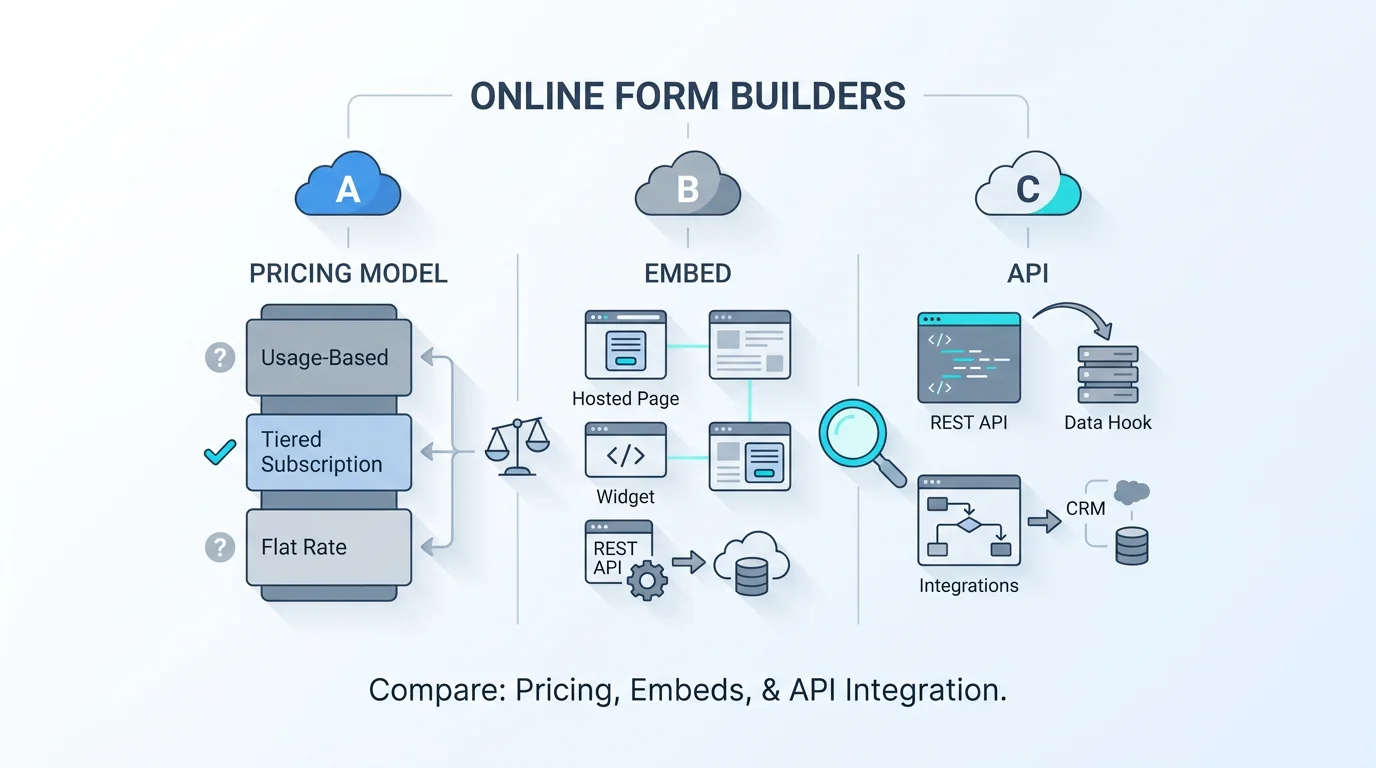
Six factors decide the right tool. Weight them for your situation and the field narrows fast.
1. Pricing model, not just price. This is the one people underweight and regret. A flat monthly fee and a volume-metered or per-response plan can have the same headline number and wildly different bills once submissions grow. Metered pricing punishes success, the better your form does, the more you pay, sometimes steeply, so for anything with unpredictable or growing volume, a flat model is safer. It's the reasoning behind our note on why we don't bill per response.
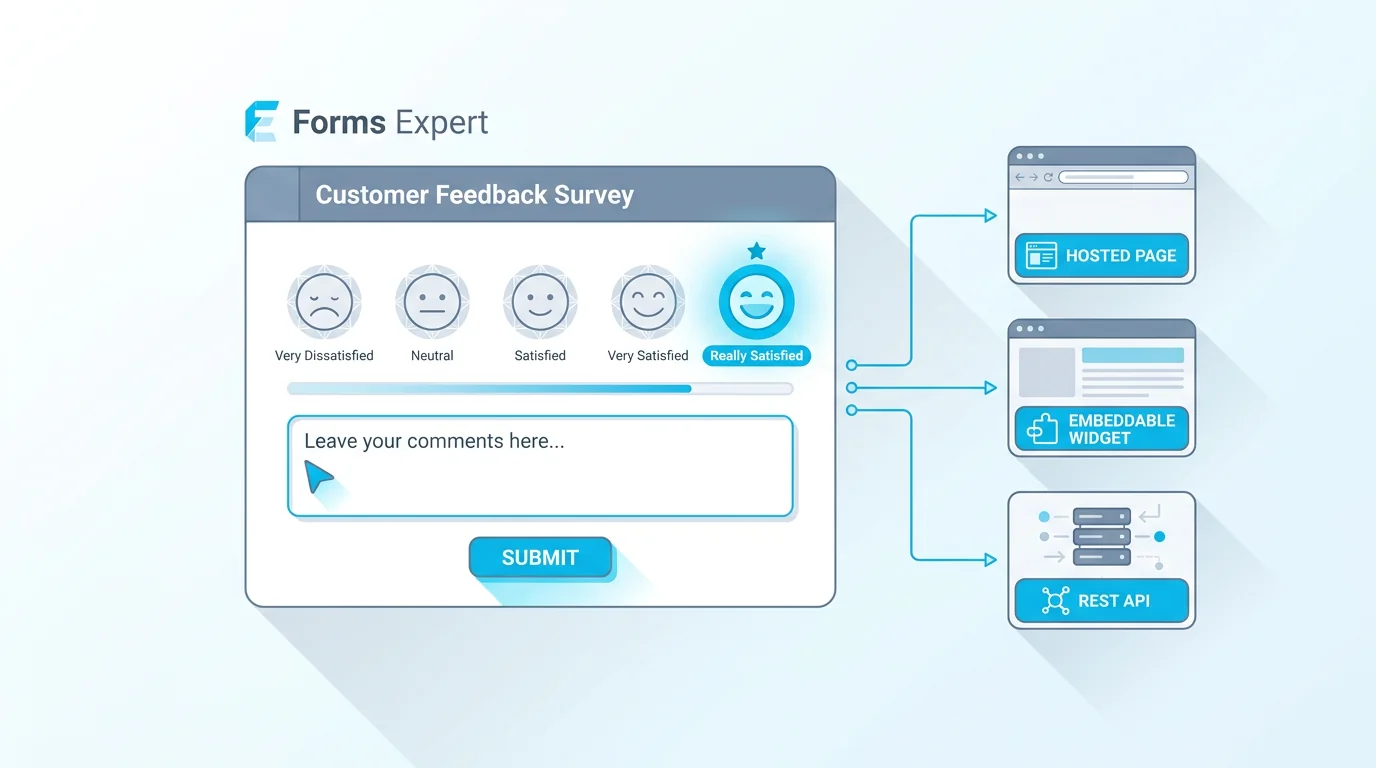
2. Delivery: hosted, embed, or API. How will the form reach people? A hosted link is simplest; an embed puts the form on your own site (check that it auto-resizes, a fixed-height iframe with a scrollbar is a common annoyance); an API lets you wire forms into an app. Some tools do one well, some do all three. Match this to where your form actually lives.
3. Free-tier reality. "Free" means very different things. Read the actual cap, submissions per month, number of forms, whether branding is removed, before assuming a free plan fits. A generous free tier (Tally, Google Forms) can be all a small project needs; a token free tier is really a trial.
4. Data ownership, export, and consent. Where does your data live, how easily can you export everything (CSV, JSON, a real download), and does the tool support GDPR consent if you need it? A builder you can leave cleanly, data in hand, beats a slicker one that locks you in. For the compliance angle, our GDPR-compliant forms guide covers what to look for.
5. Logic, fields, and depth. Conditional logic, multi-step flows, and the range of field types decide whether the tool can handle your actual form or just a simple one. If your forms branch or span multiple steps, test this before committing.
6. Integrations and notifications. How do responses get to you and your other tools, email, webhooks, a CRM, a spreadsheet? The cleanest tool in the world is frustrating if every response has to be checked manually in its dashboard.
A word on weighting these six: you don't score them equally. Decide which two or three are make-or-break for you and let those drive the choice, treating the rest as tiebreakers. A developer might weight delivery and integrations heavily and barely care about templates; a non-technical small team might weight free-tier and ease above all. Writing down your top two factors before you start comparing is the single most useful thing you can do, it stops a slick demo from talking you into the wrong tool.
And a note on what to deprioritise: raw feature counts. A tool with two hundred field types isn't better than one with the thirty you'll actually use, and a long integration list means little if it's missing the one integration you need. Count the features that matter to your job, not the total, since vendors compete on length because it photographs well in a comparison table.
The Best Online Form Builder Picks at a Glance
A compact shortlist, scored on the factors above. This isn't an exhaustive ranking, it's a starting set of strong options, each best for a different buyer. Prices are approximate (2026, US) and should be verified on each vendor's site.
Notice that the table is sorted by who each tool suits, not by an overall score, because there isn't a single winner. Tally wins on free volume, Typeform on design, Jotform on breadth, and so on. Find the row that matches your priorities.
Two cautions on reading any shortlist, including this one. First, the prices are starting points; the real number depends on your volume and which features you need, so a tool that looks cheap can cost more at scale. Second, no shortlist replaces a quick hands-on trial: build your actual form in your top two candidates and you'll learn more in twenty minutes than from any table.
This shortlist deliberately stops at six. There are more capable tools (Cognito, Paperform, Formstack, and others each have their fans), but a buyer's guide is more useful when it gives you a manageable set to evaluate than an exhaustive list to wade through. Treat these as strong starting candidates, and widen the search only if none fits your top factors.
| Tool | Best for | Pricing model | Free plan |
|---|---|---|---|
| Tally | Maximum free volume | Flat | Fair-use unlimited |
| Google Forms | Free + the Google ecosystem | Free | Generous |
| Typeform | Conversational, design-led forms | Volume-metered | ~10/mo |
| Jotform | Templates, payments, HIPAA option | Tiered by submissions | 100/mo |
| Fillout | Free allowance + integrations | Tiered | 1,000/mo |
| Forms Expert | Hosted + embed + API, flat pricing | Flat | 100/mo |
Best Online Form Builder for Common Needs
The best pick flips by need. Here's the shortcut for the common ones.
For free: Tally has the most generous free tier (unlimited forms and submissions under fair use), and Google Forms is genuinely free within the Google ecosystem. If free volume is the priority, start there. For small business: the deciding factor is usually predictable cost plus easy delivery, which favours flat-priced tools with a clean embed and CRM-friendly routing, so you're not surprised by a metered bill as you grow. For a database or backend: be precise about what you mean, most form builders give you a submissions table plus exports (CSV, JSON, XLSX) and an API or webhooks to push data into your own database, rather than a hosted relational database of their own. If you want responses flowing into your system, prioritise a real API and webhooks. For developers and APIs: you want a genuine REST API and ideally an SDK; Forms Expert (every form is a REST endpoint, with the published @forms.expert/sdk for React, Vue, and vanilla) and Fillout fit, while Google Forms doesn't. For conversion and design: Typeform's one-question-at-a-time experience leads, with the others trailing on polish.
The pattern, again: pick the tool that wins your need, not the one with the highest overall ranking. A small business optimising for predictable cost and a developer optimising for an API will rightly choose differently.
A few more quick verdicts. For surveys, weight question variety and completion experience, which favours Typeform and dedicated survey tools. For high volume, the pricing model dominates everything else, a metered plan that's fine at a hundred submissions can be punishing at a hundred thousand, so flat pricing wins. For non-technical teams, ease of use and templates outrank raw capability, since the best tool is the one your team will actually use without help. And for forms that handle sensitive or regulated data, compliance moves to the top of the list. Prioritise tools with real consent handling and clear data-export and residency options, and treat HIPAA as a hard filter if you process health data, since only some tools offer it. For the general privacy angle, a tool with a built-in GDPR consent step saves you bolting on a second service just to collect lawful consent.
Where Forms Expert Fits
Since we make Forms Expert, here's an honest placement rather than a sales pitch. It's the right pick for a specific buyer: someone who wants to ship one form three ways, as a hosted page, an auto-resizing embed, and a REST API, on flat pricing that won't spike with volume. The delivery model is the real differentiator, and the published SDK (@forms.expert/sdk on npm, with React, Vue, and vanilla builds plus a CDN) makes the developer path clean.
It's also clearly not the right pick for everyone, and a neutral guide should say so. It is not the cheapest, the free plan is capped at 100 submissions a month (Starter 1,000, Pro 10,000, Business 100,000; forms run 3 / 10 / 50 / unlimited by tier), so Tally or Google Forms win on free. It is not the most template-rich, Jotform's library dwarfs it. It is not HIPAA certified, so regulated health data is out. And on the database question, it gives you a submissions table, CSV/JSON/XLSX export, a REST API, and signed webhooks, not a hosted relational database, so if you need a true database product, pair it with your own.
Where it does win is the triple-delivery wedge plus flat, predictable pricing, with a GDPR consent module, AI form generation, and DeepL translation into 30 languages (on the Business tier) included rather than bolted on. If that buyer profile is you, it's a strong fit; if free volume, templates, or HIPAA is your priority, one of the others above is the better call.
To put it plainly: choose Forms Expert for the delivery model and predictable pricing, not because it tops a generic ranking, because it doesn't try to. It's a focused tool for a specific buyer, and a guide that pretended otherwise wouldn't be worth trusting on any of the other tools either.
The Short Answer
If you want the recommendation in a sentence per buyer: pick Tally or Google Forms if free volume matters most; Typeform if conversational design and completion rate are the priority; Jotform if you need templates, payments, or a HIPAA option; Fillout if a generous free tier plus Airtable and CRM integrations fit your stack; and Forms Expert if you want one form delivered as a hosted page, an embed, and an API on flat pricing.
The honest meta-answer is that the best online form builder is the one that matches your weighting of the six factors, run your own situation through pricing model, delivery, free tier, data ownership, logic, and integrations, and the shortlist usually collapses to one or two. For the full per-tool detail, see best form builders; for a direct head-to-head of two popular free options, see Typeform vs Google Forms. And if you're specifically evaluating against a tool you already know, our honest Typeform and Google Forms comparison pages lay out the trade-offs side by side.
Finally, sanity-check any shortlist against independent user reviews. Aggregators like G2 and Capterra collect thousands of ratings across these tools, and skimming the recent ones for your use case is a good counterweight to any vendor's framing, ours included. Pair this guide's framework with real reviews and a short trial, and you'll choose with confidence rather than guesswork. One last reframe before you start comparing: the goal isn't to find the objectively best online form builder, because there isn't one, it's to find the one that fits your two or three most important factors at a price you can predict. Get those right and almost any of the shortlisted tools will serve you well; get them wrong and even the highest-rated tool will feel like a poor fit. Decide what matters to you first, and the comparison does itself.
Frequently Asked Questions
There's no single best one, it depends on how you weight six factors: the pricing model (flat versus metered), how the form is delivered (hosted page, embed, or API), the free-tier reality, data ownership and consent, the depth of logic and fields, and integrations. For free volume, Tally and Google Forms lead; for conversational design, Typeform; for templates and payments, Jotform; for a free allowance plus integrations, Fillout; and for shipping one form as a page, an embed, and an API on flat pricing, Forms Expert. Start from your priorities rather than a generic ranking, and the right tool usually becomes obvious.