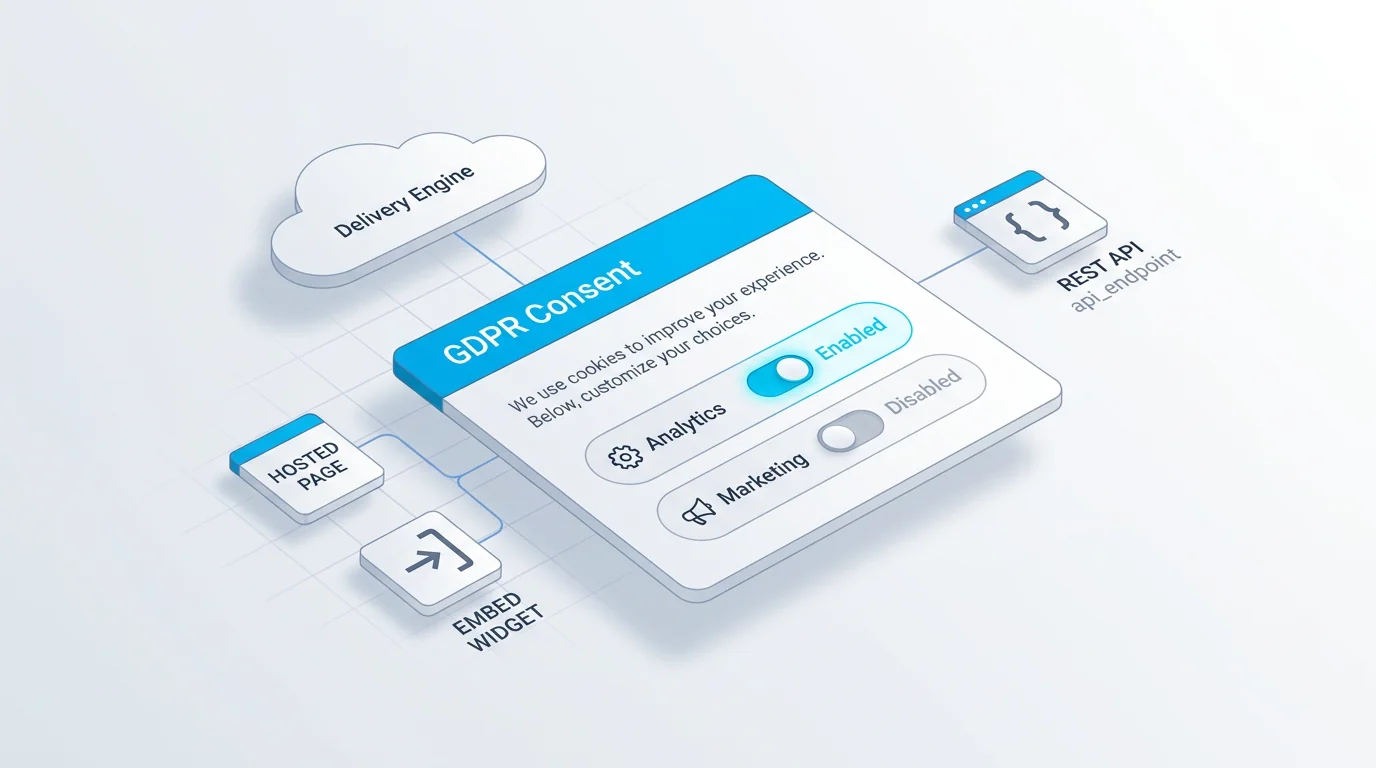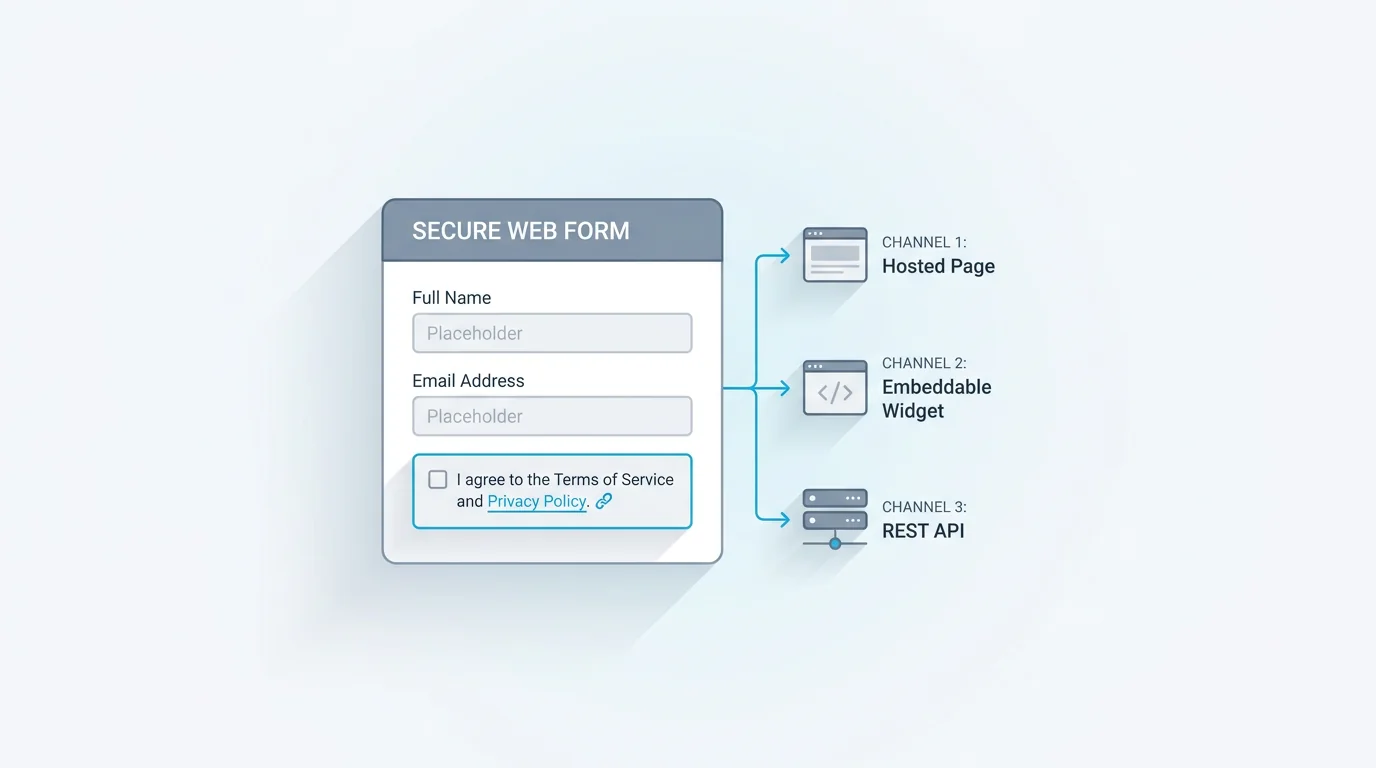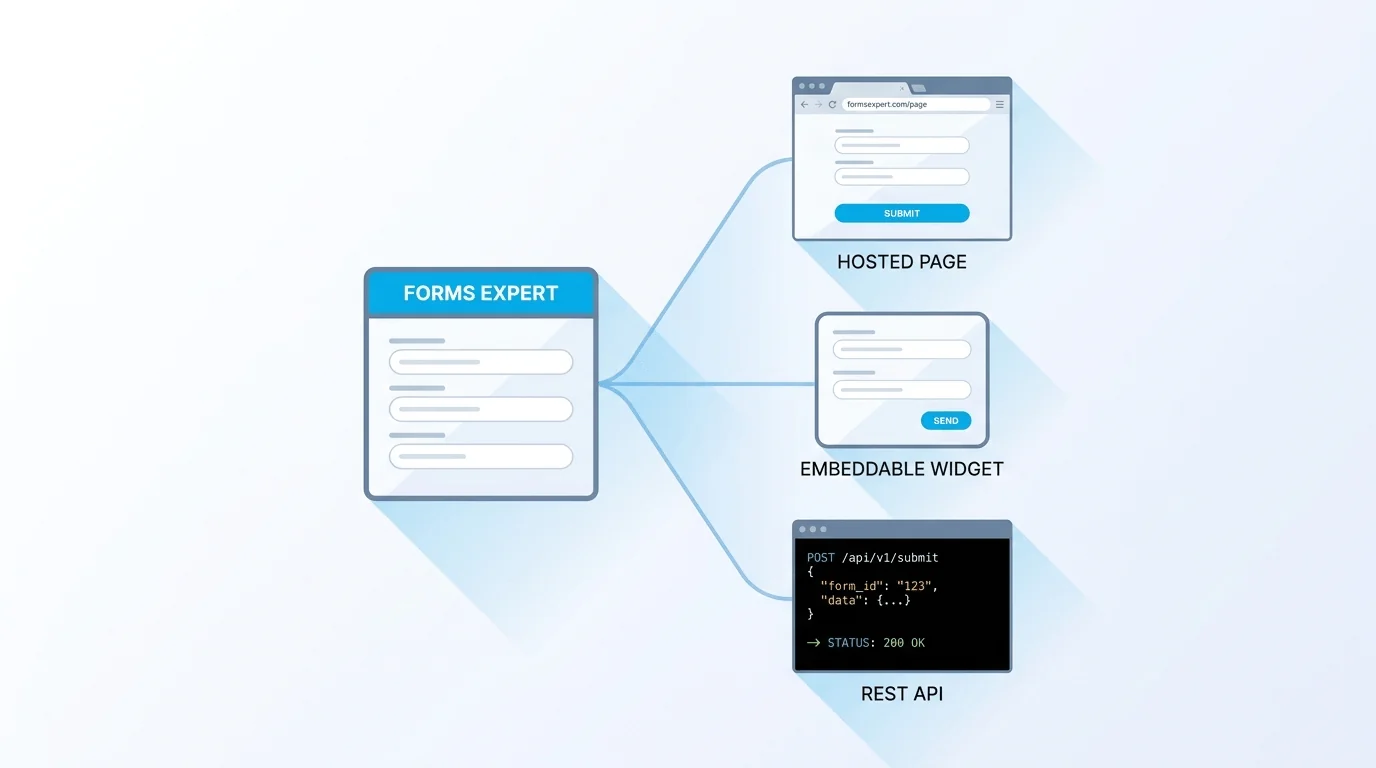
A campaign form starts life as a hosted page. Three weeks later it needs to live inside the product as a widget, and a backend job needs to post to it too. In Forms Expert, that progression isn't three builds — it's one definition, three surfaces, selected per form by a single field.
The Type Field
Every form carries a type that decides how it ships. It takes one of four values:
- hosted — a standalone page at /h/{slug}.
- embed — an auto-resizing widget at /e/{slug}.
- api — an API-only form, with no hosted or embed UI.
- both — a hosted page and an embeddable widget from the same definition.
Because the surface is a property of the form rather than a separate build, changing how a form ships is a one-field edit that leaves the form's logic untouched.
The Fourth Surface: a Universal REST Endpoint
There is a fourth surface that is not a type value at all. Every published form also accepts programmatic submissions at a REST endpoint, authenticated with a publishable key:
So a both form is, at the same time, a hosted page, an embeddable widget, and a REST endpoint. The type field selects which UI surfaces are provisioned; the submission endpoint is always there.
Why It Matters
The practical payoff is that a marketer can embed the form on a campaign site while a developer posts to the same form from a backend job — both hit the same endpoint, and neither keeps a separate copy. For embedding, the recommended path is the published SDK, @forms.expert/sdk (npm install @forms.expert/sdk, or load it from https://unpkg.com/@forms.expert/sdk). It ships React (@forms.expert/sdk/react), Vue, and vanilla-JS bindings, renders the form inline rather than in an iframe, and exposes theme, language, and submission callbacks (onSuccess/onError). If you'd rather avoid a dependency, the raw widget at /e/{slug} reports submissions through postMessage and auto-resizes with its content, and the REST endpoint lets a backend call the form directly with fetch.
Delivery Is Built In
Once a submission lands, Forms Expert routes it to the destinations you configure — email, Telegram, and signed webhooks that retry up to five times with exponential backoff. On the Pro plan and up, a completion funnel shows where people drop off, alongside per-field stats and NPS. None of this requires exporting data or wiring a separate analytics tool.
Wrapping Up
The type field is small, but it carries the whole promise: it is the reason a form can move from a landing page to an in-app embed to a backend integration without anyone rebuilding it. If flat pricing and triple delivery matter more to you than a conversational survey UX, the Typeform alternative comparison goes deeper.
Frequently Asked Questions
The type field is a single property on every form that decides how that form is delivered. It takes one of four values: hosted (a standalone page at /h/{slug}), embed (an auto-resizing widget at /e/{slug}), api (an API-only form with no public UI), or both (a hosted page and an embeddable widget from the same definition). Because delivery is a property of the form rather than a separate build, switching surfaces is a one-field edit instead of a rebuild. The same field schema, validation, conditional logic, and consent settings apply no matter which surface a respondent uses.