A webhook is a promise: when something happens here, we will tell your server about it there. The trouble is that the public internet is hostile to promises. Servers restart, deploys cycle, a proxy hiccups for two seconds. A webhook that fires once and gives up turns every transient blip into lost data. This guide covers how webhook form notifications work in Forms Expert — how each request is signed so you can trust it, and how delivery retries so a momentary outage on your side does not silently drop a submission.
Webhooks Among the Notification Channels
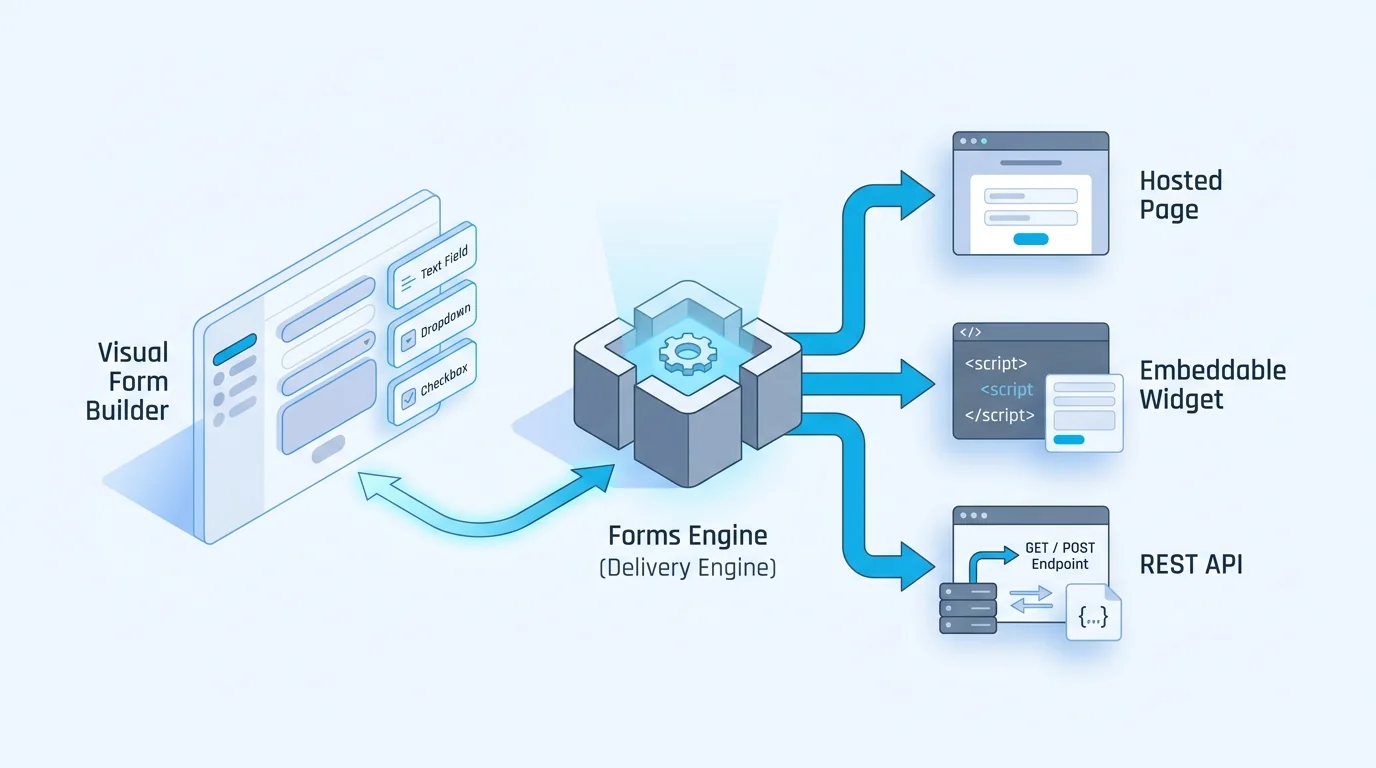
When a submission lands, Forms Expert can route it to three notification channels: email, Telegram, and signed webhooks. That is the complete list — there is no Slack channel, so if your team lives in Slack you point a webhook at an inbound integration and let Slack render it on its end.
Email and Telegram are for humans. Webhooks are for machines: they are how you wire a submission into a CRM, a database write, a queue, or any backend job. Because a webhook is consumed by code, two properties matter more than anything else — that the request is authentic (it really came from Forms Expert) and that it is durable (a brief failure does not lose it). The next sections cover each.
The Signature Header
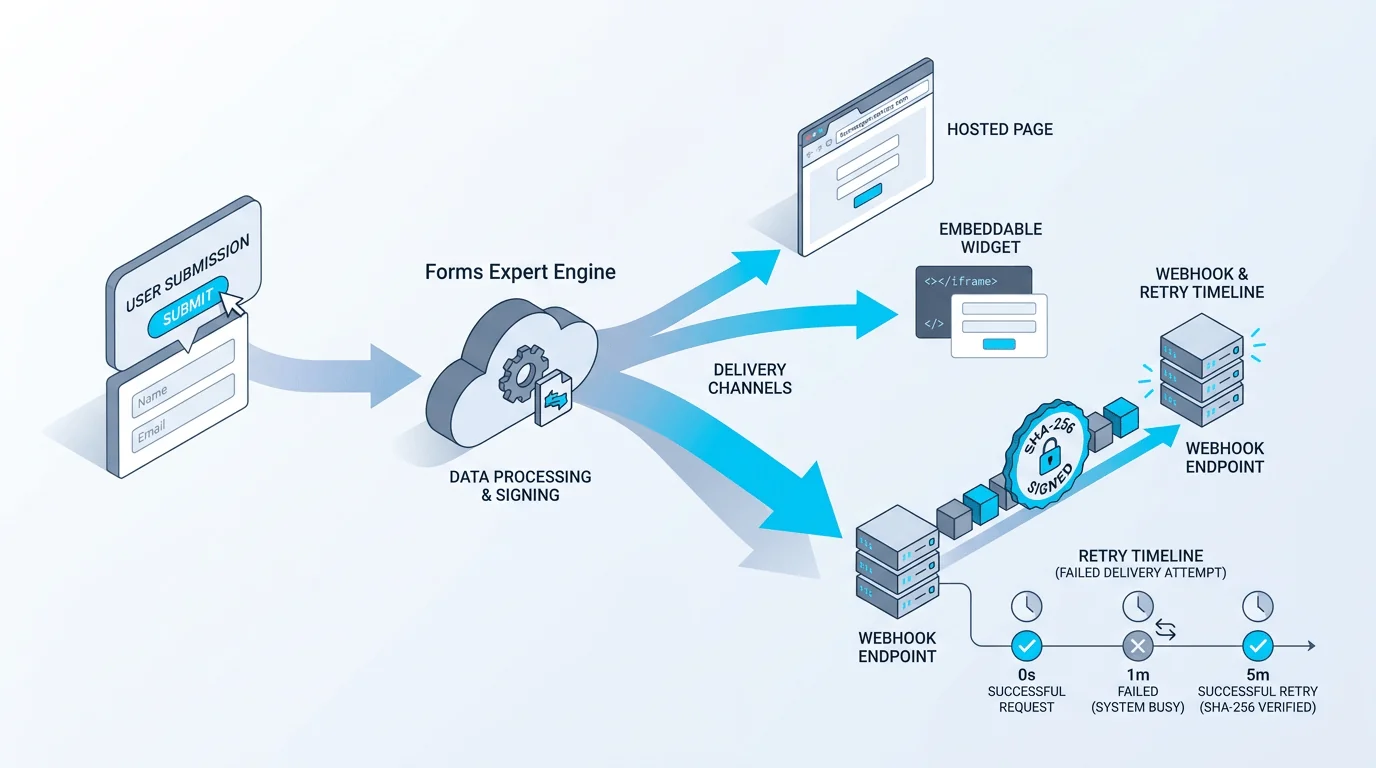
Every webhook Forms Expert sends carries a SHA-256 signature in the X-FormsExpert-Signature header. The signature is a SHA-256 hash of the body plus your secret: the secret is appended to the exact request body, and the whole string is hashed. It answers the only question that matters at your endpoint: did this payload come from Forms Expert, and was it tampered with in transit?
The value is computed over the raw request body with your webhook signing secret appended to it, formatted as sha256=<hex>. Because the secret never travels on the wire, an attacker who can reach your URL still cannot forge a valid signature. That is the entire point of signed webhooks: your endpoint is public, but only requests holding the shared secret can produce a header that verifies. (Signing only happens when a signing secret is configured on the webhook destination.)
Verifying the Signature
Verification is the mirror image of signing. Read the raw request body, append your signing secret to those exact bytes, compute a SHA-256 hash of the combined string, and compare the result (as sha256=<hex>) against the X-FormsExpert-Signature header. If they match, the request is authentic; if they don't, reject it before doing any work.
Two details trip people up. First, hash the raw bytes — if your framework parses JSON and you re-serialize it, key ordering or whitespace can change and the hashes will diverge. Capture the body before it is parsed. Second, compare with a constant-time function (crypto.timingSafeEqual in Node, hmac.compare_digest in Python) rather than ===, so a timing side channel can't leak the expected value byte by byte.
Retries and Exponential Backoff
Authenticity is half the story; durability is the other half. If your endpoint is unreachable or errors out, Forms Expert does not give up after one try. It retries delivery up to five times with exponential backoff — each successive attempt waits longer than the last, so a server coming back from a restart isn't hammered the instant it recovers, and a longer outage still gets several spaced-out chances.
Exponential backoff is the right shape here because most failures are short. A deploy that takes ninety seconds, a database that's briefly saturated — a couple of retries usually clears it. Spacing the attempts out instead of firing them back to back gives your side room to recover and avoids turning a small wobble into a thundering-herd problem.
Which Failures Retry, and Which Stop Delivery
Not every failure deserves a retry, and Forms Expert distinguishes them by the HTTP status your endpoint returns.
4xx responses are non-retryable — with one exception. A 4xx means your endpoint rejected this request, and rejecting it again won't change the outcome: a 400 for a malformed handler, a 401 for a bad secret, a 404 for a stale URL will all fail identically on the next attempt. Retrying would just waste both sides' resources, so Forms Expert stops.
The exception is 429 Too Many Requests, which is retryable. A 429 signals that your endpoint is momentarily overloaded and wants the request resent later, so backing off and trying again is exactly the correct response. A 429 re-enters the retry schedule like a 5xx would.
The practical takeaway: return the status that tells the truth. Send 2xx only once you've durably accepted the event. Send 5xx (or 429) when you want Forms Expert to try again. Reserve other 4xx codes for requests that are genuinely, permanently bad.
| Your response | Meaning | Forms Expert retries? |
|---|---|---|
| 2xx | Accepted and stored | No — delivery succeeded |
| 429 | Rate-limited, try later | Yes — re-enters backoff |
| 4xx (other) | Request rejected as bad | No — non-retryable |
| 5xx | Your server errored | Yes — up to 5 attempts |
| timeout / unreachable | No response | Yes — up to 5 attempts |
Designing an Idempotent Receiver
At-least-once delivery means the same event can arrive twice. The fix is to make processing idempotent so a duplicate is a no-op. Key your writes on a stable identifier from the payload — the submission id — and use a unique constraint or an upsert so the second arrival quietly collides instead of creating a second row.
The robust pattern is: verify the signature, persist the raw event keyed by its id, return 2xx immediately, and do the slow work (CRM sync, emails) in a background job. That way a timeout never costs you the event, and a retry after a successful write simply hits your unique constraint and moves on.
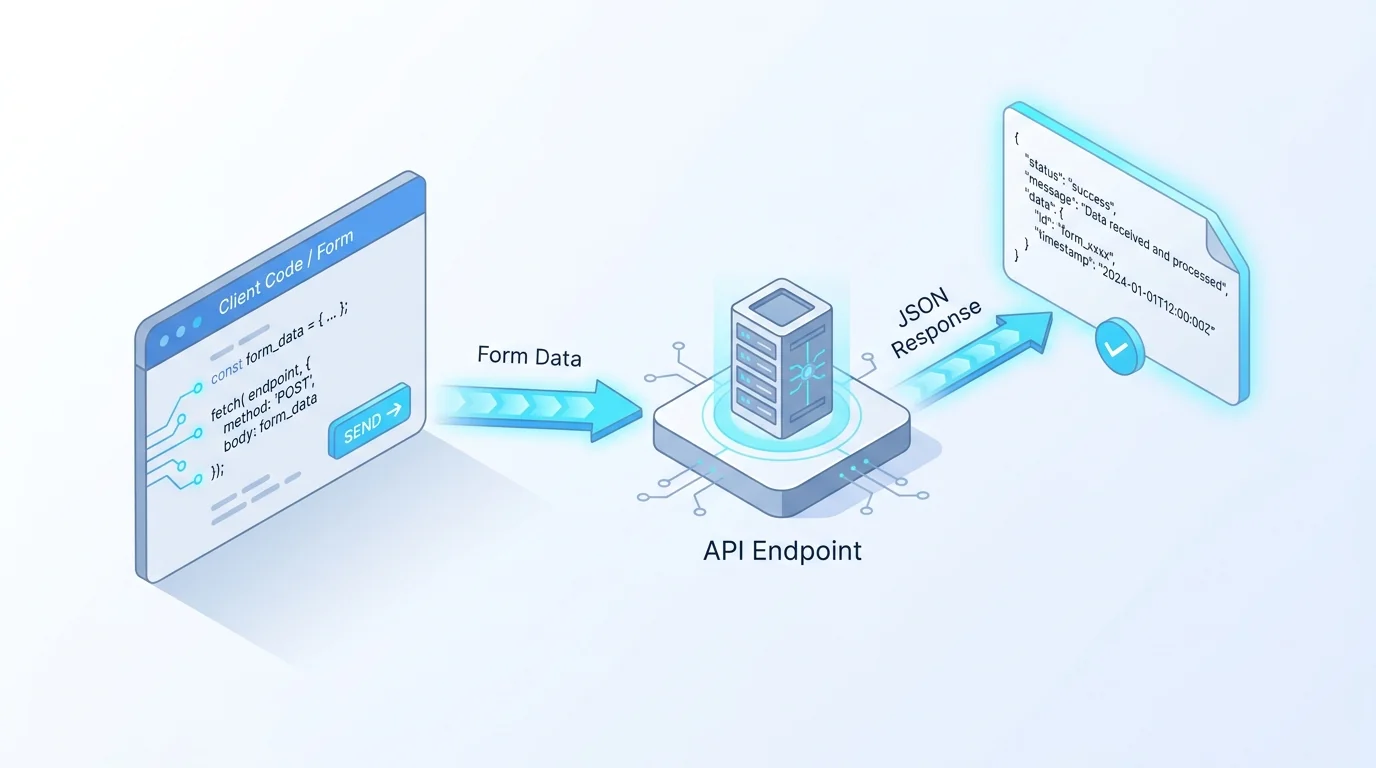
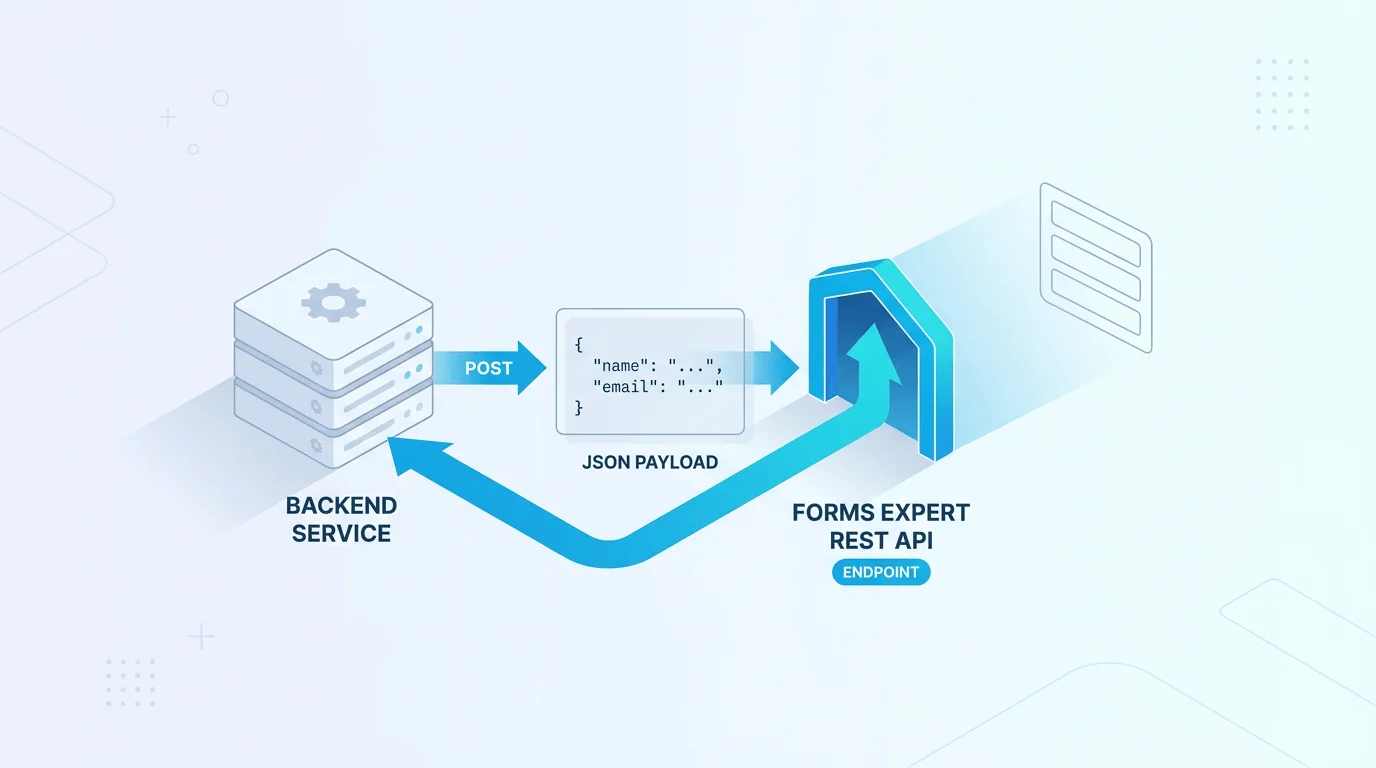
If you'd rather not run a receiver at all, every published form is also a REST endpoint and exposes its submissions through the dashboard and API — webhooks are the push half of a system that also supports pull. Webhook delivery and the rest of the notification stack are available across the tiers documented on the pricing page, so you can start wiring integrations on a paid plan without a custom contract. Pick the channel that fits the job: compare what each plan includes before you build.
Frequently Asked Questions
Append your webhook signing secret to the raw request body, compute a SHA-256 hash of that combined string, prefix it with sha256=, then compare the result against the value in the X-FormsExpert-Signature header. If they match, the request is authentic and untampered; if not, reject it before processing. Two things matter. Capture the raw bytes of the body before any JSON parsing, because re-serializing a parsed object can change whitespace or key order and break the hash. And compare using a constant-time function such as crypto.timingSafeEqual in Node or hmac.compare_digest in Python, rather than a plain equality check, so the comparison does not leak the expected signature through timing. Verification is the first thing your handler should do, ahead of any database write or downstream call.