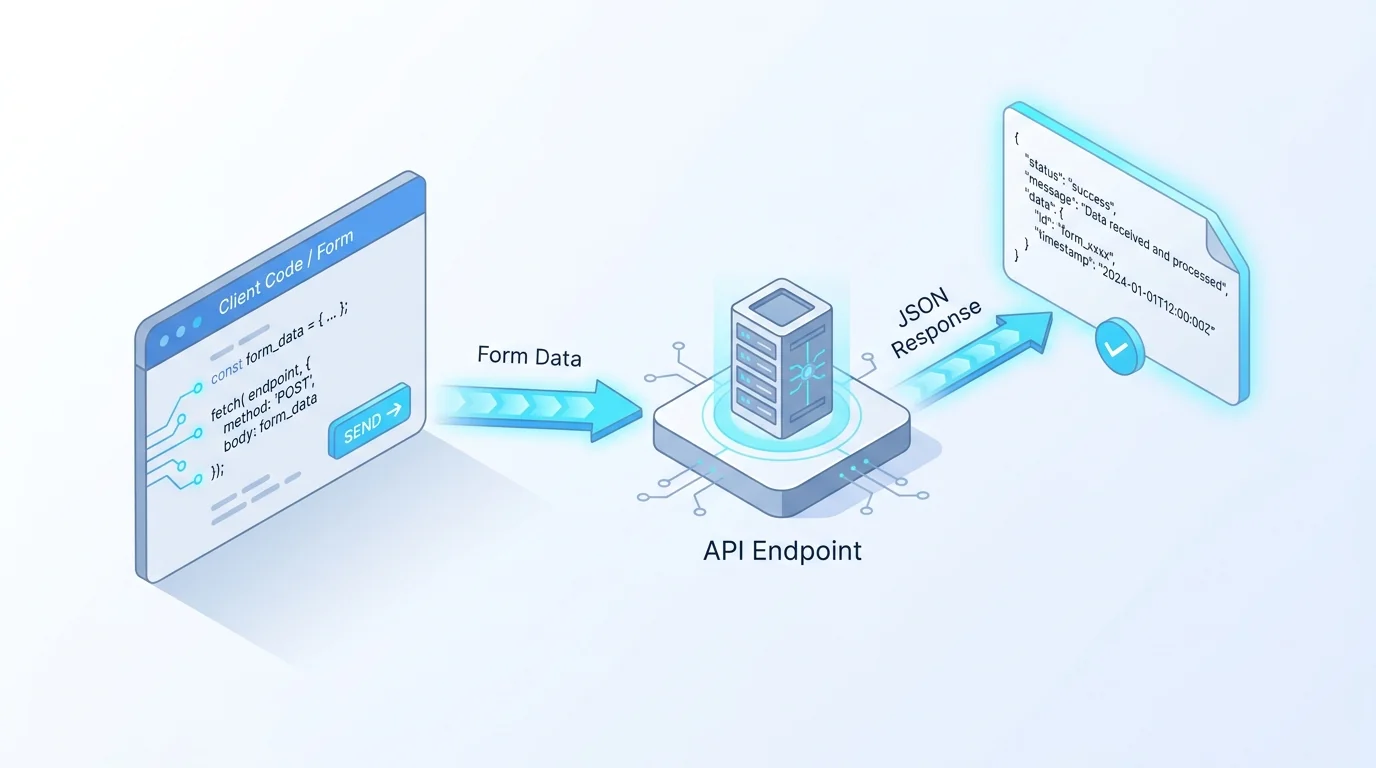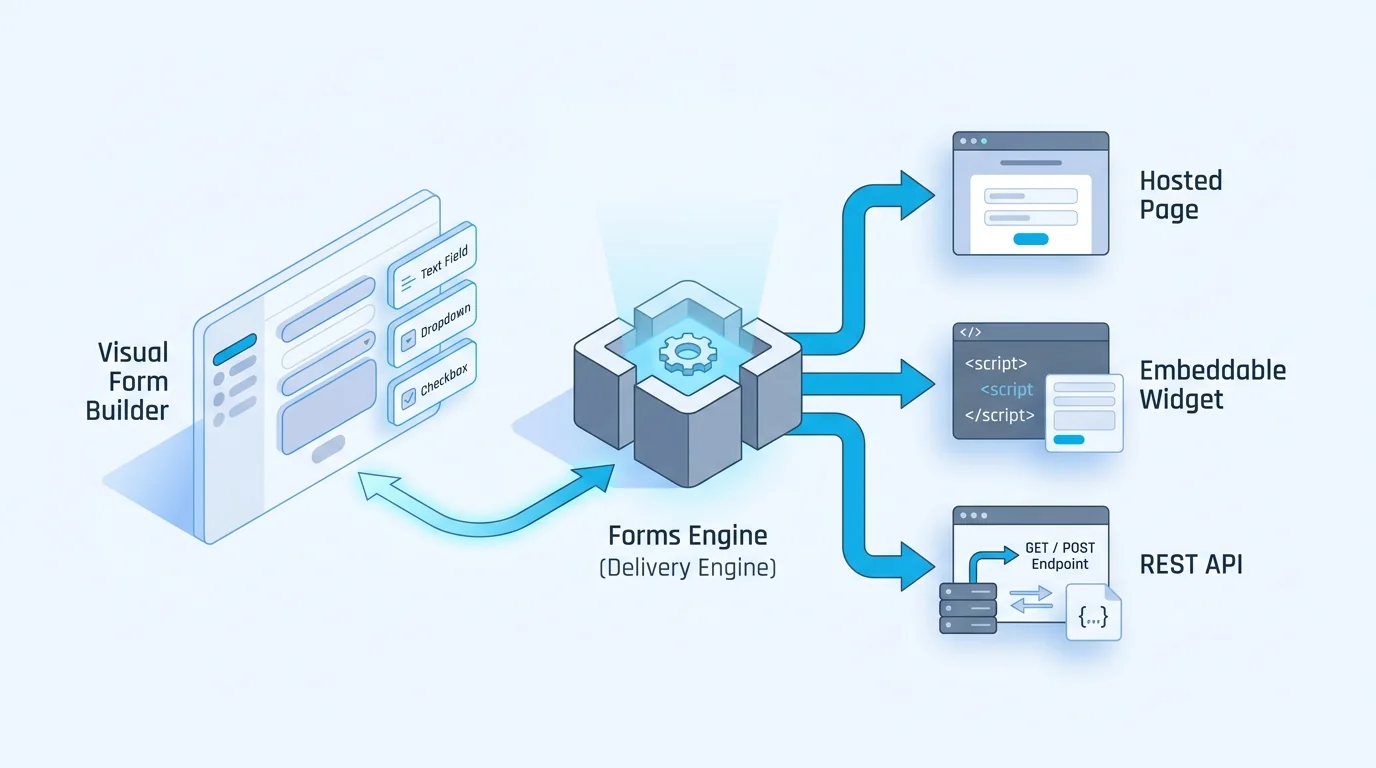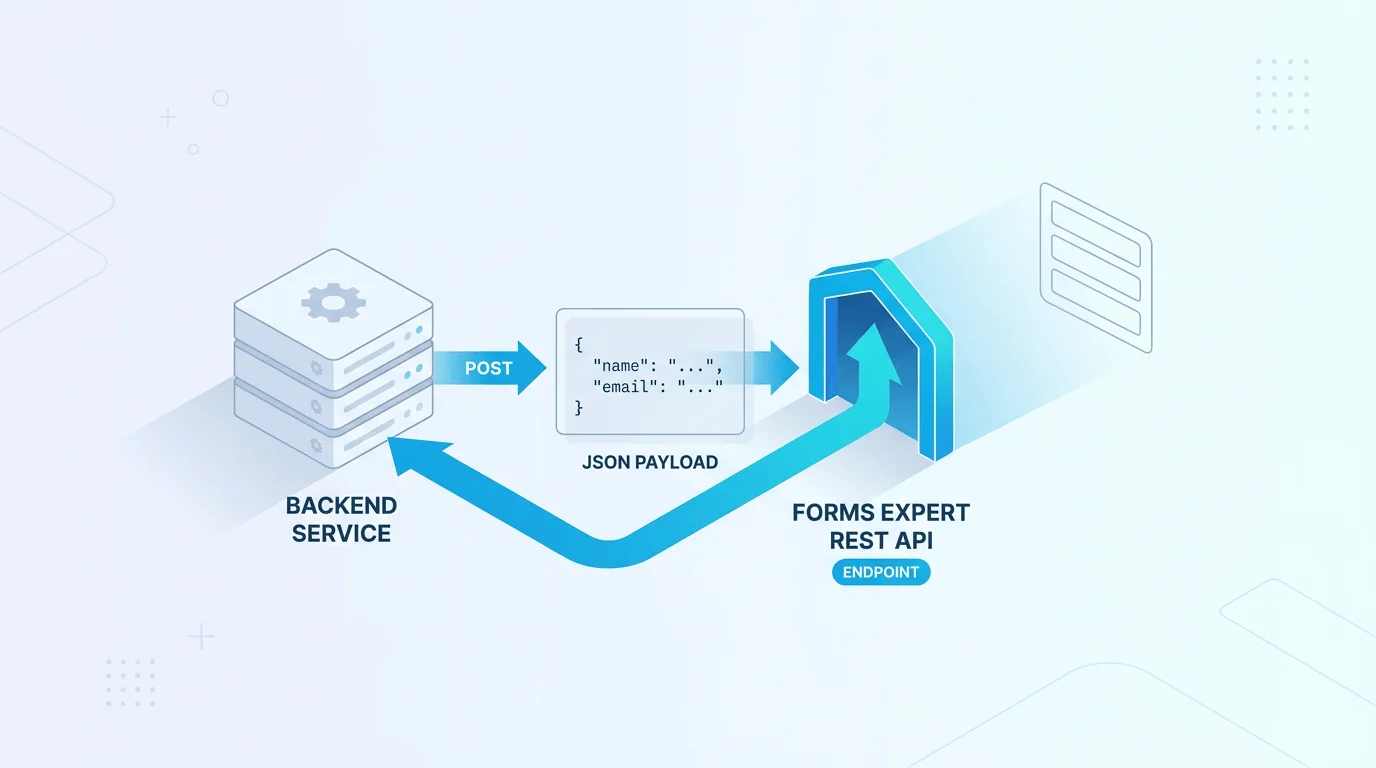
Your billing service just confirmed a payment and you want to drop a structured record into the same form your support team reads in the dashboard — no scraping a UI, no second data store. Most form builders treat the API as a bolt-on: you design a form for humans, then hunt for a separate integration to push data in programmatically. Forms Expert inverts that. Every published form is already a REST endpoint — the same definition that renders a hosted page or an embeddable widget also accepts JSON over HTTP. So that backend post needs the exact request, the right key, and an eye on what the platform enforces.
Every Published Form Is an Endpoint
A form in Forms Expert carries a type — hosted, embed, api, or both — that decides which UI surfaces it ships with. The submission endpoint is not one of those values. It is universal: regardless of type, every published form accepts programmatic submissions at the same REST URL.
That means you do not create a special "API form" to talk to a backend. A hosted form serving a public landing page, a both form embedded in your app, an api-only form for raw JSON intake: all of them expose the identical endpoint and accept the identical request shape. The form definition, its validation, and its conditional logic apply the same way no matter who is posting.
The Request: One POST
Submissions go to POST /f/{resourceId}/{slug}, authenticated with a publishable key passed as the token query parameter. The body is JSON whose keys are your form's field names:
resourceId and slug identify the form; you can read both off the form in the dashboard. The publishable key (prefix pk_) is the credential a submission needs — the same key your embeddable widget uses, because the widget posts to this exact endpoint under the hood. Submitted values are validated against the form schema before anything is stored, so a payload that violates a field's type or a required rule is rejected rather than silently saved.
API-Type Forms vs. Hosted and Embed
If the endpoint is universal, why does the api type exist at all? Because api-type forms have no interactive UI, they are tuned for free-form JSON intake rather than rendered fields. An api form rejects the 23 interactive field types and the 3 layout field types with an HTTP 400. There is no page or widget to render them on, so they are not allowed in its schema.
Use api when a backend or third-party system is the only client and you want to capture structured JSON without designing a human-facing form. Use hosted, embed, or both when humans also fill the form; those still accept backend posts at the very same endpoint.
| Form type | Hosted page | Embed widget | Interactive fields | REST endpoint |
|---|---|---|---|---|
| hosted | Yes (/h/{slug}) | No | Yes | Yes |
| embed | No | Yes (/e/{slug}) | Yes | Yes |
| both | Yes | Yes | Yes | Yes |
| api | No | No | Rejected (400) | Yes |
Publishable vs. Secret Keys
Forms Expert issues keys in publishable / secret pairs, not test/live pairs. The two prefixes signal where a key belongs:
- pk_ (publishable) — safe to expose. This is what the submission endpoint expects and what the browser widget carries.
- sk_ (secret) — server-side only. Keep it out of client bundles, logs, and version control; use it for privileged, backend-initiated calls.
When you submit from a backend, you still authenticate the submission with the publishable key, exactly as the widget does. The secret key is the credential you guard for server-only operations. One honest caveat: key scopes are stored but not enforced, so do not architect around a key being limited to a single permission. Security comes from the origin, IP, and request-rate limits described next — treat those as the real boundary.
Limits That Are Enforced
Three limits actually gate requests, and they are worth designing around:
- Origin — requests can be restricted to allow-listed origins, which is what makes a public pk_ key safe in the browser.
- IP — IP-based rules let you constrain where backend calls originate.
- Monthly requests — each key carries a request ceiling per month.
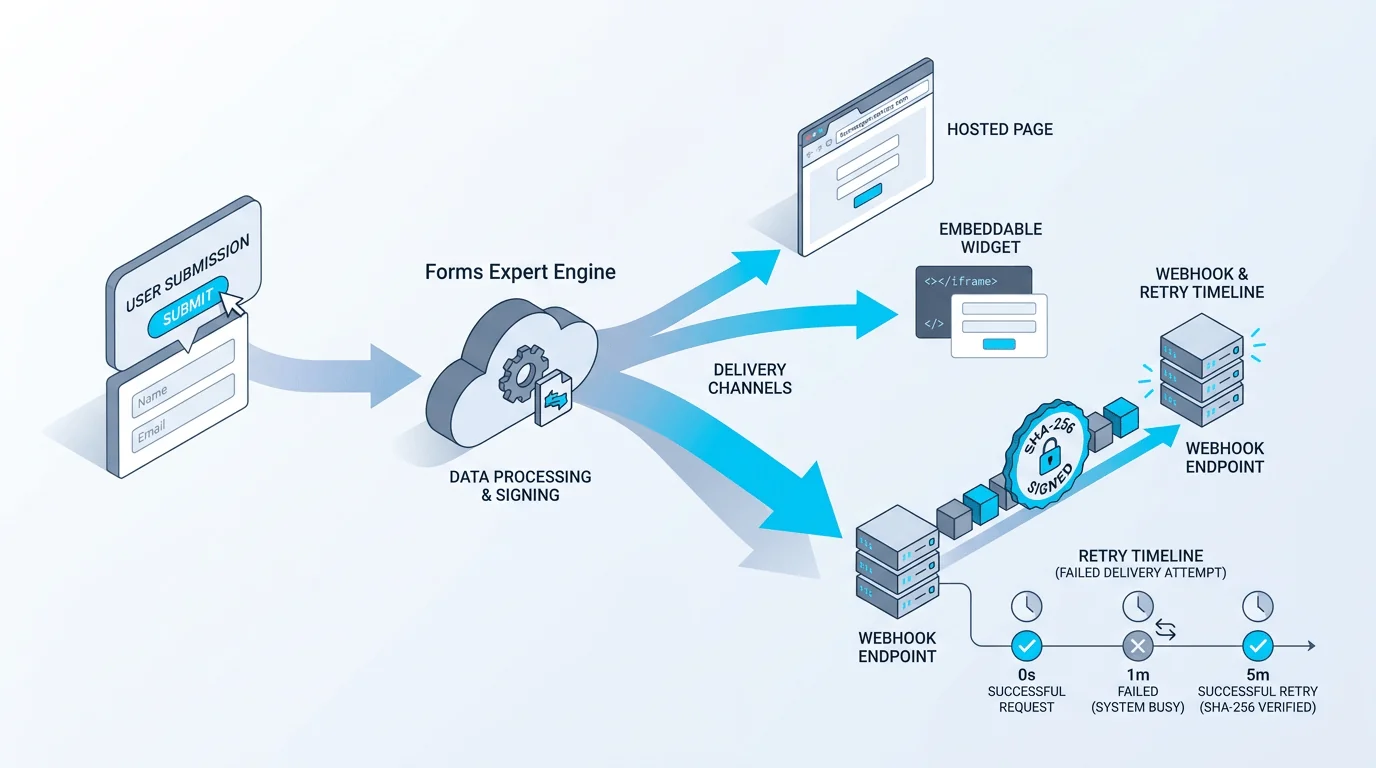
Submission volume also lives inside your plan's submission allowance — 100 on Free, 1,000 on Starter, 10,000 on Pro, and 100,000 on Business per month, with no per-response overage cliff. If a backend job batches inserts, size it against both the per-key request limit and your plan's submission tier. Beyond submission, every accepted entry can fan out to email, Telegram, or signed webhooks (SHA-256-signed, retried up to five times with exponential backoff), so a backend post can drive the same downstream automation a human submission would.
When to Reach for the API
Reach for the REST endpoint whenever a machine, not a person at a form, is doing the submitting. Common cases: piping events from another service into a structured store, migrating records from a legacy system, capturing webhooks from a third party into a validated schema, or letting an internal job log results without a UI.
The payoff of a universal endpoint is that you never rebuild a form to add programmatic access — it was there from publish. A marketer can embed the form while a backend posts to the same definition, and neither keeps a separate copy. If you are weighing this against a survey-first tool, the Typeform alternative comparison digs into the trade-offs, and the home page lays out how one definition ships as a page, a widget, and an API at once.
Frequently Asked Questions
Send an HTTP POST to /f/{resourceId}/{slug} with a publishable key in the token query parameter and a JSON body whose keys match the form's field names. The resourceId and slug both come from the form in the dashboard, and the publishable key (prefix pk_) is the same credential the embeddable widget uses, since the widget posts to this exact endpoint. Forms Expert validates the payload against the form schema before storing it, so values that violate a field type or a required rule are rejected rather than saved. Because the endpoint is universal across every published form, no special setup is needed beyond having a published form and a publishable key.